The Ultimate Guide to the Best Educational Apps for 4-5 Year Olds
Author
RaisoActive - Kids Activities and Fun Learning
Published
Updated
Reading Time
21 min read

- The best educational apps for 4-5 year olds are ad-free, open-ended, and genuinely teach rather than just entertain
- Key evaluation criteria: no manipulative design, offline mode, curriculum alignment, and child-led exploration
- Top categories include phonics, early maths, reading, and creativity — each serves a different developmental need
- Indian-made apps like Kiddopia and Mindspark offer culturally relevant content alongside global bestsellers
- Apps work best as a complement to printed worksheets, hands-on play, and read-alouds — not as a replacement
Do Educational Apps Actually Educate? The Question Every Parent Should Ask
Walk into any bookshop or scroll any parenting forum and you will encounter an avalanche of apps claiming to make your 4-year-old a genius in 30 days. The App Store alone lists over 80,000 apps in the "education" category. Yet researchers have found that the vast majority of these are educational in name only — they are essentially games dressed in colourful fonts with numbers on them.
The question is not whether to allow your child to use a tablet or phone. For most families today, a screen-free childhood is neither realistic nor necessary. The real question is: which apps are genuinely educational for a 4-5 year old, and how do you tell them apart from the ones that just *feel* educational?
This guide cuts through the noise. We have evaluated dozens of apps against research-backed developmental criteria — not marketing claims — to bring you an honest, practical guide for parents, teachers, and anyone raising a curious 4 or 5 year old. We will also cover screen time guidelines from major health bodies, the role of Indian-made apps, and exactly how to pair digital tools with offline learning so that the two reinforce each other rather than compete.
Get curated learning activity ideas for your 4-5 year old
Join thousands of Indian parents and early childhood educators who receive our weekly roundup of apps, worksheets, and hands-on activities for young children.
What Makes an Educational App Truly Educational (vs. Just Entertaining)?
Most apps that market themselves to parents of young children rely on a simple psychological trick: they wrap passive consumption in the aesthetics of learning. Bright colours, cheerful sounds, numbers, and letters — and suddenly scrolling through a cartoon feels productive. Developmental psychologists call this the educational media illusion, and it is one of the most well-documented challenges in early childhood technology research.
Genuinely educational apps share a cluster of features that are easy to identify once you know what to look for. Dr Sandra Calvert's research at Georgetown University identifies what she calls the "active learning features" of high-quality educational media: they require the child to do something with the content, they adapt to the child's responses, and they create a feedback loop that supports genuine skill-building rather than just correct-answer rewards.
- Active participation over passive viewing: The child is creating, solving, or responding — not just watching a character do things
- Scaffolded difficulty: The app adjusts to the child's current skill level, providing just enough challenge to promote growth without causing frustration
- Open-ended exploration: There is more than one correct path; the child has genuine agency over their learning journey
- Minimal extrinsic rewards: Badges and coins should not be the primary motivation — intrinsic curiosity should be
- No manipulative design patterns: No countdown timers to pressure rushed decisions, no "just one more level" mechanics designed to maximise time-on-screen
The best educational apps feel more like playgrounds than slot machines.
Many popular children's apps are engineered using the same engagement mechanics as social media — variable reward schedules, streak counters, and artificial urgency. A genuinely educational app prioritises learning over retention metrics. If your child is anxious when they can't access the app, or if the app constantly interrupts learning to show ads or push in-app purchases, it is almost certainly optimising for engagement, not education.
The Four-Point Checklist: How to Evaluate Any Educational App
Before downloading any app for your 4-5 year old, run it through these four questions. They take less than five minutes and will save you from hours of regret.
1. Is It Completely Ad-Free?
This is non-negotiable for children under 6. Young children cannot distinguish between advertising content and educational content — multiple studies have confirmed this. An app that contains any form of advertising (even "relevant" promotions) is not appropriate for this age group, full stop. Be especially wary of free apps with in-app purchases, as these often use manipulative mechanics to nudge children towards purchase prompts.
2. Does It Have an Offline Mode?
Reliable offline functionality is important for two reasons. First, it means the app can be used anywhere — in the car, during travel, in areas with poor connectivity, which is a genuine reality for many families across India. Second — and this is the less obvious reason — apps that require constant internet connectivity tend to rely on server-side ad delivery and data collection. Offline-capable apps are generally safer and more content-focused.
3. Does It Support Open-Ended Play?
Open-ended play is a hallmark of high-quality early childhood education. An app that allows a child to draw freely, build something without a specific goal, compose music, or tell a story through characters is providing fundamentally different — and more valuable — experiences than one that simply drills correct answers. Look for apps that have a "create" or "make" mode alongside any structured skill activities.
4. Is the Design Respectful of the Child (and the Parent)?
"Manipulative design" in children's apps refers to features deliberately engineered to maximise usage time rather than learning outcomes. Warning signs include: no natural stopping points (one level flows automatically into the next), characters that plead with the child not to stop, stars and coins that reset if the app is not opened daily, and parental controls buried behind confusing menus. A well-designed educational app should make it easy for parents to set time limits and for children to stop naturally when they are satisfied.
apps appear in the App Store's "Education" category, yet independent research by the Joan Ganz Cooney Center found fewer than 5% meet the criteria for genuinely educational media for children under 6
Source: Joan Ganz Cooney Center at Sesame Workshop
Best Phonics Apps for 4-5 Year Olds
Phonics — the understanding that letters represent sounds, and that sounds blend together to form words — is the single most important early literacy skill your child can develop between ages 4 and 6. The research here is unequivocal: systematic phonics instruction produces dramatically better reading outcomes than whole-language or sight-word-only approaches. The good news is that a few exceptional apps deliver genuine, research-backed phonics instruction in a form that young children find genuinely engaging.
Khan Academy Kids (Free, Ages 2-8)
Khan Academy Kids is, without question, the gold standard of free educational apps for this age group. Developed by Khan Academy with input from early childhood experts, it covers phonics, early reading, maths, and social-emotional learning in a beautifully integrated way. The phonics pathway is systematic and research-aligned, building from letter sounds through blending CVC (consonant-vowel-consonant) words to simple sentences.
It is completely free, completely ad-free, works offline, and does not use manipulative engagement mechanics. For Indian families, it is available in English and adapts beautifully to Indian English pronunciation patterns. If you download only one app from this entire guide, make it this one.
Starfall (Free + Subscription, Ages 3-7)
Starfall has been a trusted name in early literacy education since 2002 — which is an eternity in app terms. Its phonics programme is systematic and explicitly teaches letter-sound correspondences, blending, and word families. The website version is almost entirely free; the app has a modest paid tier for access to the full library.
What sets Starfall apart is its commitment to reading as reading — children are decoding actual books, not just clicking on isolated letters. By the end of the programme, a child who has worked through Starfall consistently should be reading simple decodable books independently. For children who are just beginning to show interest in letters and sounds, start with the "Learn to Read" section.
Best Maths Apps for 4-5 Year Olds
Early maths for 4-5 year olds is not about drilling sums. It is about building number sense — a deep, intuitive understanding of what numbers mean, how they relate to each other, and how they behave when you combine and separate them. The apps below do this exceptionally well, using visual models, stories, and playful exploration rather than rote repetition.
Mathseeds (Subscription, Ages 3-9)
Mathseeds, from the makers of Reading Eggs, is one of the most thoroughly researched early maths apps available. It uses a structured, teacher-aligned curriculum that maps closely to standards used in schools across India and internationally. Children earn seeds and hatch creatures as they progress — but the rewards feel like a natural part of the story rather than a manipulation tactic.
The app is particularly strong on number concepts, measurement, and early geometry — areas where many children struggle when they enter primary school. A 15-minute Mathseeds session three times a week, combined with hands-on counting activities at home, is a genuinely powerful early maths programme.
Numberblocks: Watch and Learn (Free, Ages 3-6)
Numberblocks began as a BBC CBeebies television series and has since become arguably the most acclaimed early maths resource in the world among educators. The accompanying app brings the characters to life in interactive activities that build directly on the show's core insight: numbers are quantities, not just labels. A "4" is four things — four blocks stacked together, four jumps, four claps.
This concrete, visual approach to number is exactly what research recommends for early childhood maths. Indian children who have been exposed to Numberblocks consistently show stronger number sense on school entry assessments. The app is free and works beautifully alongside the television series — watch an episode together, then explore the activities.
Number sense matters more than memorisation at ages 4-5.
Many parents worry if their 4-5 year old cannot instantly answer "3 + 4." But the research is clear: children who develop strong number sense — understanding quantities, relationships, and the logic of numbers — are far better prepared for school mathematics than those who have drilled arithmetic facts without conceptual understanding. Choose apps that show numbers as quantities (Numberblocks, Mathseeds) over those that simply drill addition and subtraction.
Best Reading Apps for 4-5 Year Olds
At ages 4-5, most children are in the pre-reading and emergent reading stage — they are building vocabulary, learning that print carries meaning, and beginning to decode simple words. The best reading apps for this age are digital libraries with high-quality texts and read-aloud features, not phonics drills (those are covered above). Think of these as the digital equivalent of a school library.
Epic! (Free for Schools, Subscription for Home, Ages 2-12)
Epic! gives children access to over 40,000 high-quality books, audiobooks, educational videos, and read-alongs. For a 4-5 year old, the read-aloud feature is particularly valuable — children can follow along as words are highlighted, building the connection between spoken and written language that is foundational to reading development.
Epic! includes a growing library of books in Indian languages and books featuring Indian characters and settings, which is genuinely valuable for children who are navigating both English and their home language. The parental dashboard gives clear insight into what your child is reading and how much time they are spending on the app.
Raz-Kids (School Subscription, Ages 4-12)
Raz-Kids is primarily used in schools and is often provided free to students by their teachers. If your child's school offers Raz-Kids access, use it — it is an exceptionally well-structured levelled reading programme. Children read books pitched exactly at their current reading level, answer comprehension questions, and record themselves reading aloud for teacher feedback.
Many international schools and English-medium schools across India use Raz-Kids as part of their reading programme. Ask your child's teacher if the school has a subscription — home access is often included.
Best Creativity Apps: Drawing, Music, and Open-Ended Making
Creativity apps are often the most underrated category in early childhood digital learning. While phonics and maths apps address academic skills, creativity apps develop divergent thinking, fine motor control, self-expression, and intrinsic motivation — the foundations of lifelong learning. A child who has spent time freely drawing on a digital canvas or composing a silly song is building cognitive flexibility that no drill-based app can replicate.
Drawing and Art: Tayasui Sketches School (Free)
Tayasui Sketches School is a beautifully minimal drawing app designed specifically for children. It offers a clean canvas, a variety of digital art tools (pencil, watercolour, chalk, oil paint), and an interface so simple that a 4-year-old can navigate it independently after one introduction. There are no prompts, no scores, no "correct" outcomes — just a blank page and a child's imagination.
For Indian families who prioritise traditional art forms, the watercolour and rangoli-style colouring tools make this app particularly appealing. Children who use drawing apps freely — without adult direction — consistently show stronger creative confidence and fine motor development.
Music: GarageBand (Free, Apple devices) and Incredibox (Ages 4+)
GarageBand on iPad allows even very young children to create music using the Smart Instruments feature — tapping a piano or strumming a guitar that automatically plays in tune. It sounds like magic and it is. Incredibox takes a different approach: children drag musical characters onto a stage to layer beats, melodies, and harmonies, creating their own compositions through pure experimentation.
Both apps develop mathematical thinking (pattern, rhythm, sequence) alongside musical intelligence — and research consistently finds that early music education strengthens reading and maths outcomes. More importantly, children who make music simply because it brings them joy are learning something precious about intrinsic motivation.
Indian-Made and India-Relevant Educational Apps Worth Knowing
India has a rapidly growing edtech ecosystem, and several homegrown apps offer content that is culturally relevant and curriculum-aligned to the Indian education context. Here are the ones that meet our quality criteria for genuine educational value.
Kiddopia (Subscription, Ages 2-7)
Kiddopia is an Indian-made educational app that covers maths, English, science, and creative arts in a unified world of characters and stories. It is notable for being fully ad-free, having a clean and respectful design, and covering content aligned to both Indian preschool and international kindergarten curricula. The cultural representation — Indian festivals, food, environments — makes it particularly welcoming for children growing up in India.
Mindspark (Subscription, Ages 6+)
Mindspark by Educational Initiatives is one of the most rigorously researched Indian edtech products available. While it is best suited from age 6, many parents of 5-year-olds find the early maths and English modules appropriate. Mindspark uses adaptive assessment to identify exactly where each child's conceptual gaps are and delivers targeted practice — it is less a game and more a genuinely personalised tutor.
Bolo by Google (Free, Ages 5-8)
Bolo is a free read-aloud app developed by Google specifically for India. It supports Hindi and English and uses speech recognition to listen to children read aloud, providing immediate feedback on correct pronunciation and decoding. For families raising bilingual children — which describes the vast majority of Indian households — Bolo's bilingual support is genuinely valuable and entirely free.
Cultural relevance in an educational app is not cosmetic — it significantly affects engagement.
Research in developmental psychology consistently finds that children learn more readily from media that reflects their own cultural context — familiar names, foods, settings, festivals, and languages. When a 4-year-old in Mumbai sees a character eating idli-sambar or celebrating Diwali in an app, they are more likely to engage deeply and transfer that learning beyond the screen. This is a meaningful advantage of Indian-made apps like Kiddopia and Bolo over purely Western products.
Screen Time Guidelines for 4-5 Year Olds: What the Evidence Actually Says
The World Health Organisation (WHO) and the American Academy of Pediatrics (AAP) recommend no more than one hour per day of high-quality screen time for children aged 3-5. The Indian Academy of Pediatrics (IAP) follows similar guidance. But there are important nuances that the headline number does not capture.
- Quality over quantity: One hour of adult co-viewed, interactive educational content is categorically different from one hour of autoplay video
- Co-viewing matters enormously: Research by Sandra Calvert and colleagues found that children learn significantly more from educational media when a trusted adult watches with them and discusses the content
- Not all at once: Two 20-30 minute sessions with physical activity between them are better than one 60-minute session
- Context matters: Screen time just before bed or meals has different (generally more negative) effects than screen time in the afternoon during a dedicated learning period
- Transitions matter: Give a 5-minute warning before ending screen time. Abrupt endings create conflict and teach poor self-regulation
children learn six times more from an educational video when a known, trusted adult watches alongside them and talks about the content, compared to watching alone — a phenomenon researchers call the 'social co-viewing effect'
Source: Georgetown University Center on Media and Child Health
Balancing Apps with Offline Learning: The Blended Approach
The single most common mistake parents make with educational apps is treating them as a standalone solution. An app that teaches phonics does not replace the experience of reading a physical picture book together. An app that builds number sense does not replace the experience of counting mangoes at the market or measuring dough when making rotis together.
The research strongly supports what educators call a "blended learning" approach for young children: digital tools are most effective when they are explicitly connected to offline experiences. Here is what that looks like in practice.
A Simple Weekly Routine: Blending Apps and Offline Learning
Monday and Wednesday: Phonics App + Printable Worksheet
Use Khan Academy Kids or Starfall for 20 minutes in the afternoon — sit with your child and name each letter sound aloud together. Immediately after, spend 10 minutes on a printed phonics worksheet that reinforces the same sounds. The physical act of writing what was just heard on screen creates a powerful memory link.
Tuesday and Thursday: Maths App + Real-World Activity
Use Numberblocks or Mathseeds for 15-20 minutes. Then take that number concept into the real world: if they were learning about the number 5, count out five grapes, arrange five toys, draw five flowers. Ask: "Can you find five things in our house right now?" The transfer from screen to world is where real learning happens.
Friday: Reading App + Read-Aloud Together
Let your child choose a book on Epic! and listen to the read-aloud while following along. Then get a physical picture book — ideally on the same theme or by the same author — and read it together. Physical books develop different skills: page-turning, print directionality, the feel of paper, and the intimacy of a lap read that no app can replicate.
Weekend: Creativity App + Art or Music Offline
Weekend sessions are for open-ended creativity. Let your child draw freely on Tayasui Sketches or make music on Incredibox for 20-25 minutes. Then bring it offline: draw the same picture with actual crayons, or bang out the same rhythm on pots and pans. Physical creative media develop different fine motor skills and sensory experiences.
Daily: The Screen-Off Debrief
Every day, after any screen session, spend two to three minutes asking open questions: "What did you learn today? What was the hardest part? What did you make?" This metacognitive habit — thinking about one's own learning — is one of the strongest predictors of academic success and is free, takes almost no time, and requires no preparation whatsoever.
- +No ads, no in-app purchases targeting children
- +Open-ended exploration alongside structured skill activities
- +Difficulty adapts to the child's actual level
- +Offline mode available; no constant internet required
- +Clear parental controls and easy natural stopping points
- -Contains ads or aggressive purchase prompts
- -Only drill-and-correct format; no creative or open-ended play
- -Fixed difficulty that does not respond to child performance
- -Requires constant connectivity; may stream ads
- -Manipulative design: auto-advance levels, streak pressure, pleading characters
- Always watch the first session together — cold-starting a child on a new app and walking away produces almost no learning
- Ask your child to "teach you" what they just learned: "Show me how the letters work in that game" — teaching another person is one of the strongest consolidation strategies in learning science
- Create a visual schedule that makes app time predictable — "after snack, before outdoor play" — to reduce bargaining and transition conflicts
- Download apps before you need them and test offline mode: if it fails without internet, that is a red flag about the app's design priorities
- Delete apps that your child cannot stop using healthily — some apps are genuinely too compelling for this age group, and there is no shame in removing them
- Your child becomes distressed or angry when app time ends — this suggests addictive design mechanics rather than genuine engagement
- Your child cannot tell you anything about what they "learned" — passive entertainment disguised as education
- The app constantly pushes notifications, badges, or "come back tomorrow" prompts — these are engagement mechanics, not educational features
- Progress in the app does not translate to any real-world skill — a child who has "completed" a maths level but cannot count ten objects has learned to navigate an app, not mathematics
- The app requires in-app purchases to unlock content needed to complete activities — this is exploitative design and should disqualify any app from a child's device
- Station rotation works well: one group on tablets (Khan Academy Kids or Mathseeds), one group with the teacher for guided reading, one group at a hands-on activity station
- Never use apps as a reward or withhold them as punishment — this artificially inflates their perceived value and creates problematic associations
- Brief (2-3 minute) whole-class debrief after tablet time asks children to share what they discovered — builds metacognition and language skills simultaneously
- Pair the app activity with a complementary printed worksheet or manipulative activity to reinforce the same concept through a different modality
- Khan Academy Kids and Bolo both have free teacher dashboards that show individual student progress — use these for formative assessment rather than formal grading
Raise a Curious, Confident Learner — One Activity at a Time
Get our weekly activity ideas, app recommendations, and printable worksheets for 4-5 year olds delivered straight to your inbox. Trusted by parents and early childhood educators across India.
Frequently Asked Questions
How much screen time should a 4-5 year old have per day?
Are free educational apps as good as paid ones?
My child just taps through apps as fast as possible to get the rewards. What should I do?
Which Indian-made educational apps are worth using?
Can educational apps replace formal preschool or kindergarten?
How do I help my child transfer what they learn in an app to real life?
Free worksheets for this topic
Browse all worksheets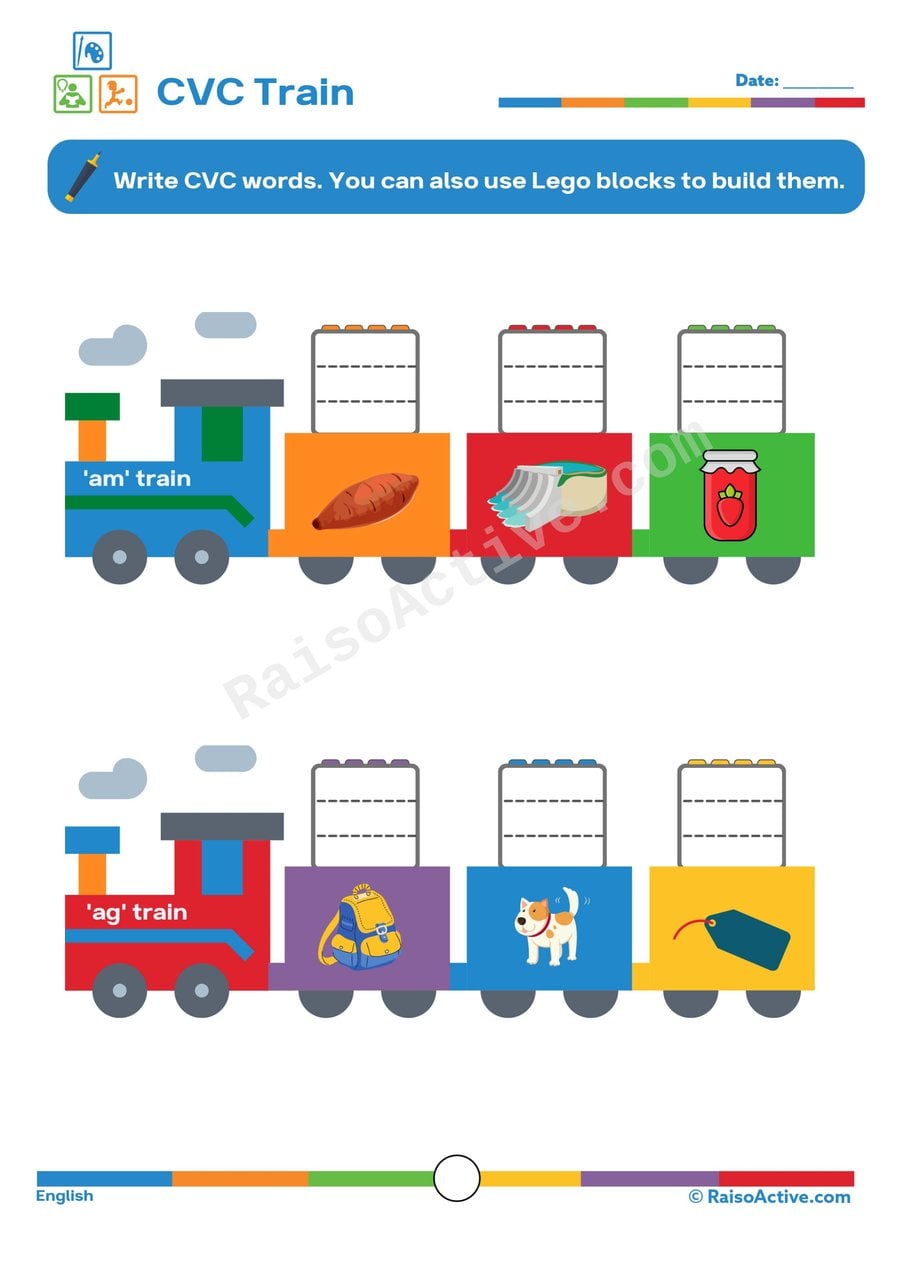
CVC Train Worksheet: Write and Build CVC Words!
Ages 4-6 · Pre-K–KindergartenAges 4-6 · Reception–Year 1Ages 4-6 · LKG–UKGAges 4-6
This worksheet gives children ages 4-6 focused practice blending letter sounds into consonant-vowel-consonant words, using train-car pictures as clues for words like 'dog,' 'hen,' or 'cup.' Because children both write the word and can optionally build it with Lego blocks, this worksheet reinforces the same phonics skill through two different physical actions — handwriting and hands-on construction — which helps the spelling patterns stick.
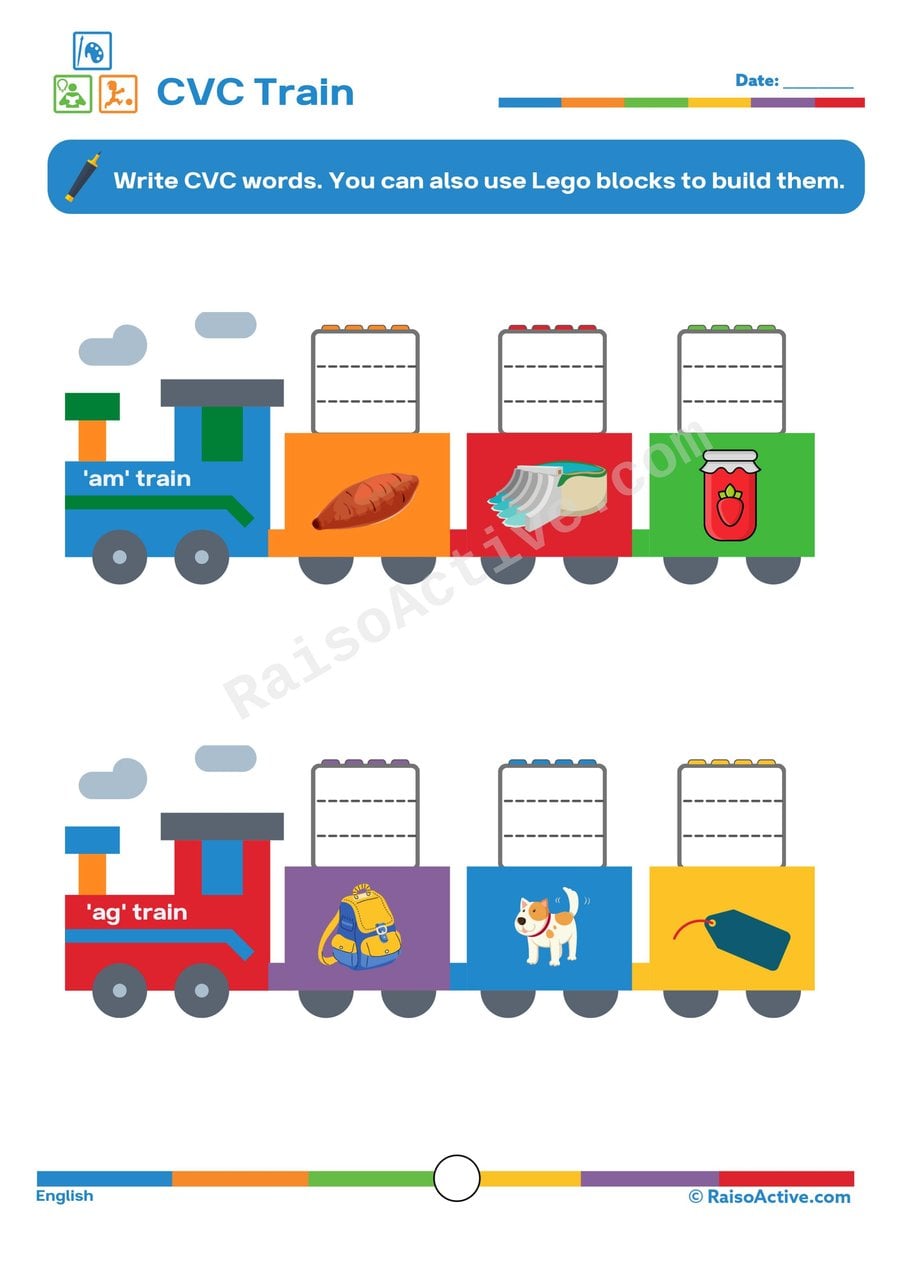
CVC Train Worksheet: Write CVC Words!
Ages 4-6 · Pre-K–KindergartenAges 4-6 · Reception–Year 1Ages 4-6 · LKG–UKGAges 4-6
Writing consonant-vowel-consonant words like 'cat,' 'sun,' or 'pig' under matching pictures gives children ages 4-6 direct practice with letter-sound blending, a core phonics skill that underpins independent reading. Because each train car pairs a picture clue with a blank space, children also practice translating a spoken word they can sound out into its correctly spelled written form.

Say My Sound: Beginning Letter Sounds Worksheet for Preschoolers
Ages 3-5 · Preschool–Pre-KAges 3-5 · Nursery–ReceptionAges 3-5 · Nursery–LKGAges 3-5
Saying a picture's name aloud and then circling the letter that matches its beginning sound builds phonemic awareness in children ages 3-5, teaching them to isolate the very first sound in a spoken word before connecting it to a printed letter. Because several letter options are given for each picture, this worksheet requires children to actively compare sounds rather than simply recognize a single correct letter by memory. This kind of applied letter-sound practice is one of the strongest early predictors of later reading success.

Letter Sounds Worksheet: Color the Letter That Begins the Word!
Ages 4-5 · Pre-KAges 4-5 · ReceptionAges 4-5 · LKGAges 4-5
This worksheet strengthens phonemic awareness in children ages 4-5 by asking them to isolate the very first sound of a picture's name and match it to its printed letter. Identifying beginning sounds is one of the strongest early predictors of reading success, since it teaches children that spoken words are made of individual sounds that map onto letters. The coloring component adds a motivating, low-pressure way to record each answer.
Written by
Hemsweta Jain · Teacher Cheena
MBA and Early Childhood Educator, teaching since 2014 · Founder of RaisoActive, Mumbai
Published · Last reviewed
Related Resources
Printable Resources(10)
View all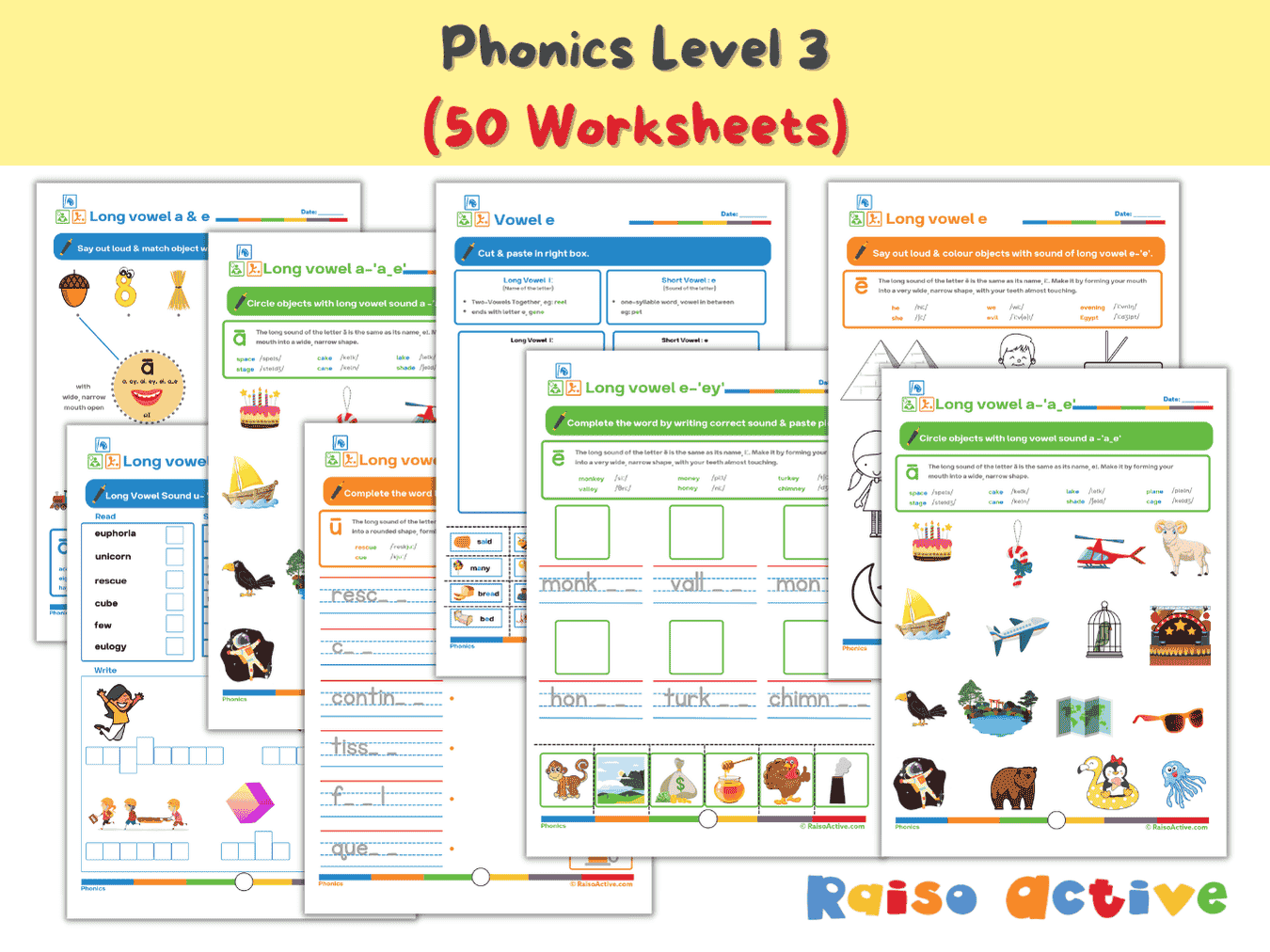

Phonics Level 3 Long Vowels Activity Book for Kindergarten & 1st Grade
Ages 5-7 · Kindergarten–Grade 1Ages 5-7 · Year 1–Year 2Ages 5-7 · UKG–Class 1Ages 5-7 · 51 pages
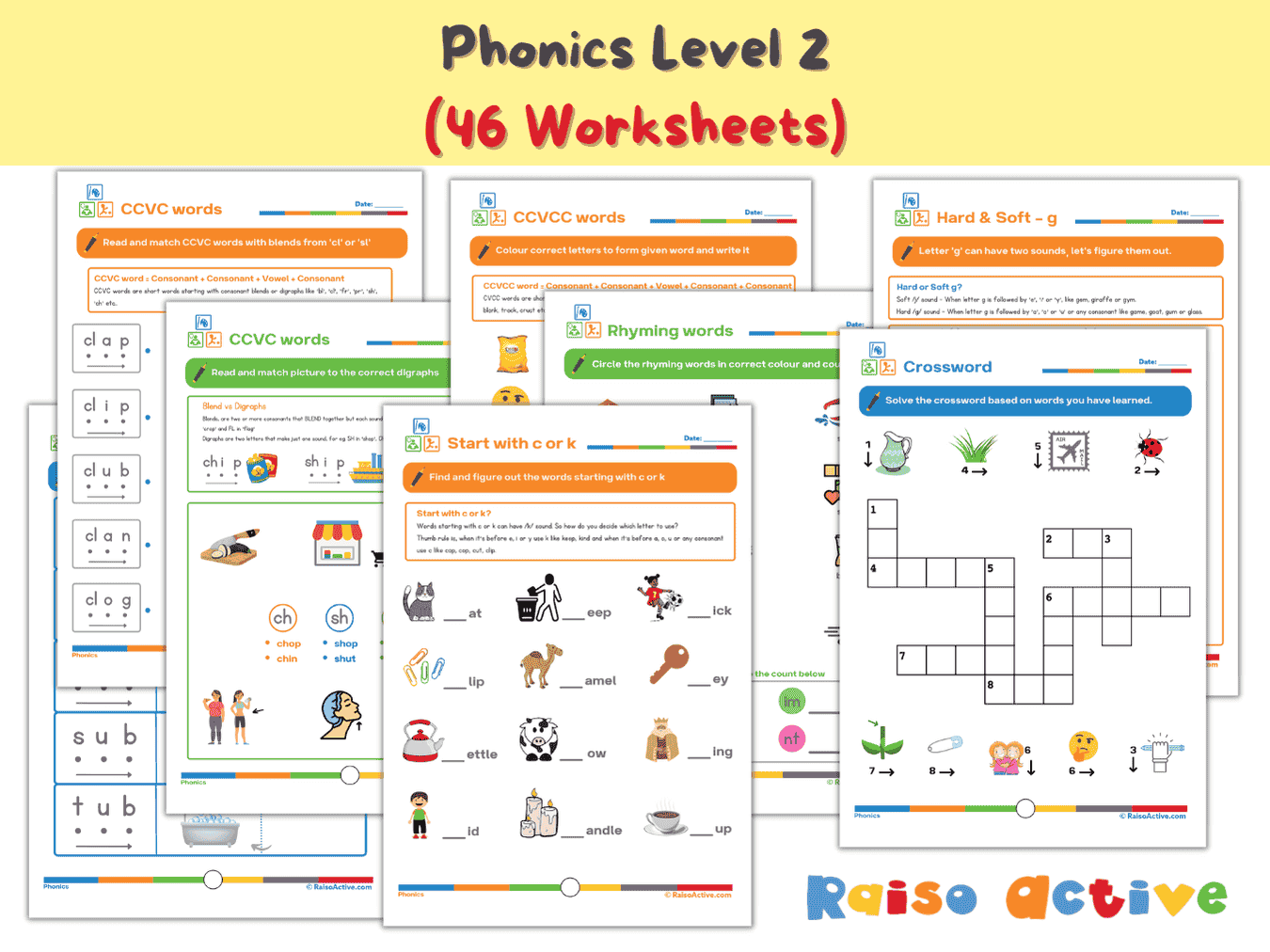
Phonics Level 2 Worksheets: CVC, CCVC, CVCC Word Families & Blends for Early Readers (Ages 4-7)
Ages 4-7 · Pre-K–Grade 1Ages 4-7 · Reception–Year 2Ages 4-7 · LKG–Class 1Ages 4-7 · 47 pages
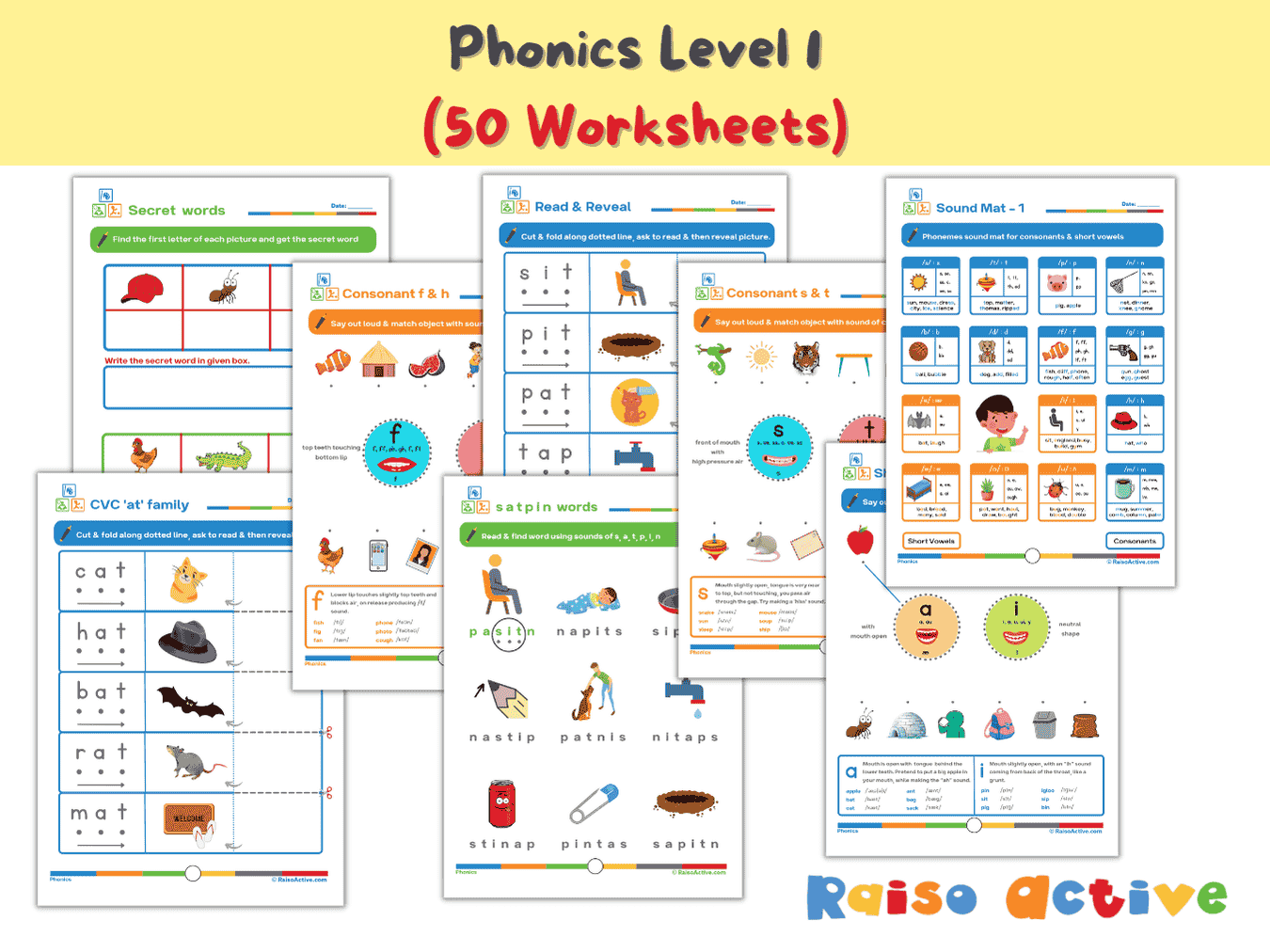
Phonics Level 1 Activity Book: Letter Sounds, Blending & CVC Words for Preschool & Kindergarten
Ages 3-6 · Preschool–KindergartenAges 3-6 · Nursery–Year 1Ages 3-6 · Nursery–UKGAges 3-6 · 60 pages
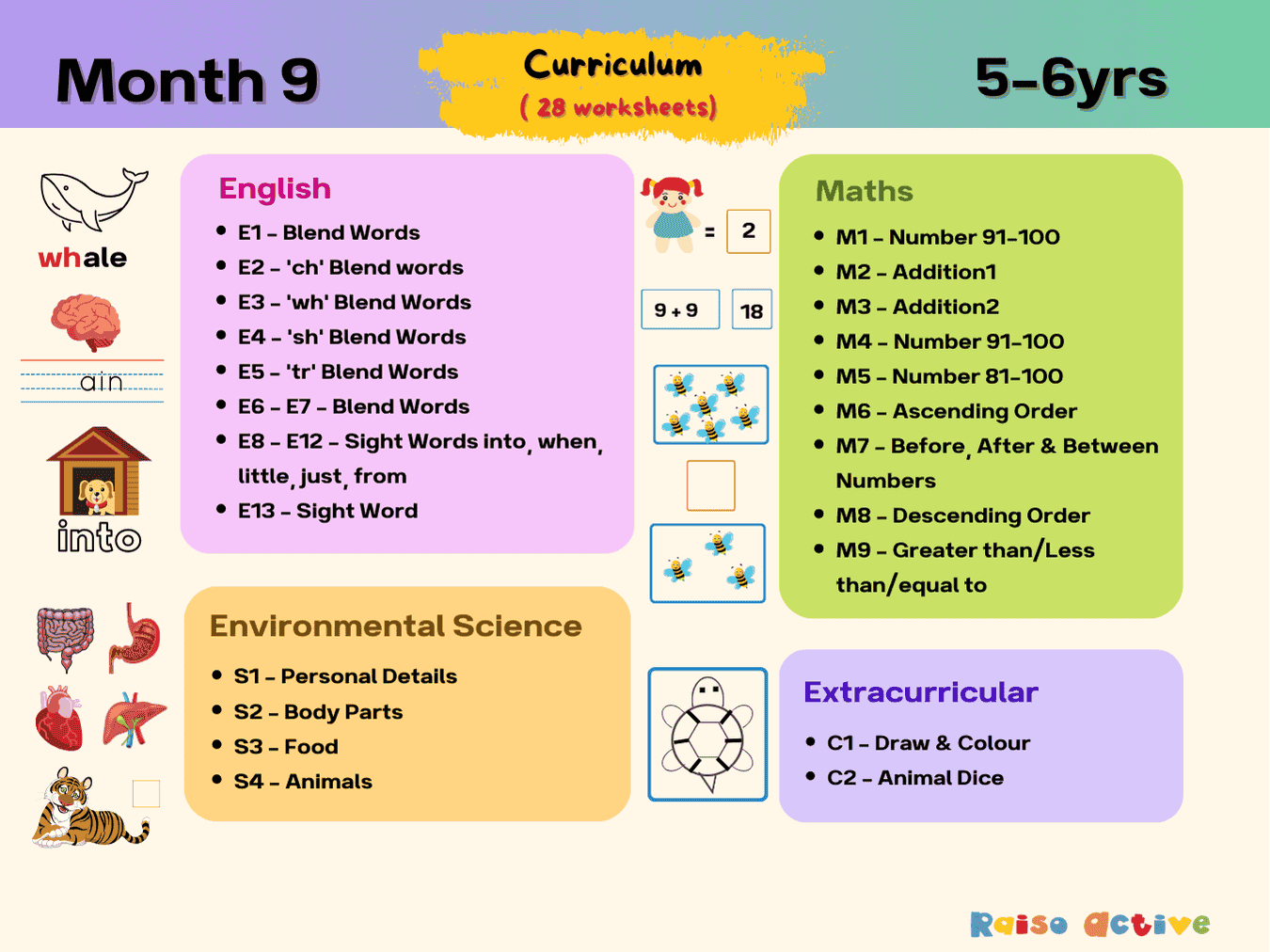

Month 9: Early Learning English Math Science | Ages 5-6
Ages 5-6 · KindergartenAges 5-6 · Year 1Ages 5-6 · UKGAges 5-6 · 31 pages
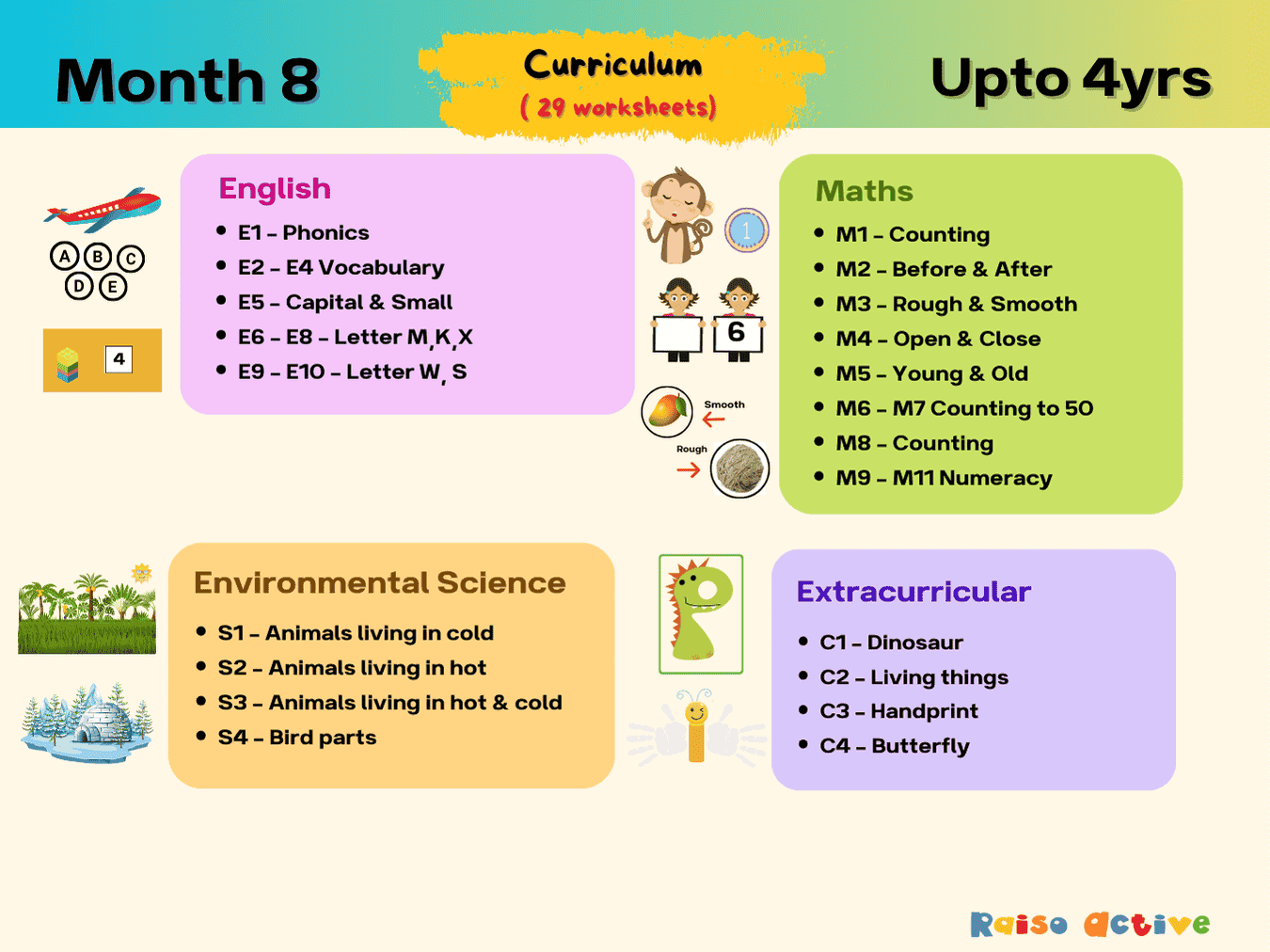
Month 8: Phonics, Math, Science, Creativity | Ages Up to 4
Ages 3-5 · Preschool–Pre-KAges 3-5 · Nursery–ReceptionAges 3-5 · Nursery–LKGAges 3-5 · 32 pages
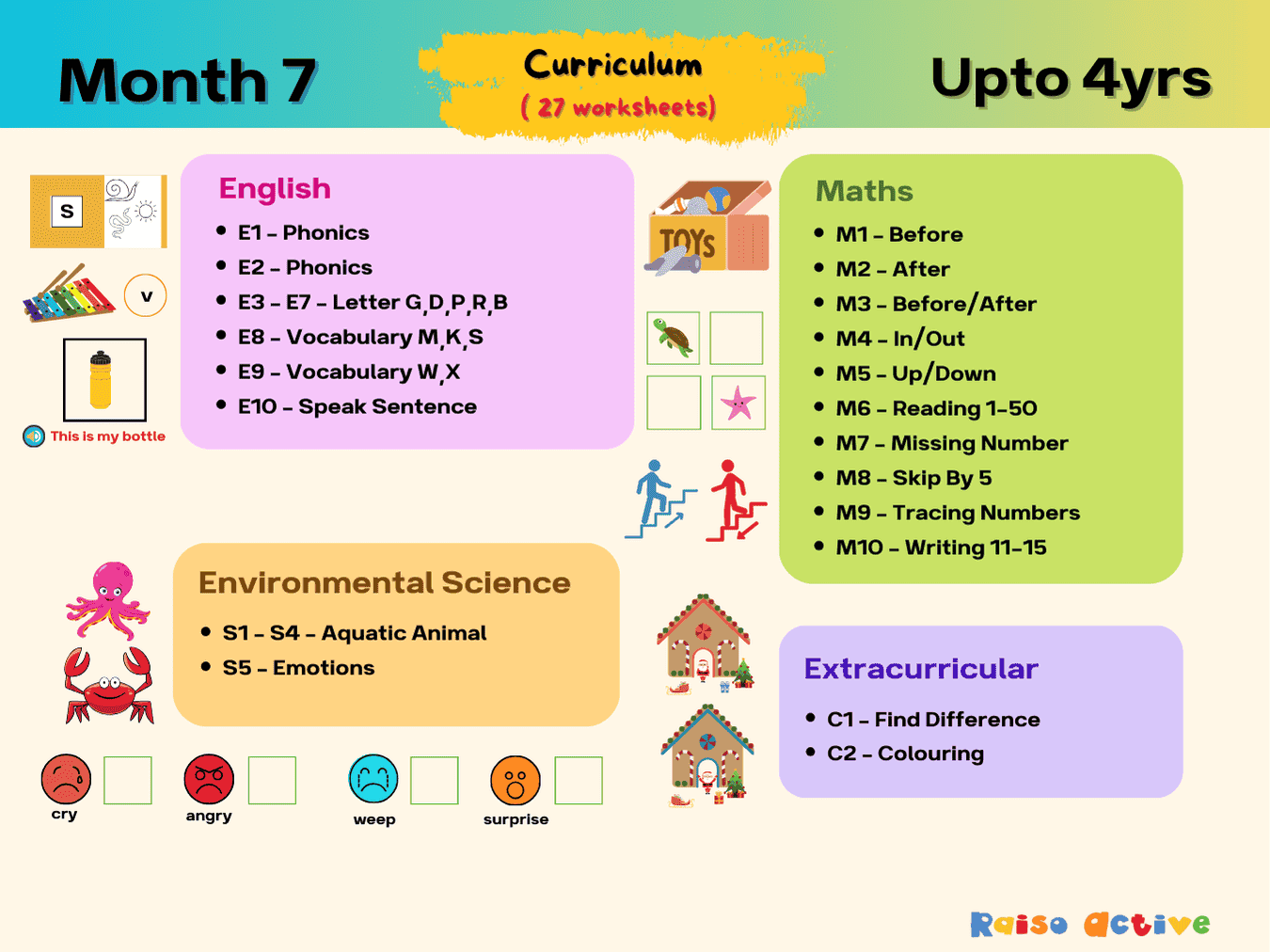
Month 7: Comprehensive preschool learning | Ages Up to 4
Ages 2-4 · PreschoolAges 2-4 · NurseryAges 2-4 · 30 pages
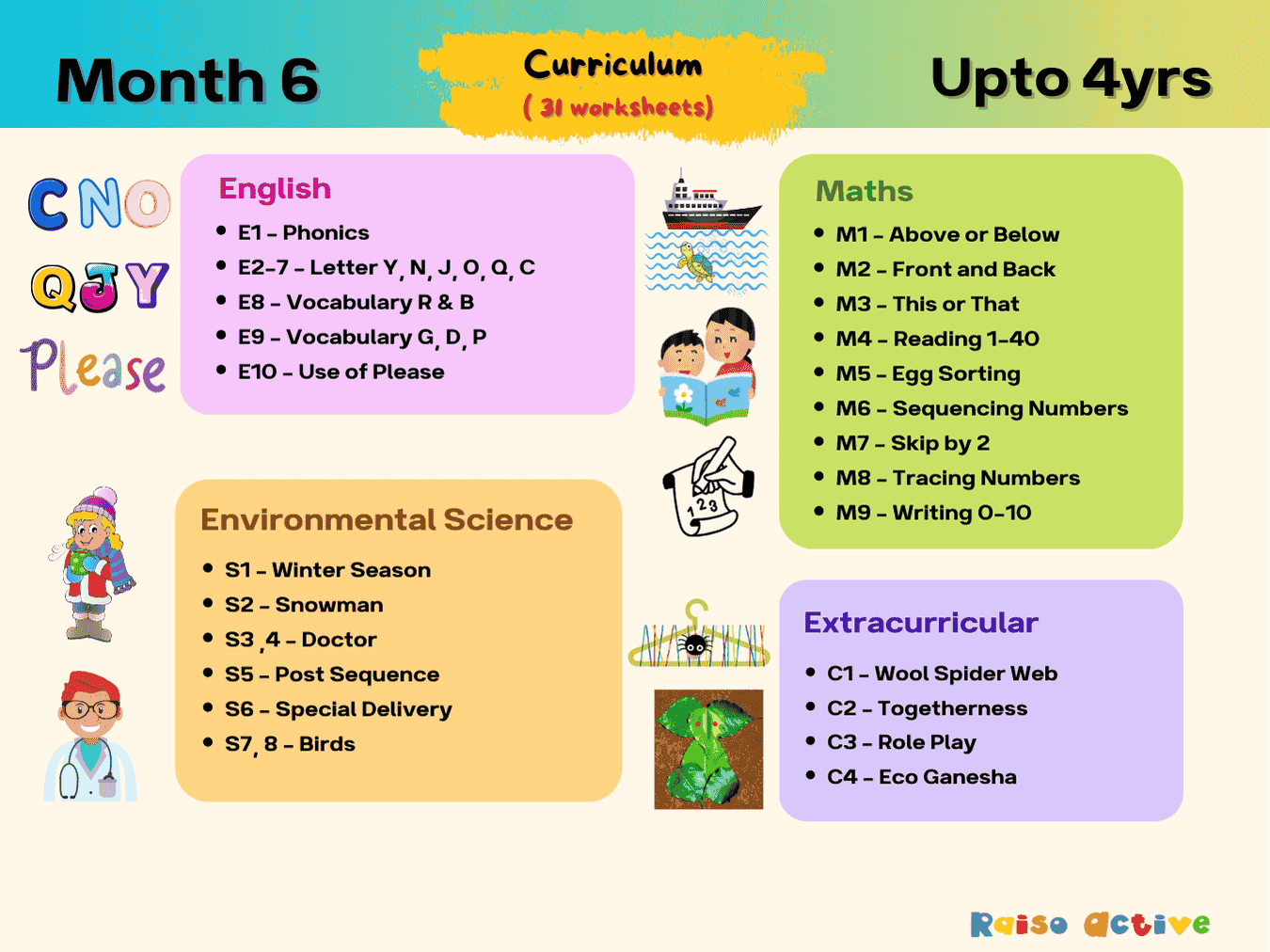
Month 6: Toddler Preschool Foundational Skills | Ages Up to 4
Ages 2-4 · PreschoolAges 2-4 · NurseryAges 2-4 · 34 pages
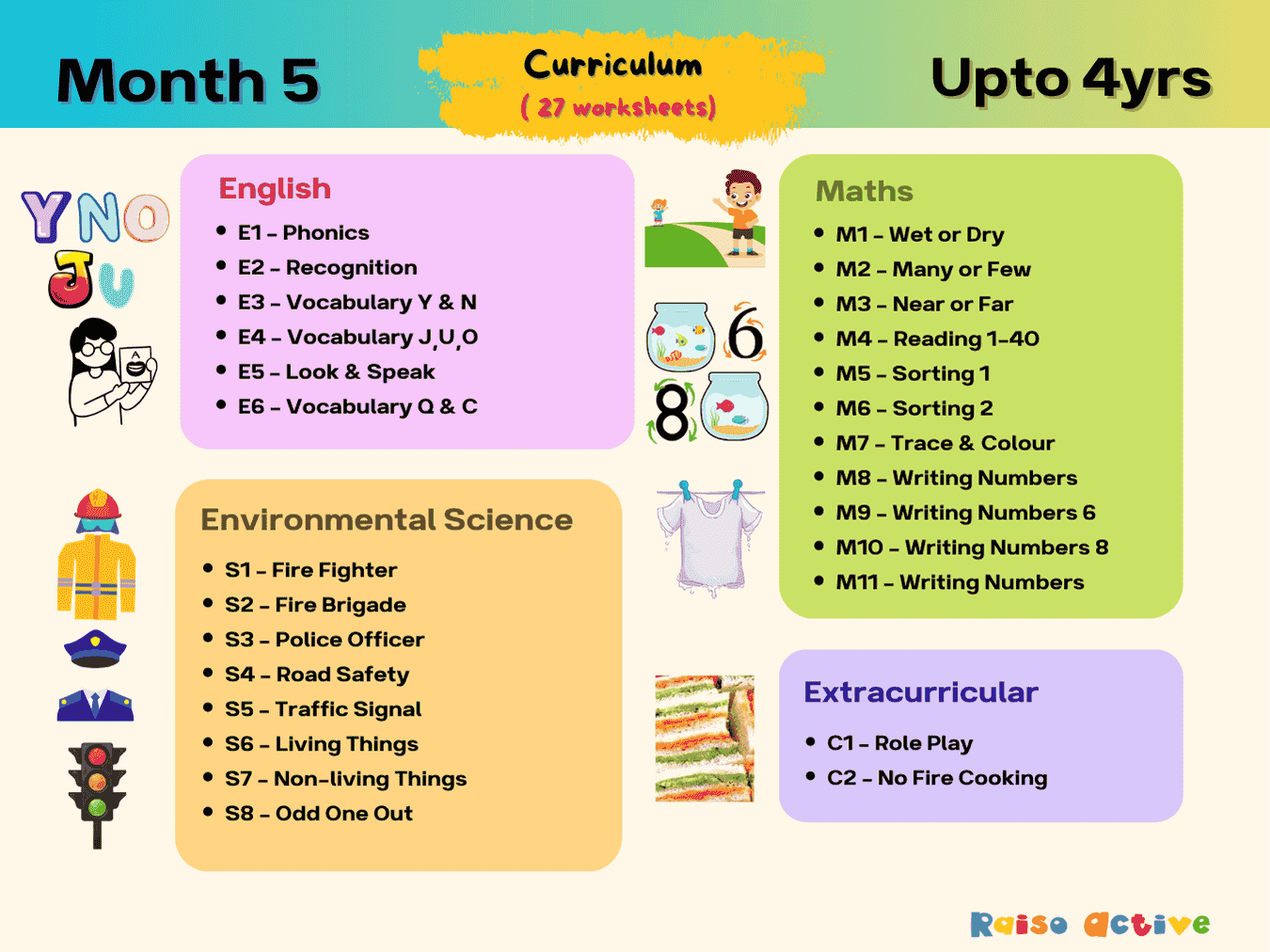
Month 5: Preschool Subjects and Play | Ages Up to 4
Ages 2-4 · PreschoolAges 2-4 · NurseryAges 2-4 · 30 pages
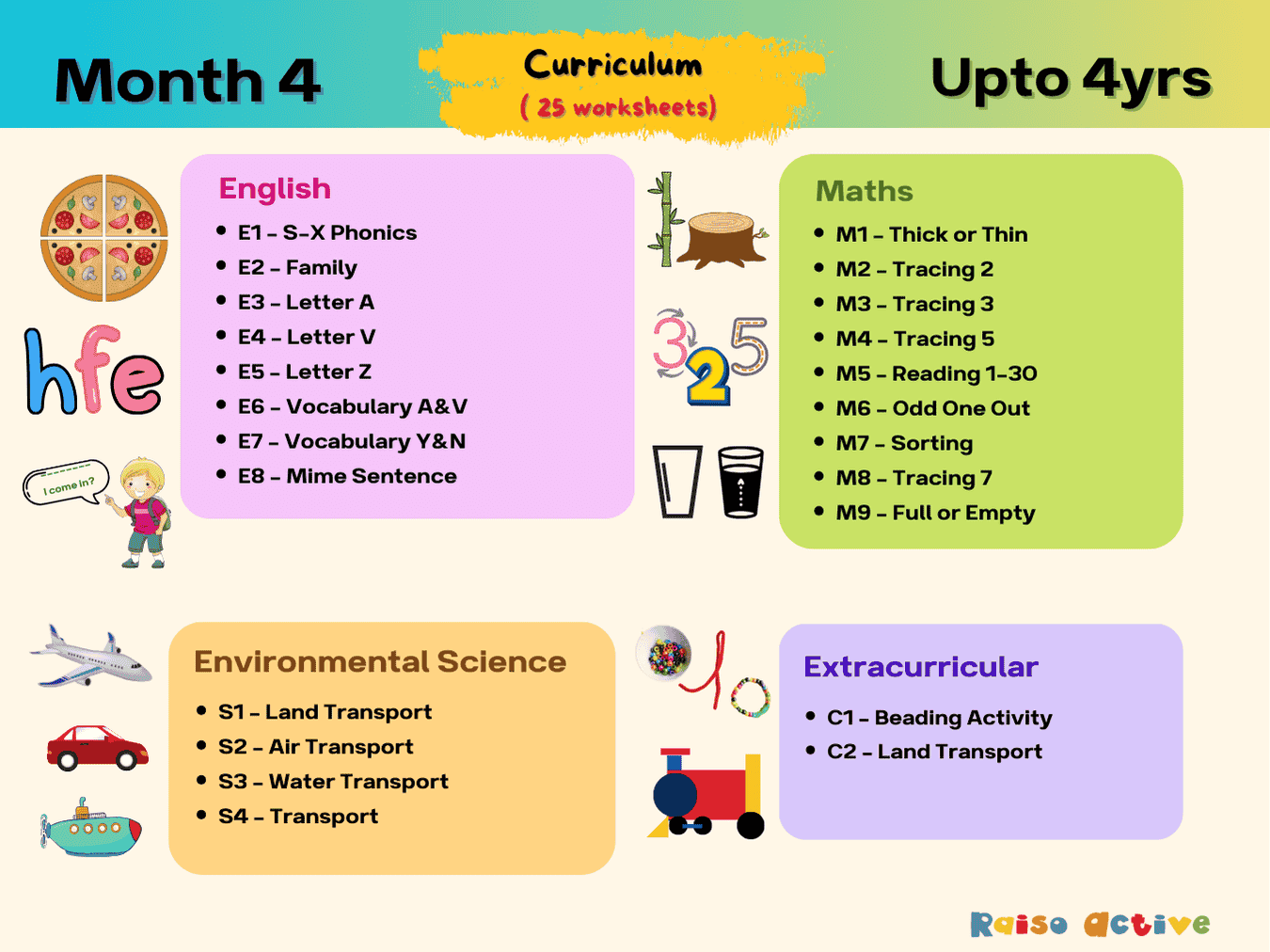
Month 4: Learning & Development | Ages Up to 4
Ages 2-4 · PreschoolAges 2-4 · NurseryAges 2-4 · 29 pages
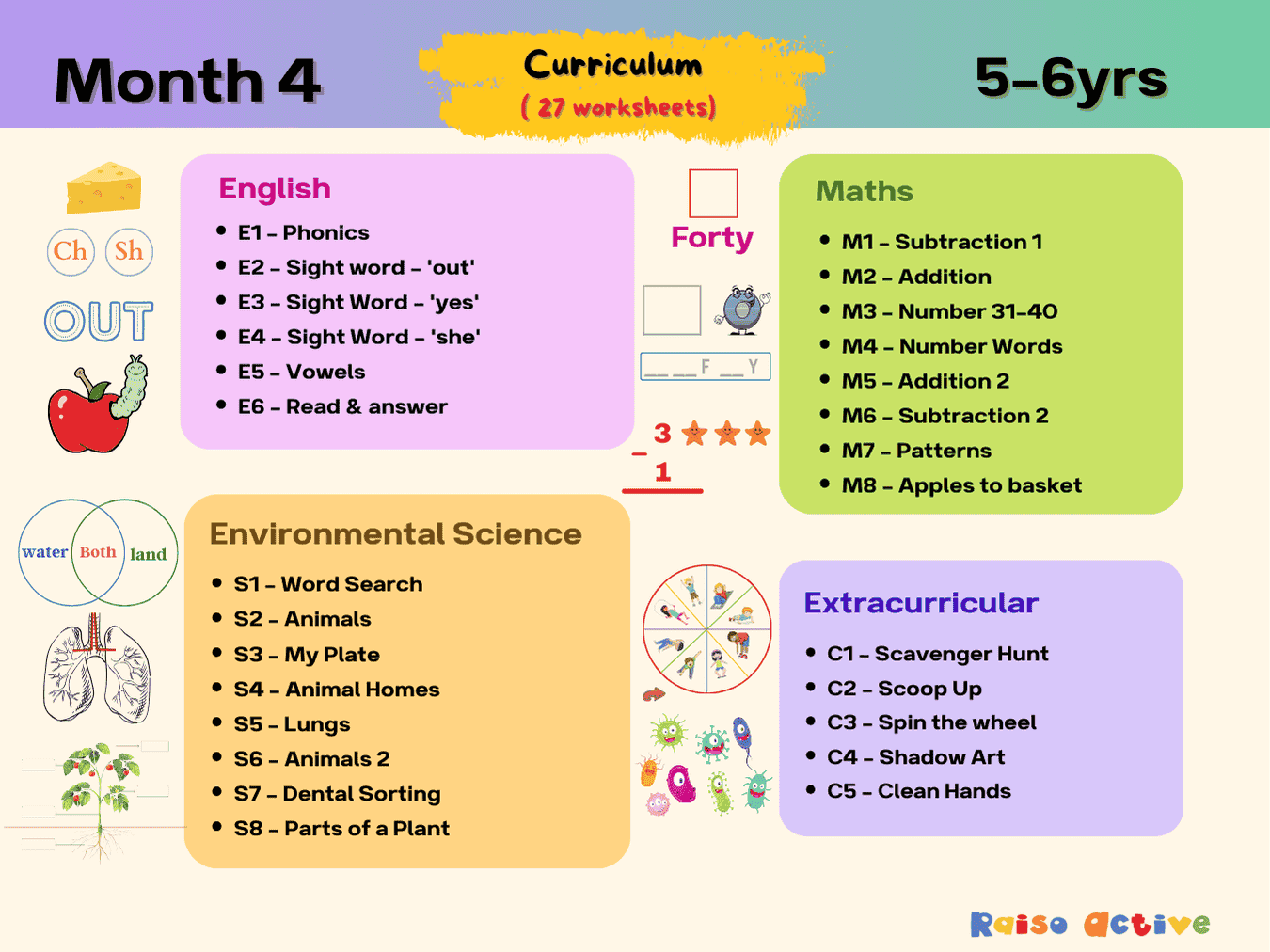
Month 4: Learning & Development | Ages 5-6
Ages 5-6 · KindergartenAges 5-6 · Year 1Ages 5-6 · UKGAges 5-6 · 30 pages