Coding Activities for Preschoolers: Building Tomorrow's Thinkers Today
Author
RaisoActive - Kids Activities and Fun Learning
Published
Updated
Reading Time
14 min read

- Coding for preschoolers is not about screens — it's about sequencing, logic, and problem-solving through play
- Unplugged activities (arrow cards, grid games, story algorithms) are the best starting point for ages 3-5
- India's NEP 2020 emphasises computational thinking from early childhood, making this the right time to start
- Screen tools like ScratchJr and Cubetto are excellent for ages 5+ when paired with offline exploration
- Just 15-20 minutes of coding play a day can meaningfully strengthen a child's reasoning and maths foundations
Why Coding for Preschoolers Is Not What You Think
When most parents hear "coding for preschoolers," they picture a tiny child hunched over a tablet, tapping through an app. But the real magic of early coding education has almost nothing to do with screens. It is about teaching children how to think in sequences, break problems into steps, and communicate precise instructions — skills that are just as valuable on a cricket pitch as they are in a computer lab.
India's National Education Policy (NEP) 2020 explicitly calls for introducing computational thinking and algorithmic reasoning from the foundational stage (ages 3-8). This is not a passing trend. Researchers and educators worldwide have found that children who learn to think like coders — systematically, creatively, and persistently — do better in mathematics, reading, and even social problem-solving.
The wonderful news is that you don't need a computer, a coding kit, or any special gadget to get started. A pack of arrow cards, a floor grid made with masking tape, and a willing imagination are all it takes. In this guide, we'll walk through the best unplugged and screen-based coding activities for children ages 3-6, grounded in developmental science and designed for Indian homes and classrooms.
Get coding activity ideas delivered every week
Join thousands of Indian parents and teachers who receive our curated STEM and coding activity ideas for young children.
Children who receive early computational thinking instruction show twice the improvement in mathematical reasoning compared to control groups, according to research from MIT Media Lab
Source: MIT Media Lab Early Childhood STEM Research
What "Coding" Actually Means for a 3-Year-Old
Coding, at its heart, is the act of giving a set of precise instructions to achieve a desired outcome. For a preschooler, this might look like: telling a friend to "walk forward three steps, turn left, and pick up the ball." That is an algorithm. No screen required.
Early coding education focuses on three foundational concepts that young children can genuinely grasp through play:
- Sequencing — Understanding that order matters. Steps done in the wrong order produce the wrong result (just like getting dressed: socks before shoes, not the other way around!)
- Pattern recognition — Identifying and predicting repeating structures. This is also the foundation of early mathematics and reading
- Decomposition — Breaking a big task into smaller steps. "How do we make dosa?" is a decomposition exercise disguised as cooking
These concepts don't require a computer. They require curious children, thoughtful adults, and playful activities — which is exactly what the rest of this guide delivers.
Coding is a way of thinking, not a technology skill.
The goal of early coding education is to develop algorithmic thinking — the ability to plan, sequence, and problem-solve. A child who masters these skills through physical play will pick up any programming language effortlessly later. Rushing to screens before building this conceptual foundation is like teaching a child to type before they understand language.
Unplugged Coding Activities for Preschoolers (Ages 3-5)
"Unplugged" coding activities are the gold standard for early childhood. They are hands-on, social, movement-based, and screen-free — everything that early learning should be. Here are the most effective ones, field-tested in both home settings and preschool classrooms across India.
1. Arrow Cards and Floor Grid Games
Create a simple 4x4 or 5x5 grid on the floor using masking tape or a printed mat. Place a small toy (a stuffed animal or a block) on the grid. Make simple arrow cards — forward, backward, left, right — from paper or cardstock.
Ask your child to arrange a sequence of arrow cards that will move the toy from one square to a destination square. Then they follow the instructions themselves, moving the toy square by square. When the sequence is wrong, the toy ends up in the wrong place — and that is a beautiful learning moment.
- For beginners (age 3): use a 3x3 grid and only two directions (forward and turn)
- For 4-year-olds: introduce all four directions and a 4x4 grid with simple obstacles
- For 5-year-olds: add "loops" — "go forward 3 times" — and introduce the idea of repeating instructions
- For an extra challenge: have your child write (or arrange) the sequence for a partner to follow without peeking at the grid
2. Story Algorithms: Coding Through Familiar Tales
Children's stories are natural algorithms. Take Goldilocks and the Three Bears: Goldilocks follows a clear sequence of steps (enters the house, tries the porridge, tries the chairs, tries the beds). Disrupting that sequence changes the outcome entirely.
After reading a familiar story, ask your child to sequence the key events using picture cards or drawings. Then ask: "What would happen if we mixed up these steps?" This builds sequential reasoning in a deeply engaging, language-rich context. For Indian families, stories from the Panchatantra or folk tales like Tenali Raman work beautifully for this activity.
3. The Human Robot Game
This is one of the most joyful and effective coding activities for preschoolers — and it requires absolutely nothing except space and imagination. One child is the "robot" and must follow instructions exactly as given. The other child (or parent) is the "programmer" who must give precise verbal instructions.
The magic happens when instructions are imprecise. If the programmer says "pick up the ball" without specifying which ball or where, the robot picks up the wrong one — and both players dissolve into giggles. This teaches children that precision matters in a way that no worksheet can replicate.
4. Sorting and Sequencing Challenges
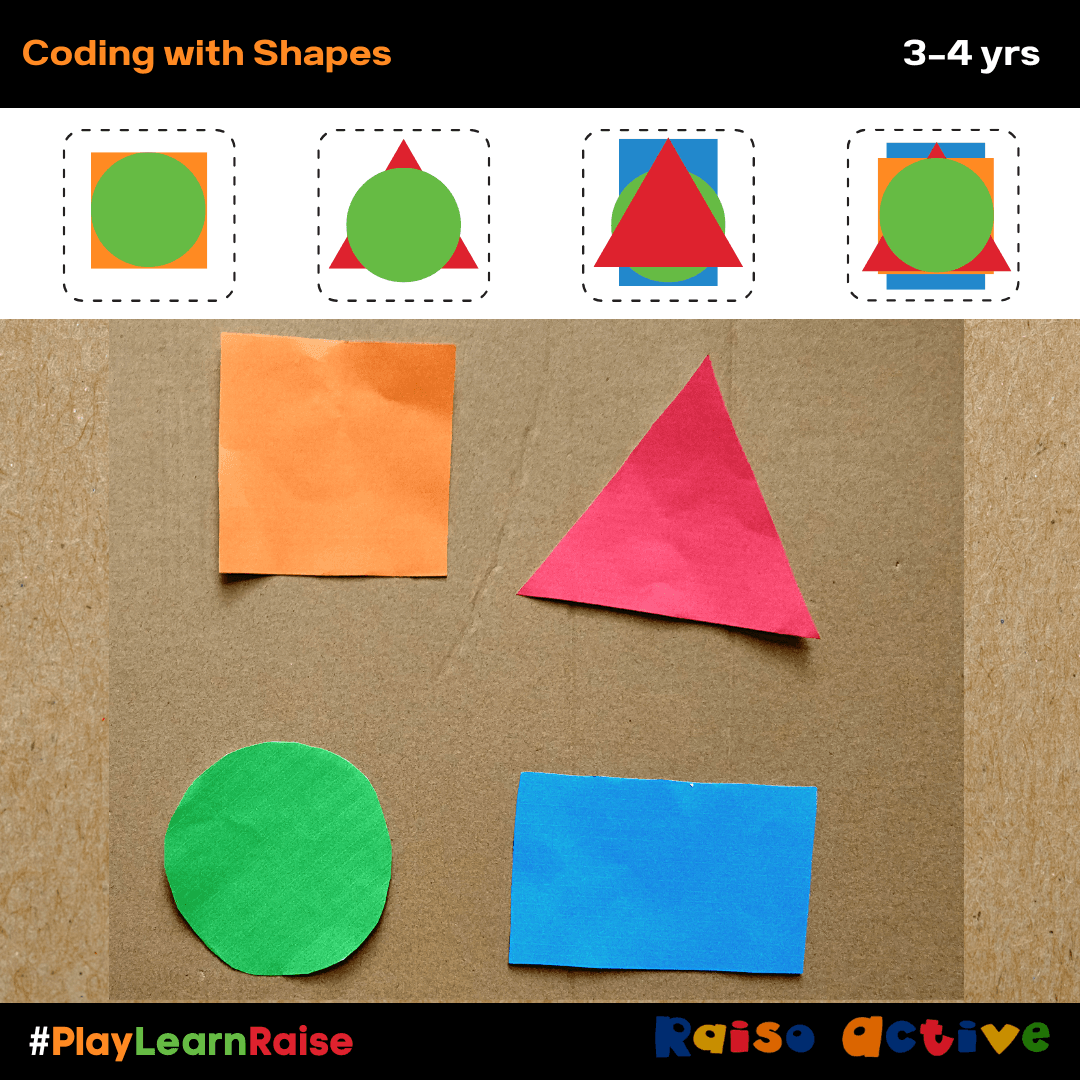
Sorting is foundational to computational thinking. Set out a collection of household objects — bottle caps, buttons, spoons, leaves from the garden — and give your child a sorting rule: by colour, by size, by shape, or by material.
- Attribute sorting: Sort objects into groups based on one property (all red things, or all round things)
- Multi-attribute sorting: "Put all the big red things together" — this introduces Boolean logic (AND conditions)
- Sequencing by size: Arrange objects from smallest to biggest, then biggest to smallest — a precursor to sorting algorithms
- Pattern extension: Create an AB or ABC pattern with objects and ask your child to continue it — and then describe the rule
5. Algorithm Dances: Coding with Movement
Create a simple "dance algorithm" using picture cards — clap twice, jump once, spin around, clap twice. Lay the cards out in sequence and perform the dance together. Then shuffle the cards and perform the new sequence. Ask: "Is it the same dance?" This is a wonderfully physical, musical way to explore sequencing and understand that order changes outcomes.
In Indian classrooms, this activity pairs beautifully with popular children's songs. Use the structure of a familiar rhyme and have children "program" the actions in sequence using picture symbols for each movement.
Screen-Based Coding Tools for Preschoolers (Ages 5+)
Once children have built a solid unplugged foundation — ideally through several months of the activities above — thoughtfully chosen screen tools can deepen and extend their learning. The key word is thoughtfully. Not all coding apps are created equal, and screen time should always complement, never replace, hands-on learning.
ScratchJr (Ages 5-7): Free and Brilliant
ScratchJr is a free tablet app developed by MIT and the Tufts DevTech Research Group. It is specifically designed for children ages 5-7 and requires no reading to use. Children drag colourful coding blocks to animate characters, create stories, and build simple games.
What makes ScratchJr exceptional is that it maps directly onto the unplugged skills your child has been building. The "move forward" block is the same concept as the arrow card. The "repeat" block is the same concept as the loop they practised in the floor grid game. The screen becomes a meaningful extension of offline learning, not a replacement for it.
- Start with the "Animating a Name" project — it's simple, personalised, and immediately rewarding
- Sit with your child for the first few sessions and narrate what each block does: "This block says move 3 steps forward"
- Encourage storytelling: "What story does your character want to tell? Let's code it!"
- Limit sessions to 20-25 minutes and always follow up with conversation about what they made
Cubetto (Ages 3-6): Screen-Free Physical Coding
Cubetto is a wooden robot toy and programming board that teaches coding without any screen whatsoever. Children place coloured wooden blocks on a programming board to create sequences, then press "go" to watch Cubetto follow their instructions on a story map. It is Montessori-friendly, beautifully designed, and endorsed by LEGO Education.
Cubetto is available in India through specialty educational toy retailers and online marketplaces. While it is a premium investment, it offers years of value and works equally well in homes, preschools, and learning centres.
of jobs that today's primary school children will hold do not yet exist — making adaptable, computational thinking skills more valuable than any specific subject knowledge
Source: Institute for the Future & Dell Technologies
The best coding tool for a preschooler is the one they can touch and move.
Research in early childhood development consistently shows that tactile, manipulative-based learning produces deeper understanding than screen-based learning for children under 6. Prioritise physical coding activities — arrow cards, floor grids, human robot games — and introduce digital tools only after your child has a firm grasp of sequencing and algorithmic thinking through their hands and body.
Weaving Coding Thinking into Everyday Life
The most effective early coding education isn't a separate activity — it's a lens through which you see everyday tasks. Indian family life is full of rich algorithmic moments just waiting to be named.
- Morning routine: "First we brush teeth, then we wash face, then we get dressed." Ask your child to sequence the steps with pictures — that is an algorithm
- Cooking together: Making chapati dough involves precise sequencing — too much water before mixing is a bug in the recipe. Walk through the steps and name them
- Tidying up: "First pick up all the books, then put the blocks in the box." Decomposing a complex task into ordered steps is core computational thinking
- Rangoli patterns: Creating rangoli is pattern recognition and recreation at its finest. Have children describe the pattern rule and extend it
- Festival preparations: Stringing flowers or arranging diyas in patterns are natural sequencing and pattern activities deeply embedded in Indian culture
A Simple Weekly Coding Play Routine (No Prep Needed)
Monday: Algorithm of the Day
Pick one daily routine — getting ready for school, making a snack, or packing a bag — and write or draw the steps together as a sequence. Ask: "What happens if we skip a step?" Run through it and find out.
Tuesday: Floor Grid Adventure
Lay out a 4x4 grid with masking tape and place a small toy on it. Set a destination and challenge your child to program the route using arrow cards or verbal instructions. Swap roles: your child becomes the programmer, you become the robot.
Wednesday: Pattern Hunt
Look for patterns around the house or neighbourhood — tiles, fabrics, window grilles, flower arrangements. Ask your child to describe the pattern rule and predict what comes next. "What would happen if we changed the pattern?"
Thursday: Human Robot Game
Play the human robot game for 10-15 minutes. Start in the garden or a room with interesting objects. The programmer gives step-by-step instructions; the robot follows them exactly. Celebrate the funny mistakes — they are the best learning moments.
Friday: Free Coding Play
Let your child lead. Set out the arrow cards, blocks, or (for 5+) ScratchJr on the tablet, and let them create whatever they want. Ask open-ended questions: "Tell me about what you made. How does it work?" Resist the urge to direct.
- +Engages whole body: movement, touch, and voice
- +No cost — uses household materials or simple printed cards
- +Builds social skills through partner and group play
- +Zero screen time, ideal for families managing device limits
- +Directly maps to maths concepts: patterns, sequence, spatial reasoning
- -Immediate visual feedback when code runs correctly
- -Scaffolded challenges that increase in complexity automatically
- -Builds early digital literacy alongside coding concepts
- -Appealing to children who love storytelling and animation
- -Accessible anytime, including travel and waiting situations
Start unplugged, layer in screens — never the other way around.
The developmental sequence matters. Children who first build algorithmic thinking through physical play understand screen-based coding tools far more deeply than those who encounter screens first. Think of unplugged activities as building the conceptual vocabulary, and screen tools as helping children express that vocabulary in a new medium.
- Your role is facilitator, not expert. Ask "What do you think will happen?" rather than "Here's what you should do"
- When something goes wrong, use the language of debugging: "There's a bug in our sequence! Where do you think the mistake is?"
- Celebrate persistence, not just correct answers: "You tried five different sequences to figure that out. That's exactly what engineers do"
- Connect coding to your child's existing interests — a child who loves animals can code a "zoo feeding sequence"; one who loves cricket can code batting instructions
- Don't jump straight to apps and games without building the unplugged foundation first — it produces shallow learning
- Don't use the word 'coding' as something technical or intimidating. Call it 'giving instructions' or 'making a plan' with younger children
- Don't compare your child's pace to others — some children take to sequencing immediately, others need months of play before it clicks
- Avoid apps that simply require tapping the right answer. Look for open-ended tools that let children create and experiment
Ready to Raise a Thinker? Start Today.
Get age-appropriate coding activities, sequencing worksheets, and STEM ideas for young children delivered to your inbox weekly. Trusted by parents and teachers across India.
Frequently Asked Questions
At what age should I start coding activities with my child?
My child's preschool doesn't teach coding. Should I be worried?
Are coding toys like Cubetto worth the investment?
How does coding connect to India's NEP 2020?
Can coding activities help with maths?
How much screen time is acceptable for coding activities?
Free worksheets for this topic
Browse all worksheets
Clothing Pattern Match Worksheet for Preschoolers
Ages 3-5 · Preschool–Pre-KAges 3-5 · Nursery–ReceptionAges 3-5 · Nursery–LKGAges 3-5
This worksheet has children ages 3-5 study repeating patterns on clothing items — stripes, polka dots, or checks — and match each item to its identical twin, building visual discrimination and early pattern-sequencing skills. Distinguishing between similar-looking patterns also sharpens attention to detail, a skill that later supports letter and word recognition.

Pumpkin Lines Dice Game: Halloween Pre-Writing Worksheet
Ages 4-8 · Pre-K–Grade 2Ages 4-8 · Reception–Year 3Ages 4-8 · LKG–Class 2Ages 4-8
Children practise wavy, zigzag and looped pre-writing lines while playing a simple dice game.
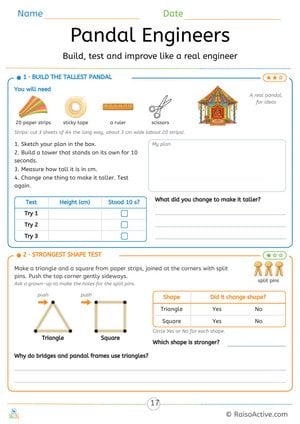
Pandal Engineers: Navratri Paper Tower and Strong Shapes STEM Challenge
Ages 7-11 · Grade 2–Grade 3Ages 7-11 · Year 3–Year 4Ages 7-11 · Class 2–Class 3Ages 7-11
Children plan, build, measure and improve a paper-strip tower, record three tries in a table, and test a triangle and a square made with split pins to find out why bridges and pandal frames use triangles.
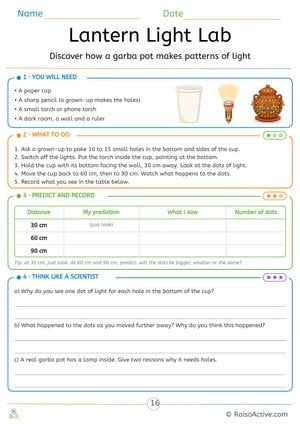
Lantern Light Lab: Navratri Garba Pot Light Experiment
Ages 7-11 · Grade 2–Grade 3Ages 7-11 · Year 3–Year 4Ages 7-11 · Class 2–Class 3Ages 7-11
Children make holes in a paper cup, shine a torch through it and see one spot of light for each hole. They predict and record what happens as they move further from the wall, and explain the results and why a real garba pot needs holes.
Written by
Hemsweta Jain · Teacher Cheena
MBA and Early Childhood Educator, teaching since 2014 · Founder of RaisoActive, Mumbai
Published · Last reviewed
Related Resources
Printable Resources(10)
View all
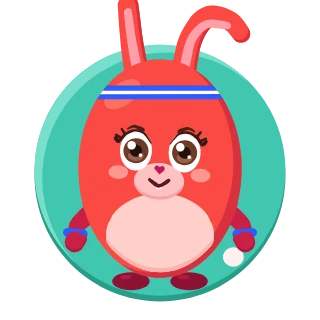
Pattern Writing Pre-writing Skills Activity Book for 3-4 Year Olds
Ages 3-4 · PreschoolAges 3-4 · NurseryAges 3-4 · 44 pages
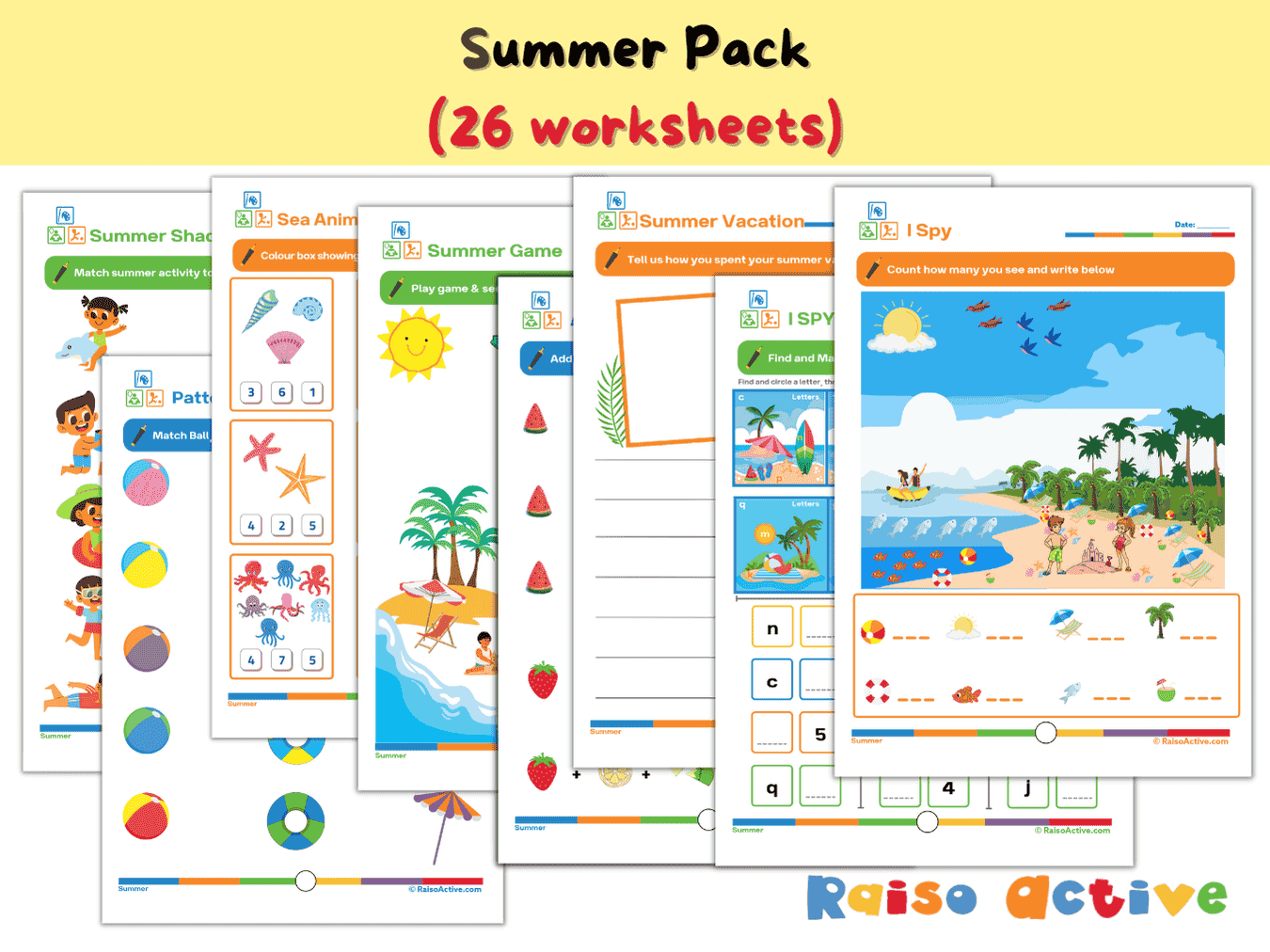

Summer Activity Pack: Math, Literacy, Puzzles & More for Preschool & Kindergarten
Ages 3-7 · Preschool–Grade 1Ages 3-7 · Nursery–Year 2Ages 3-7 · Nursery–Class 1Ages 3-7 · 26 pages
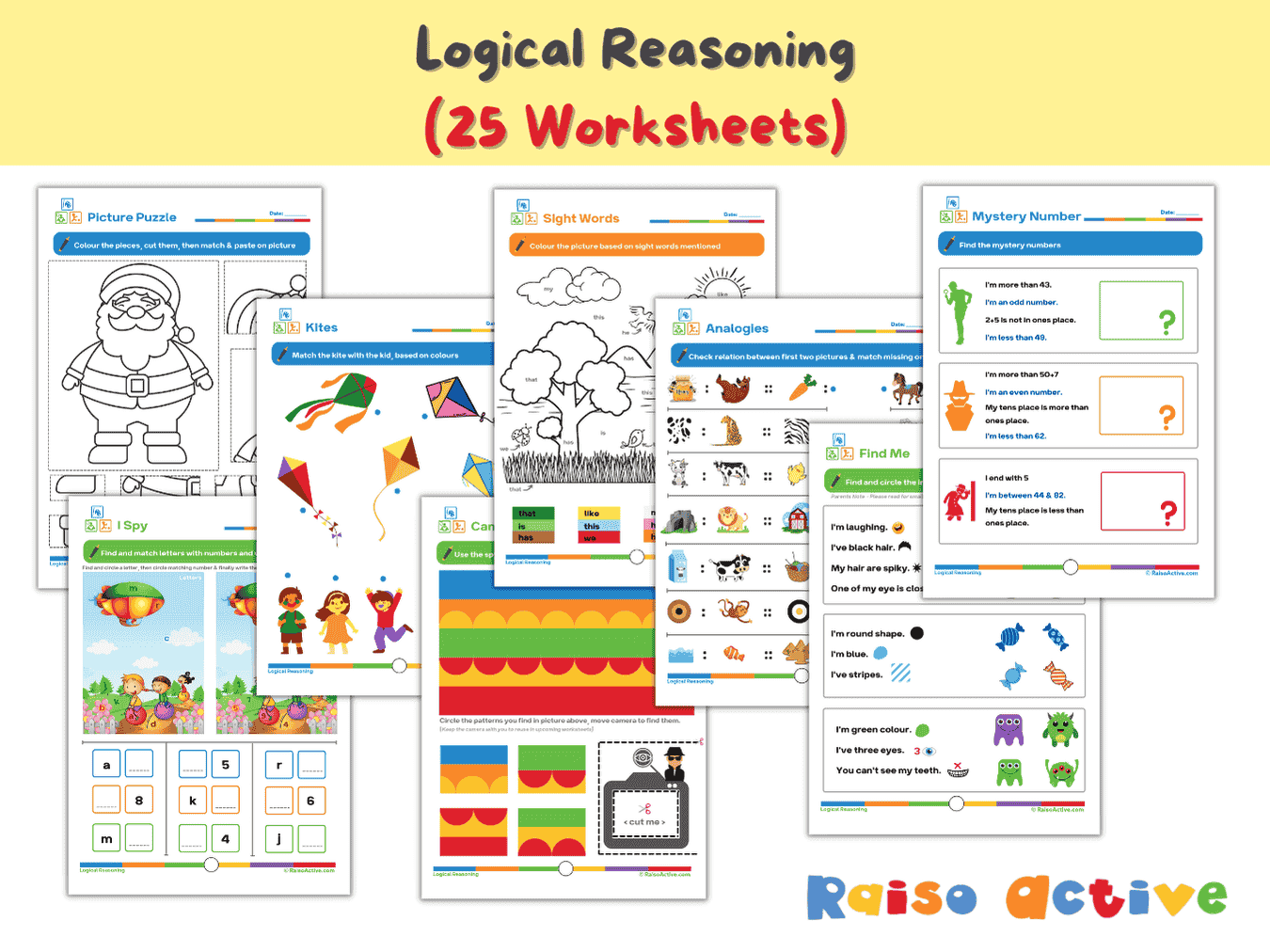
Logical Reasoning Activity Book for Preschool & Kindergarten | Patterns, Puzzles & Analogies
Ages 4-7 · Pre-K–Grade 1Ages 4-7 · Reception–Year 2Ages 4-7 · LKG–Class 1Ages 4-7 · 26 pages
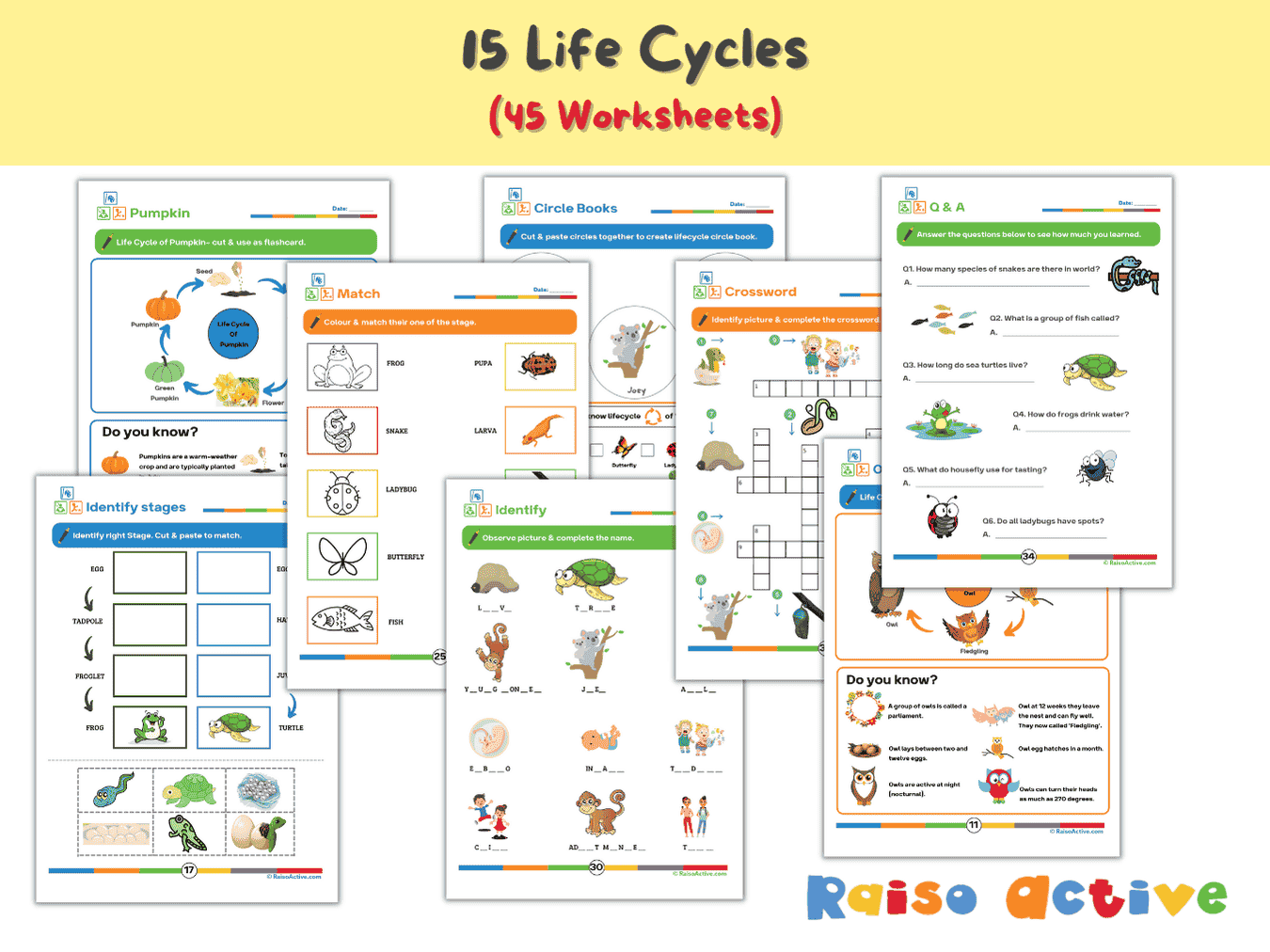

Lifecycles Activity Book & Flashcards for Preschool & Early Elementary
Ages 3-8 · Preschool–Grade 2Ages 3-8 · Nursery–Year 3Ages 3-8 · Nursery–Class 2Ages 3-8 · 46 pages
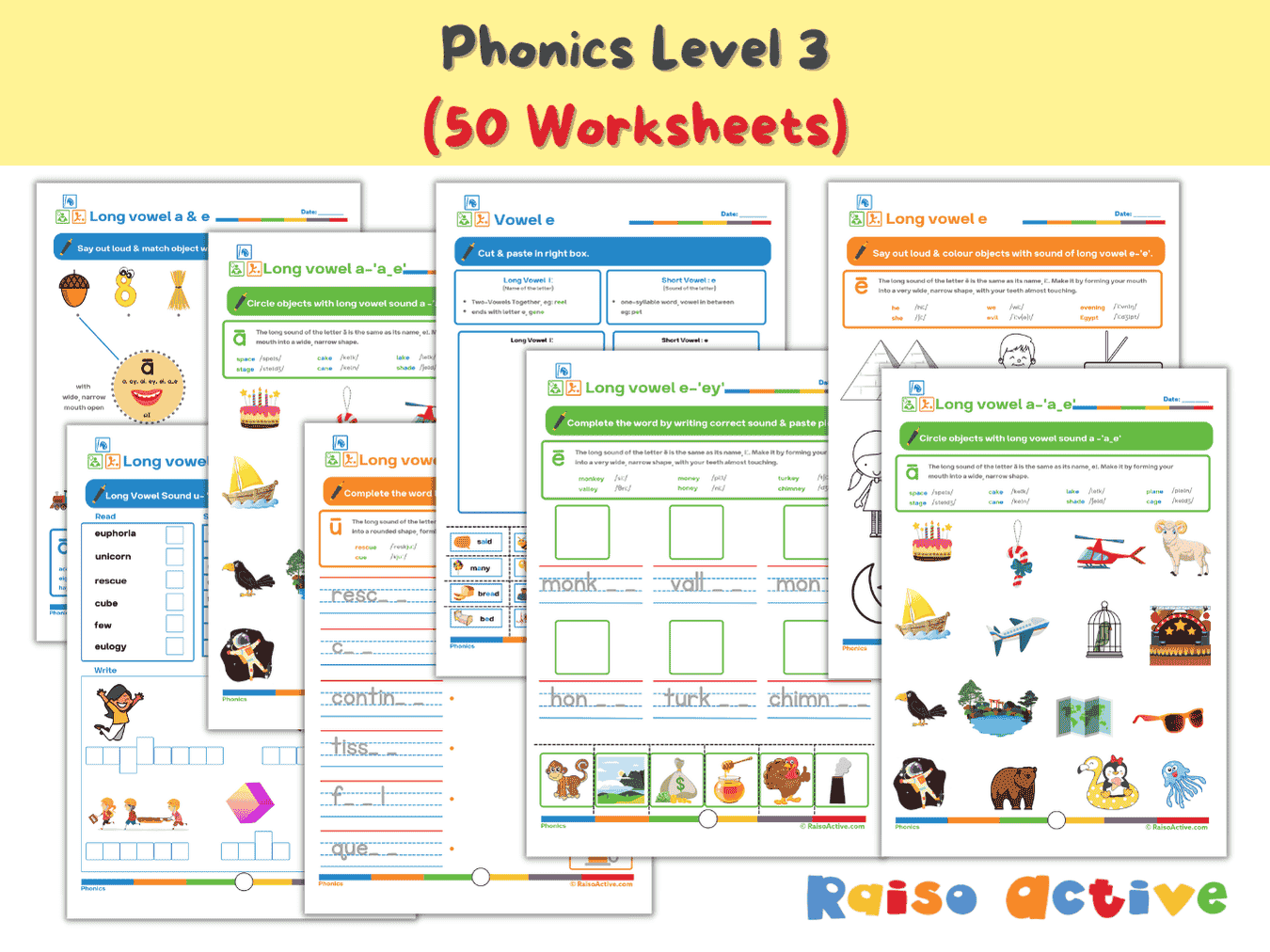

Phonics Level 3 Long Vowels Activity Book for Kindergarten & 1st Grade
Ages 5-7 · Kindergarten–Grade 1Ages 5-7 · Year 1–Year 2Ages 5-7 · UKG–Class 1Ages 5-7 · 51 pages
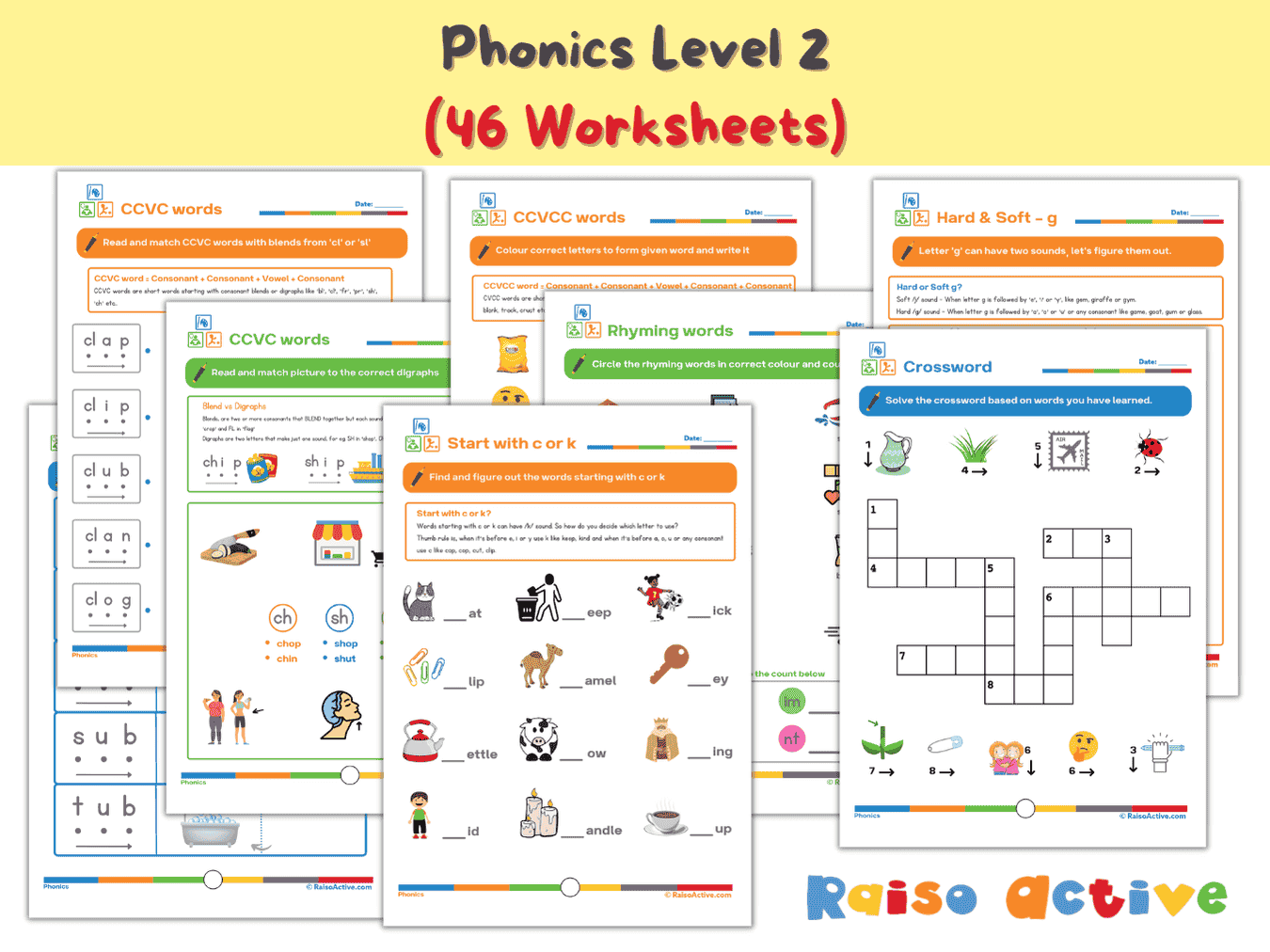
Phonics Level 2 Worksheets: CVC, CCVC, CVCC Word Families & Blends for Early Readers (Ages 4-7)
Ages 4-7 · Pre-K–Grade 1Ages 4-7 · Reception–Year 2Ages 4-7 · LKG–Class 1Ages 4-7 · 47 pages
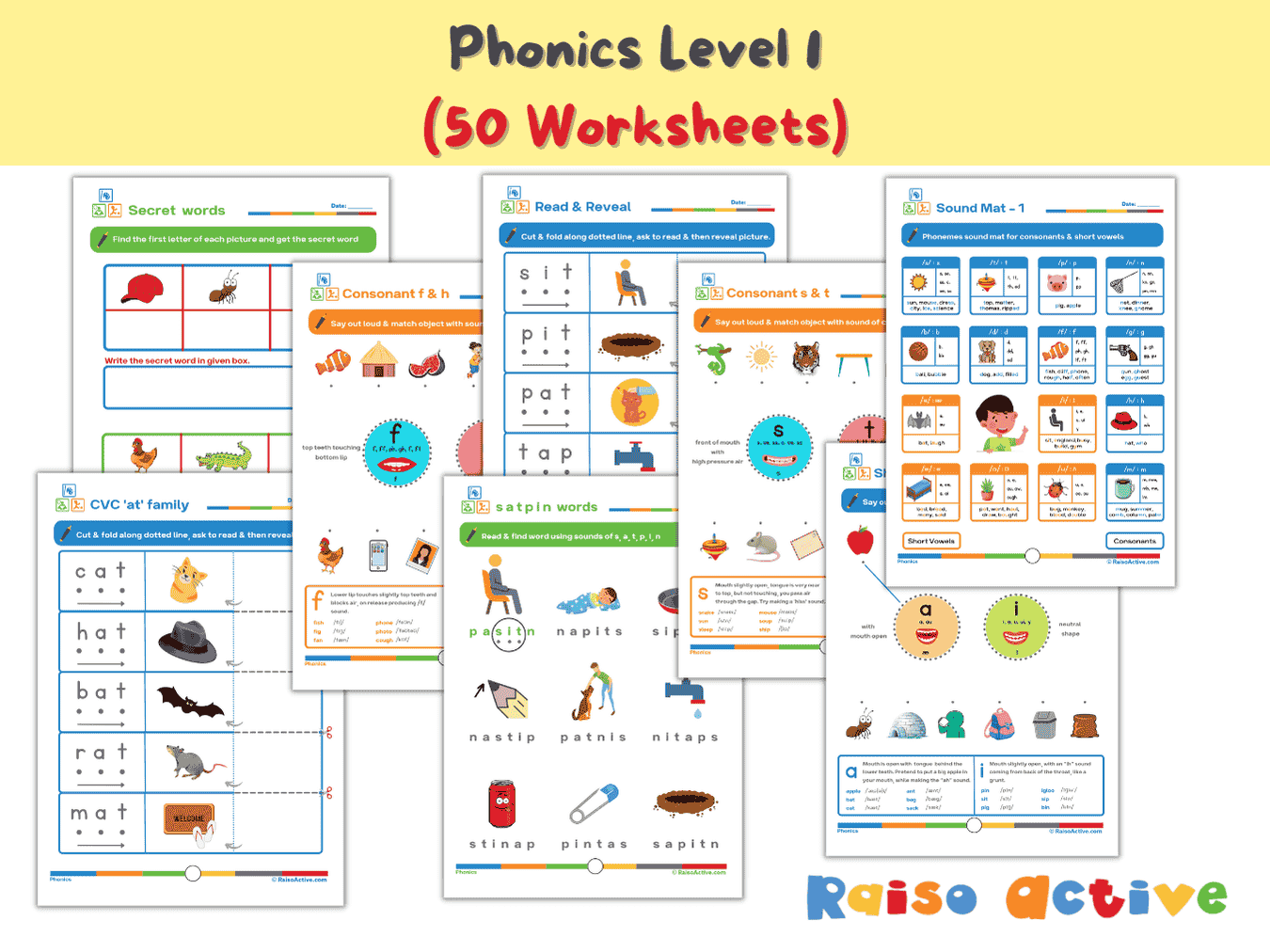
Phonics Level 1 Activity Book: Letter Sounds, Blending & CVC Words for Preschool & Kindergarten
Ages 3-6 · Preschool–KindergartenAges 3-6 · Nursery–Year 1Ages 3-6 · Nursery–UKGAges 3-6 · 60 pages
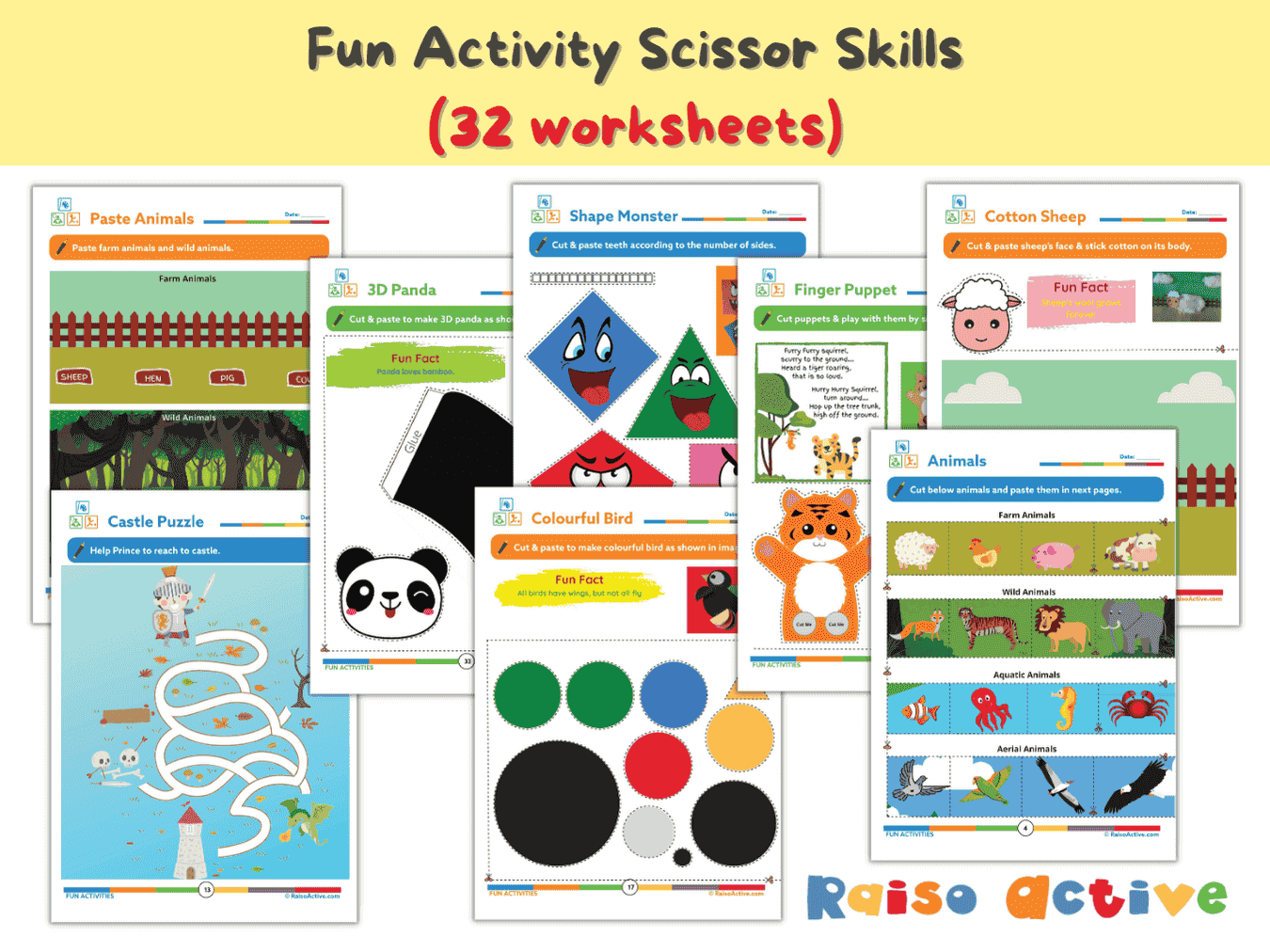
Preschool Scissor Skills Activity Book: Fine Motor & Craft Fun for Ages 3-6
Ages 3-6 · Preschool–KindergartenAges 3-6 · Nursery–Year 1Ages 3-6 · Nursery–UKGAges 3-6 · 35 pages
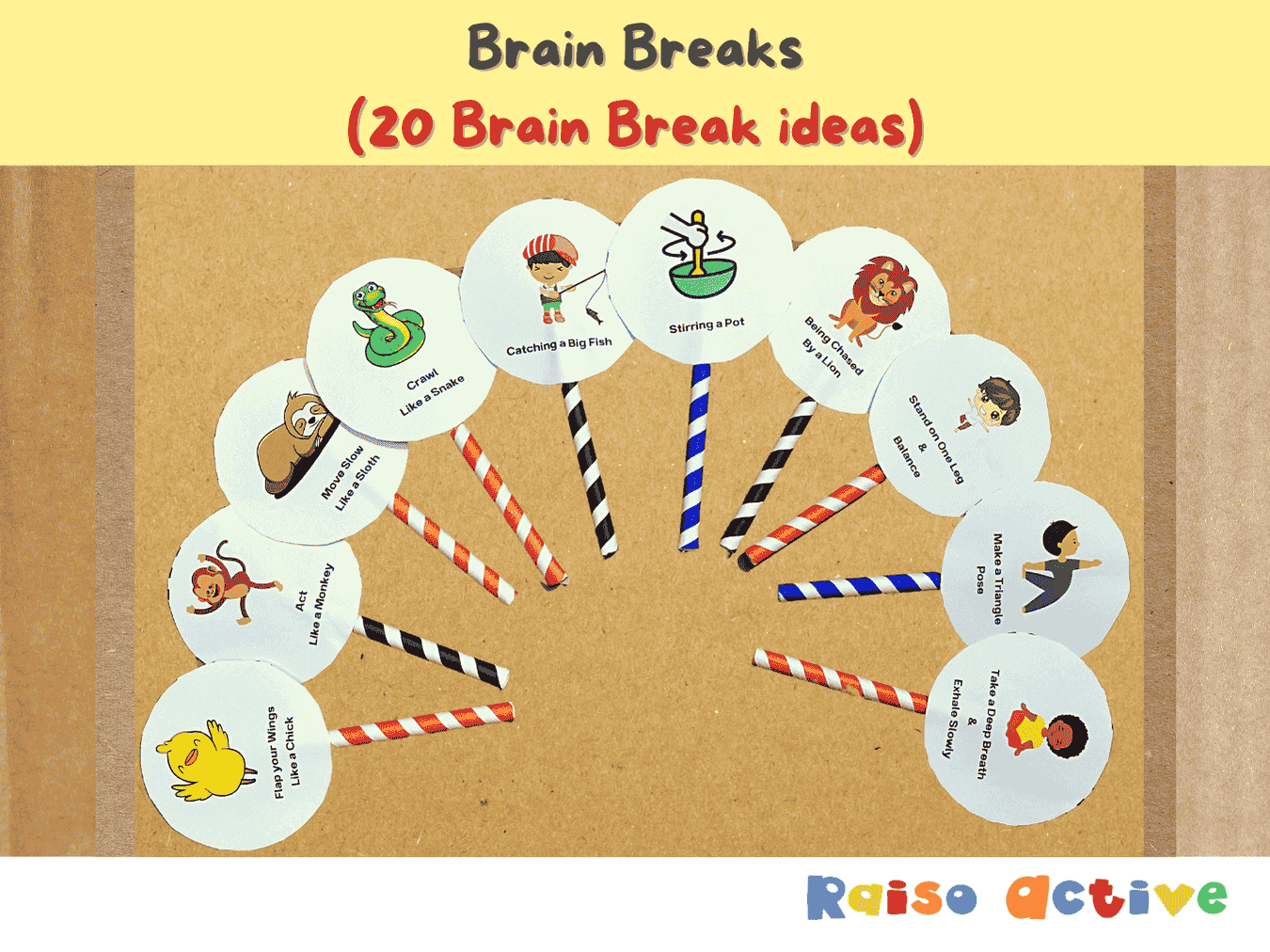
Gross Motor Movement & Imaginative Play Flashcards for Toddlers & Preschoolers
Ages 2-5 · Preschool–Pre-KAges 2-5 · Nursery–ReceptionAges 2-5 · Nursery–LKGAges 2-5 · 5 pages
Festivals & Cultural Diversity Activity Book for Kids (Ages 4-8)
Ages 4-8 · Pre-K–Grade 2Ages 4-8 · Reception–Year 3Ages 4-8 · LKG–Class 2Ages 4-8 · 30 pages