What's the Best Alternative to ABCmouse? A Complete Parent's Guide to Free and Affordable Educational Apps
Author
RaisoActive - Kids Activities and Fun Learning
Published
Updated
Reading Time
18 min read

- ABCmouse offers a comprehensive K-2 curriculum across reading, maths, science, and art — but its subscription cost and limited India-specific content lead many families to seek alternatives
- Khan Academy Kids is the single best free alternative — ad-free, offline-capable, and curriculum-aligned for children aged 2-8
- DIKSHA and Google Read Along are excellent government-backed free options with strong Hindi and Indian language support
- Affordable paid alternatives like Kiddopia and Homer offer structured learning with Indian cultural relevance at lower price points than ABCmouse
- The most effective approach combines one or two quality apps with printable worksheets and hands-on offline activities — not screens alone
Why So Many Parents Are Looking Beyond ABCmouse
ABCmouse has built a strong reputation over the past decade as one of the most comprehensive early learning platforms available. Its curriculum spans reading, maths, science, and art across more than 10,000 individual learning activities — and the sheer breadth of content is genuinely impressive. For a certain kind of parent, ABCmouse feels like a one-stop solution: subscribe once and never worry about what your child is learning on the tablet again.
But for millions of Indian families, ABCmouse presents real practical challenges. The subscription cost, billed in US dollars, translates to a significant monthly expense in rupees. The curriculum skews heavily towards an American school context — American festivals, American spellings, American phonics conventions — which can feel disconnected from the lives of children growing up in Mumbai, Bengaluru, or Jaipur. And with dozens of equally strong (and often free) alternatives now available, the question is no longer whether to use ABCmouse, but whether the alternatives might actually serve your child better.
This guide is for parents who are evaluating ABCmouse for the first time, parents who have tried it and are ready to explore alternatives, and parents who are simply looking for the best educational apps for children aged 1-8 in the Indian context. We will cover free options, affordable paid options, Indian-made apps, and exactly how to build a learning routine that mixes digital tools with the printable worksheets and hands-on activities that research consistently identifies as essential for early childhood learning.
Get curated app and activity ideas for your child every week
Join thousands of Indian parents and early childhood educators who receive our weekly roundup of educational apps, printable worksheets, and hands-on learning activities.
What ABCmouse Offers — and Where It Falls Short for Indian Families
ABCmouse is best understood as a gamified K-2 curriculum — a structured, sequential learning programme that happens to be delivered through an app rather than a classroom. Children earn tickets and awards as they complete activities, and progress through a mapped curriculum pathway that covers the full range of early academic skills. At its best, it provides a child with a clear, motivated learning journey that genuinely builds skills across multiple subjects.
The limitations become apparent when you look closely at the content itself. ABCmouse uses American English spelling conventions ("color" instead of "colour," "math" instead of "maths"), American cultural references that young Indian children may not connect with, and a curriculum structure designed around the US kindergarten and Grade 1 school year. The phonics programme is solid but teaches American English pronunciation patterns, which can occasionally conflict with Indian English phoneme systems.
Then there is the cost. At roughly ₹4,000-5,000 per year (depending on the current dollar exchange rate), ABCmouse is one of the pricier educational app subscriptions available. For a family that is already investing in school fees, books, and activity materials, this is not a trivial expense — especially when several equally strong alternatives are available for free or at a fraction of the price.
The Best Free Alternatives to ABCmouse
The good news for budget-conscious families is that the free alternatives to ABCmouse are genuinely excellent — not watered-down products, but substantive educational tools developed by major organisations with real investment in early childhood research. Here are the four free options we recommend most strongly for Indian families.
Khan Academy Kids (Ages 2-8, Completely Free)
Khan Academy Kids is, without question, the strongest free alternative to ABCmouse available today. Developed by Khan Academy — the non-profit organisation behind the world's most widely used free education platform — Khan Academy Kids covers reading, writing, maths, logic, and social-emotional learning for children aged 2-8. The curriculum is research-aligned, the design is joyful without being manipulative, and the app is completely free, completely ad-free, and works fully offline.
Where ABCmouse uses a points-and-rewards system to motivate continued use, Khan Academy Kids focuses on intrinsic curiosity — children explore a world of characters and activities without being pressured by streaks, timers, or badge-chasing. For Indian families, it supports English at a level appropriate for children learning English as a second or third language alongside their home language. It is our top recommendation for any family seeking an ABCmouse alternative.
DIKSHA (All Ages, Free, Government of India)
DIKSHA (Digital Infrastructure for Knowledge Sharing) is the Government of India's official educational content platform, available as a free app and website. It contains thousands of learning resources aligned to NCERT textbooks, available in 36 Indian languages. For children in preschool and primary grades, DIKSHA offers interactive e-books, videos, and practice activities that directly correspond to what is being taught in Indian schools.
DIKSHA is particularly valuable for families who want their child's home learning to align precisely with the Indian school curriculum rather than a foreign one. The multilingual support is also genuinely useful for children who are learning to read in Hindi, Tamil, Marathi, or any of India's major languages alongside English. It is not as visually polished as ABCmouse, but the curriculum alignment and language coverage are unmatched.
Google Read Along (Ages 5-8, Free)
Google Read Along (previously called Bolo) is a free reading app developed by Google specifically for the Indian market. It uses speech recognition to listen to children reading aloud and provides immediate, encouraging feedback on pronunciation and decoding accuracy. Available in Hindi, Bengali, Marathi, Tamil, Telugu, Urdu, and English, it is one of the best free tools available for supporting early reading in Indian languages.
The app includes a library of decodable books, rhymes, and stories calibrated to different reading levels. Unlike ABCmouse, which focuses on pre-reading and early literacy skills for younger children, Google Read Along is most powerful for children aged 5-8 who are actively learning to read. It fills a gap that most English-language apps simply do not address: reading instruction in Indian languages.
Starfall (Ages 3-7, Mostly Free)
Starfall has been a trusted name in early literacy since 2002. Its phonics programme is systematic and explicit — it teaches letter-sound correspondences, blending, and word families in a clear, sequential structure. The website version is almost entirely free; the app has a modest paid tier for access to the full content library. For phonics specifically, Starfall is among the strongest options available at any price point.
Affordable Paid Alternatives Worth Considering
If you want the structured curriculum and broader content library that ABCmouse offers, but at a price point better suited to Indian family budgets, these paid alternatives offer strong value. All of the following are available at lower annual costs than ABCmouse, with content that is more relevant to Indian children.
Kiddopia (Ages 2-7, Indian-Made)
Kiddopia is an Indian-made subscription app that covers maths, English, science, and creative arts in a unified world of characters and stories. It is the closest Indian equivalent to ABCmouse in terms of breadth — a single subscription that addresses multiple subject areas through gamified, age-appropriate activities. What sets Kiddopia apart is its cultural relevance: Indian festivals, foods, environments, and names appear throughout the content, making it feel genuinely made for Indian children rather than adapted from a foreign product.
The app is ad-free, well-designed, and considerably more affordable than ABCmouse when priced in rupees. For families who want a single-app solution that feels like a natural fit for life in India, Kiddopia is our top paid recommendation.
Homer (Ages 2-8, Reading and Maths Focus)
Homer (Learn and Grow) takes a more personalised approach than ABCmouse, building a customised learning path based on your child's age, interests, and current skill level. Its reading programme in particular is exceptionally well-structured, using a systematic phonics approach alongside high-quality stories and read-alouds. The maths module builds strong number sense through visual, concrete activities rather than rote drill.
Homer's personalisation means that two children using the app at the same age may see quite different content — one following a dinosaur-themed phonics pathway while another follows a space-themed one. This level of responsiveness to individual interests is something ABCmouse does not match, and it significantly affects engagement, particularly for children aged 3-6.
Endless Alphabet and Endless Numbers (Ages 2-6)
Endless Alphabet and Endless Numbers from Originator are two of the most beloved early learning apps in the world, and for good reason. Each app focuses on a single domain — vocabulary and letter-sound introduction for Endless Alphabet; number concepts and counting for Endless Numbers — and does it with exceptional depth, humour, and quality. The monster characters who explain each word and number are genuinely delightful, and children return to these apps again and again without losing interest.
Unlike ABCmouse, these are not curriculum apps — they do not progress through a structured pathway. Think of them as exceptionally high-quality supplementary tools: brilliant for building vocabulary and number sense, best used alongside a broader learning programme rather than as standalone solutions.
Free does not mean second-best — Khan Academy Kids genuinely rivals ABCmouse in curriculum quality.
The most common misconception among parents evaluating educational apps is that a higher subscription price correlates with better educational quality. In the case of ABCmouse versus Khan Academy Kids, this simply is not true. Khan Academy Kids was developed with input from leading early childhood researchers, is completely ad-free, and covers the same broad curriculum as ABCmouse — phonics, early reading, maths, social-emotional learning — at zero cost. Before spending money on any paid alternative, spend one month with Khan Academy Kids first.
Curriculum alignment to Indian schools is a genuine advantage that ABCmouse cannot offer.
ABCmouse is built around US Common Core standards for Kindergarten through Grade 2. Indian children following CBSE, ICSE, or state board curricula are learning content in a different sequence and context. DIKSHA, which aligns directly to NCERT materials, and Kiddopia, which is developed by an Indian team for Indian children, offer a meaningful curriculum advantage for families who want their child's app learning to reinforce rather than conflict with what is taught in school.
How to Choose the Right App for Your Child
With so many options available, the choice can feel overwhelming. The most useful framework is to start with your child's age and current learning priorities rather than trying to find one app that does everything. Young children aged 1-3 benefit most from simple, sensory-rich apps with songs, sounds, and colours — they are not yet ready for structured curriculum content. Children aged 4-6 are ready for phonics and early number work but need short sessions and frequent switching between activities. Children aged 6-8 can sustain longer focused sessions and benefit from apps that introduce reading fluency, early maths operations, and writing.
Beyond age, consider your child's temperament. A child who loves completing challenges and earning rewards may thrive in a structured curriculum app like Kiddopia. A child who resists pressure and follows their own curiosity will likely engage more deeply with the open-ended exploration of Khan Academy Kids. Neither approach is inherently superior — the best app is the one your child actually uses, learns from, and returns to with genuine enthusiasm.
Why Printable Worksheets Belong Alongside Any App
One limitation that all educational apps share — including ABCmouse, Khan Academy Kids, and every alternative on this list — is that they keep learning on the screen. Young children learn through all their senses: through the physical act of holding a pencil, forming a letter on paper, touching and counting objects, cutting, sticking, and creating with their hands. Screen-based learning, however excellent, develops only a subset of the skills that early childhood requires.
Printable worksheets bridge this gap beautifully. After a 20-minute Khan Academy Kids session on letter sounds, sitting down with a printed letter-tracing worksheet reinforces the same phoneme through a completely different modality — the proprioceptive feel of pencil on paper, the visual feedback of a letter forming under the child's own hand. The combination is reliably more effective than either approach used alone.
RaisoActive offers a growing library of printable worksheets designed specifically for Indian children aged 1-8, covering letters, numbers, cutting skills, colouring, tracing, and early literacy. They are designed to complement app-based learning — not to replace it — so that children get the full developmental benefit of both digital and physical learning experiences.
- Start with one free app for two to three weeks before evaluating paid options — Khan Academy Kids alone is sufficient for most children aged 2-6
- Sit with your child for the first few sessions of any new app: cold-starting a child on an unfamiliar app and walking away produces almost no learning
- Set a consistent app schedule (for example: 20 minutes after school snack, before outdoor play) to reduce bargaining and make screen time feel predictable and bounded
- Immediately after each app session, do a brief real-world activity that uses the same skill — counting real objects after a numbers app, reading a physical picture book after a phonics app
- Rotate apps seasonally rather than switching constantly: depth of engagement with one good app is more valuable than shallow exposure to ten mediocre ones
- Constant streak pressure ("You will lose your 14-day streak!") is an addictive design mechanic, not an educational feature — it optimises for daily openings, not learning
- Apps that require an internet connection to run often serve ads in the background even when the content appears educational — always test offline mode before trusting an app with your child
- If your child becomes genuinely distressed when app time ends, the app is likely using engagement hooks designed for adult social media — consider removing it regardless of its educational branding
- Free apps that require in-app purchases to complete activities mid-session are exploitative and inappropriate for young children — delete them immediately
- Choose one app session focus area per day — letters on Monday and Wednesday, numbers on Tuesday and Thursday, reading or creative play on Friday
- After the app session, bring the concept into real life: if the app covered the letter M, go on a "M hunt" around the house together and write down everything you find
- Keep a simple learning journal where your child draws or you write one thing they learned each day — after four weeks, look back together at the journey
- On weekends, replace app time with a printable worksheet or hands-on craft on the same theme — the variety of modalities is what makes learning stick
are supported on DIKSHA, India's government educational platform — making it the most linguistically inclusive free learning resource available to Indian families, covering content aligned to NCERT textbooks from preschool through secondary school
Source: Ministry of Education, Government of India
children learn six times more from educational media when a trusted adult watches alongside them and discusses the content, compared to watching alone — which means your presence during app time matters as much as the app itself
Source: Georgetown University Center on Media and Child Health
How to Switch from ABCmouse to a New App Without Disrupting Your Child
Give advance notice and frame it positively
Tell your child a few days before the switch: "We are going to try some exciting new learning games next week." Children this age do best with transitions when they are not sudden. Avoid framing it as ABCmouse being removed — frame it as a new adventure being added.
Download and test the new app first
Before introducing the new app to your child, spend 10-15 minutes exploring it yourself. Test the offline mode, check the parental controls, and identify two or three activities that you think your child will enjoy. Going in with a plan makes the first session smoother and more engaging.
Introduce the new app together
Sit with your child for the first session. Explore the app together rather than handing it over and walking away. Ask curious questions: "I wonder what happens if we tap here? Oh, look at that! What do you think this character wants us to do?" Your enthusiasm is contagious at this age.
Run the old and new app in parallel for one week
If your child misses the old app, let them use both during a transition week — perhaps ABCmouse on Monday and Wednesday, the new app on Tuesday and Thursday. By the end of the week, most children will naturally gravitate towards the more engaging option.
Add a paired offline activity from day one
From the very first session with the new app, introduce a corresponding offline activity — a printable worksheet, a hands-on counting game, or a letter-hunt around the house. This establishes the new routine as a blended digital-and-offline experience rather than pure screen time, which supports both better learning outcomes and healthier screen habits.
Check in after two weeks
After two weeks, ask yourself: Is my child looking forward to this app session? Are they talking about what they learned? Am I noticing any skill development? A genuinely educational app will produce visible changes in your child's knowledge and enthusiasm. If none of these are happening, try a different option from this guide.
Adjust the mix based on what works
No single app will be perfect for every child. Many families settle into a combination — perhaps Khan Academy Kids for phonics, Google Read Along for reading practice, and a RaisoActive printable worksheet to round out each session. The mix is yours to design. The most important principle is that the child is engaged, the content is genuinely educational, and the screen time is balanced with physical, hands-on learning.
- +Paid subscription (~₹4,000-5,000/year)
- +US curriculum and cultural references
- +Gamified rewards: tickets, badges, and avatar items
- +Broad curriculum: reading, maths, science, art
- +American English spelling and phonics conventions
- -Completely free, no subscription required
- -Culturally neutral, works well for Indian English learners
- -Intrinsic exploration with minimal reward pressure
- -Broad curriculum: reading, writing, maths, SEL
- -Works offline; designed for diverse global learners
Raise a Curious, Confident Learner — One Activity at a Time
Get our weekly roundup of educational app recommendations, printable worksheets, and hands-on learning activities for children aged 1-8. Trusted by parents and early childhood educators across India.
Frequently Asked Questions
Is Khan Academy Kids really as good as ABCmouse?
Which app is best for teaching Hindi or other Indian languages?
How much screen time is appropriate for a child using educational apps?
Can I use multiple apps together, or should I stick to just one?
Are there any good ABCmouse alternatives specifically for toddlers aged 1-3?
How does RaisoActive complement educational apps?
Free worksheets for this topic
Browse all worksheets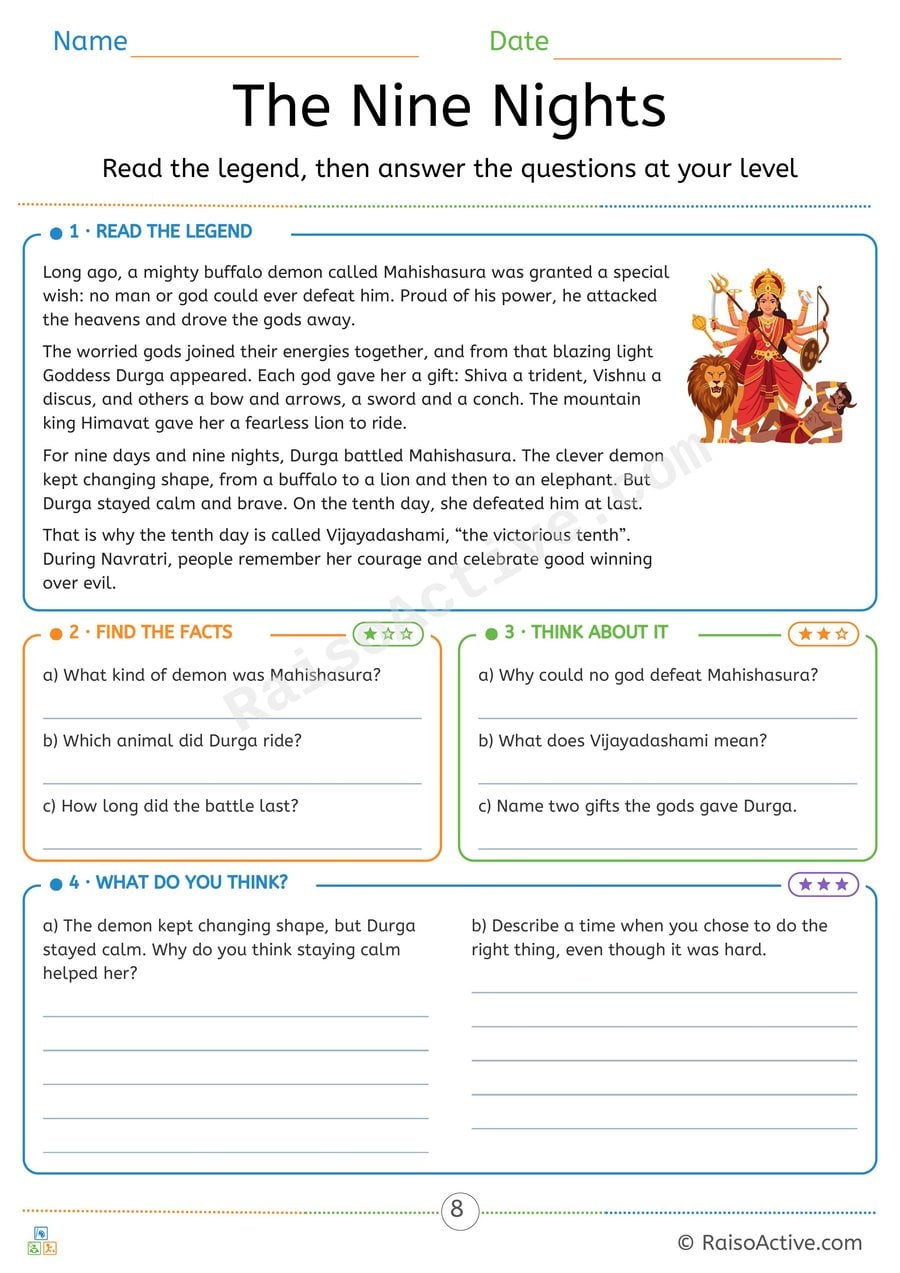
The Nine Nights: Durga and Mahishasura Reading Comprehension
Ages 7-11 · Grade 2–Grade 3Ages 7-11 · Year 3–Year 4Ages 7-11 · Class 2–Class 3Ages 7-11
Children read a retelling of the legend of Durga and Mahishasura, find facts in the text, answer inference questions about why things happened, and write their own opinion about staying calm and doing the right thing.

Meera's Garba Night: Navratri Reading Comprehension Story
Ages 4-6 · Pre-K–KindergartenAges 4-6 · Reception–Year 1Ages 4-6 · LKG–UKGAges 4-6
Children listen to or read a short story, recall details by circling answers, write answers using a word bank and explain a simple idea in their own words.

Trace the Numbers 1-9 Worksheet for Preschoolers
Ages 3-5 · Preschool–Pre-KAges 3-5 · Nursery–ReceptionAges 3-5 · Nursery–LKGAges 3-5
Tracing the numerals 1 through 9 gives children ages 3-5 repeated, guided practice with the specific pencil strokes each number requires, building the fine motor control and muscle memory needed for independent number writing. Because tracing follows a fixed, correct path, it also reinforces accurate numeral recognition, helping children tell visually similar digits apart.
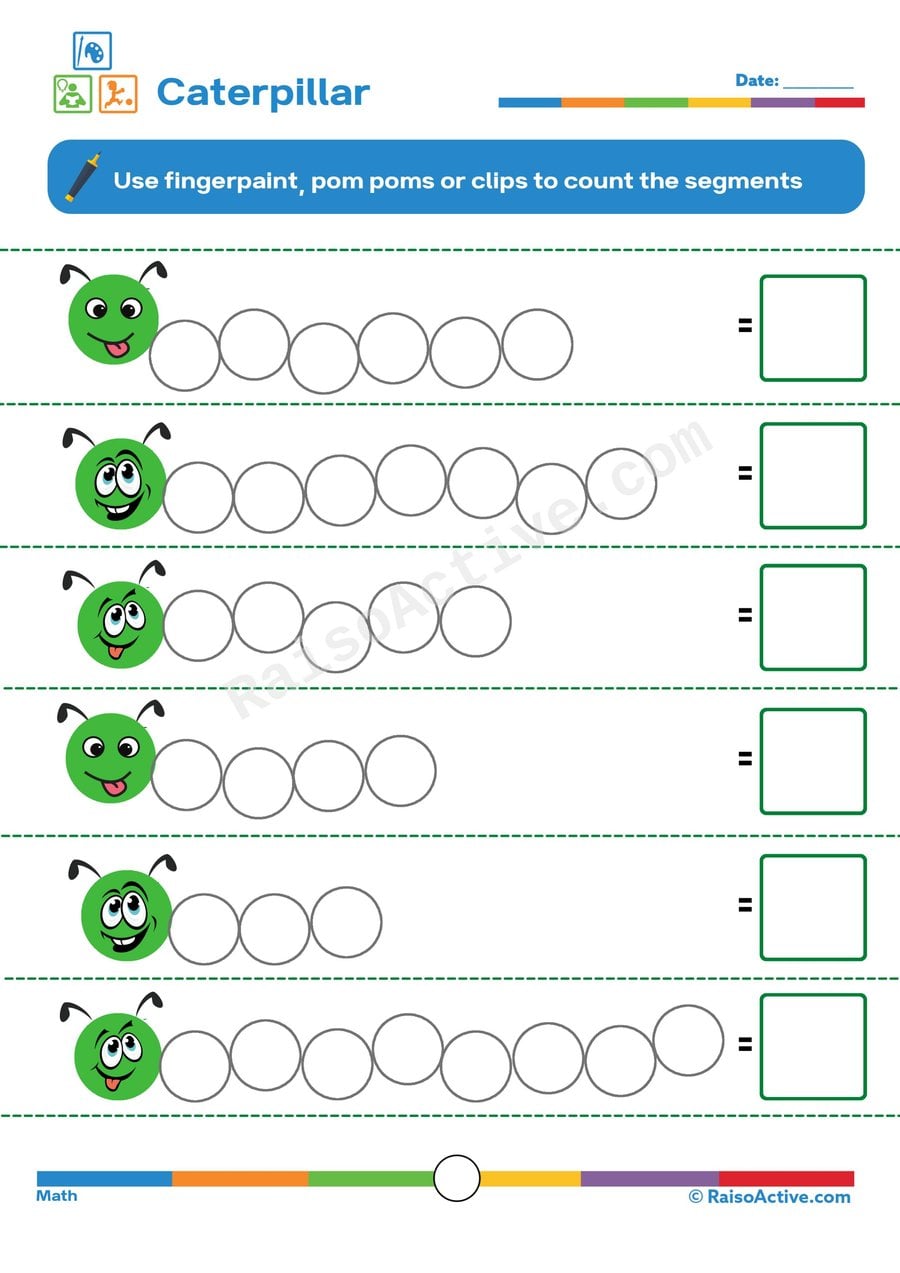
Caterpillar Counting Worksheet for Preschoolers
Ages 3-5 · Preschool–Pre-KAges 3-5 · Nursery–ReceptionAges 3-5 · Nursery–LKGAges 3-5
Counting the segments of each caterpillar teaches children ages 3-5 one-to-one correspondence — touching or marking each segment exactly once while saying a number — which is the core skill underlying accurate counting. Writing the final total in a box also connects the physical act of counting to its written numeral, reinforcing early number-writing practice.
Written by
Hemsweta Jain · Teacher Cheena
MBA and Early Childhood Educator, teaching since 2014 · Founder of RaisoActive, Mumbai
Published · Last reviewed
Related Resources
Printable Resources(10)
View all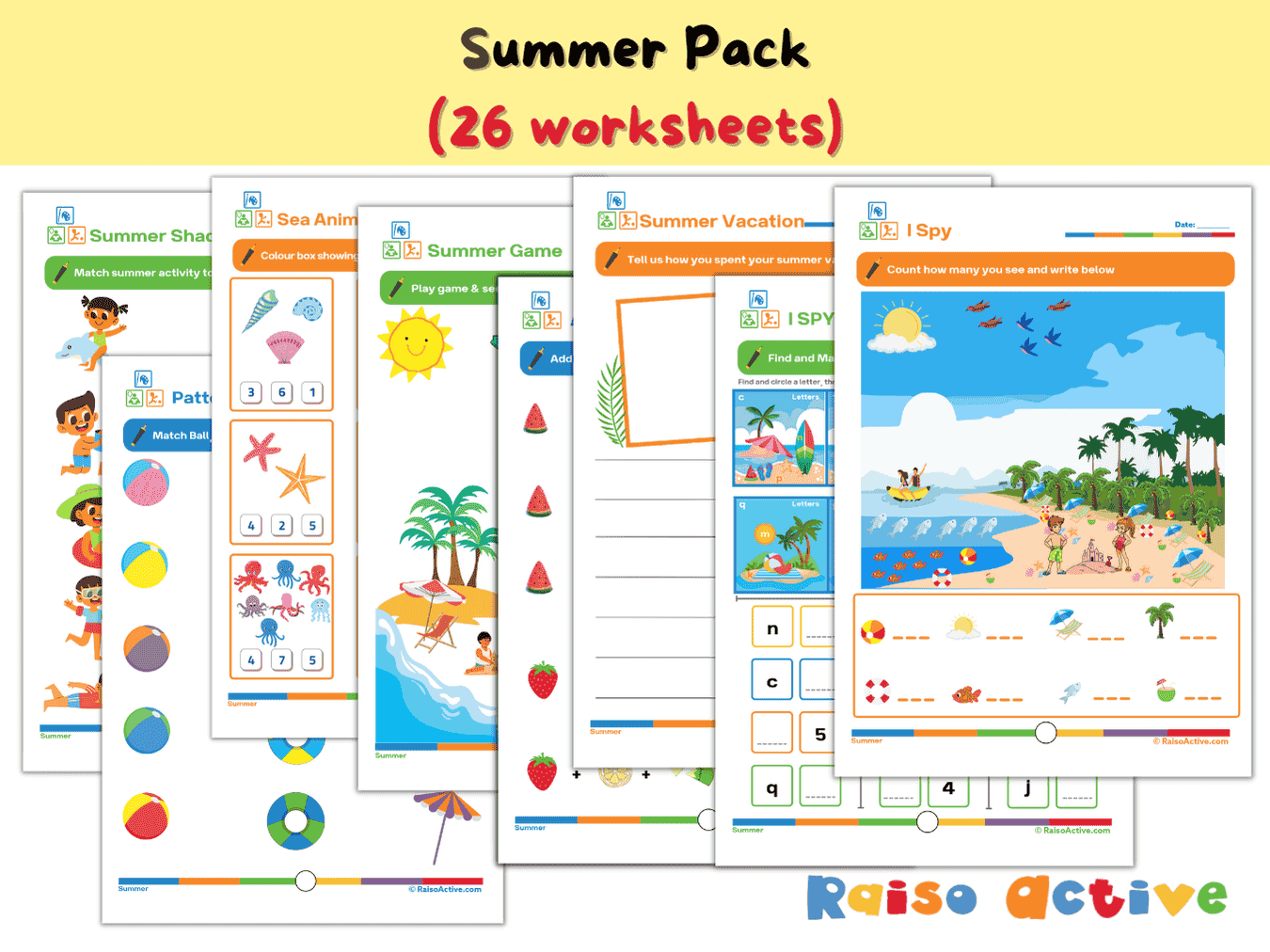

Summer Activity Pack: Math, Literacy, Puzzles & More for Preschool & Kindergarten
Ages 3-7 · Preschool–Grade 1Ages 3-7 · Nursery–Year 2Ages 3-7 · Nursery–Class 1Ages 3-7 · 26 pages
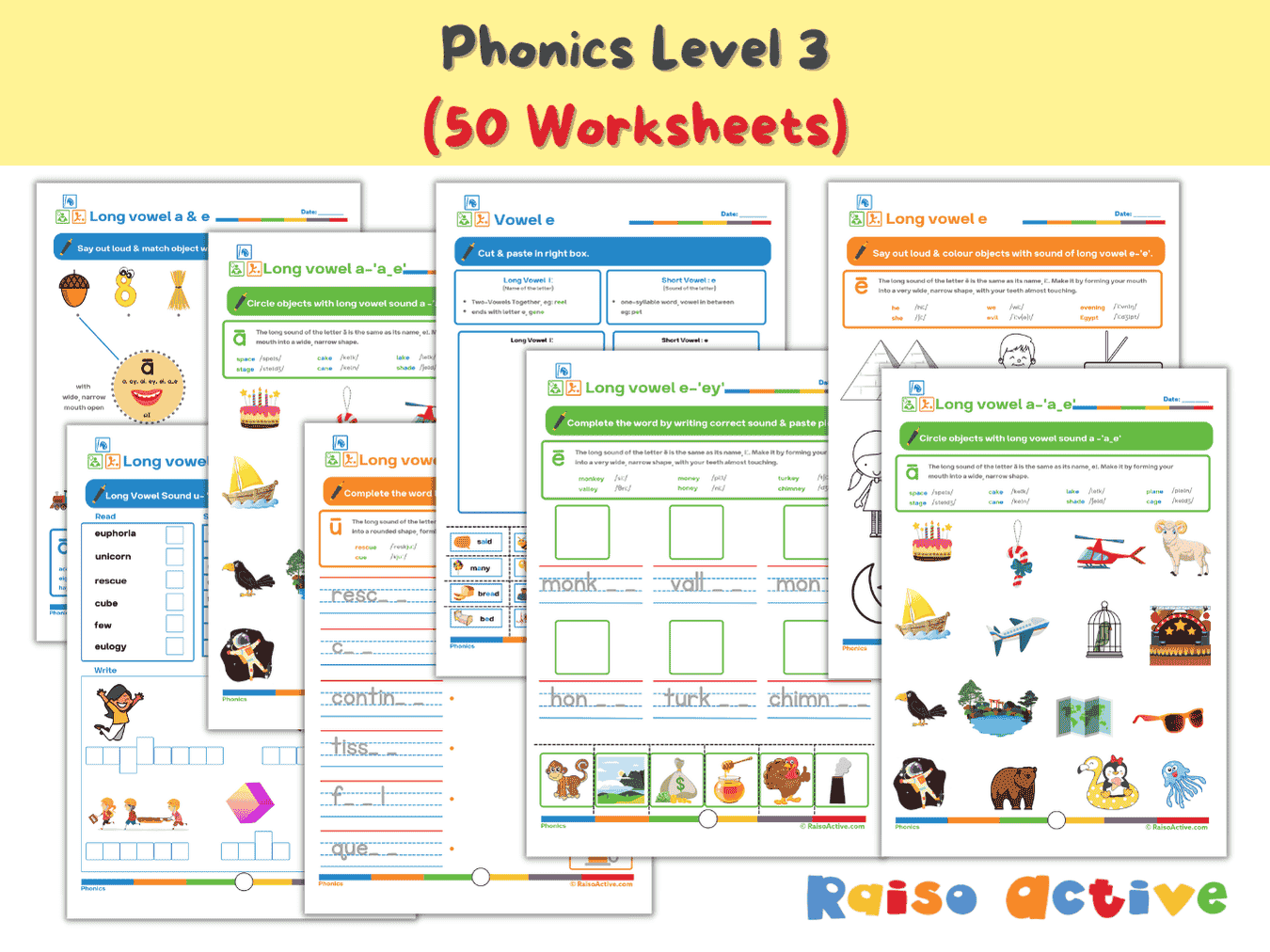

Phonics Level 3 Long Vowels Activity Book for Kindergarten & 1st Grade
Ages 5-7 · Kindergarten–Grade 1Ages 5-7 · Year 1–Year 2Ages 5-7 · UKG–Class 1Ages 5-7 · 51 pages
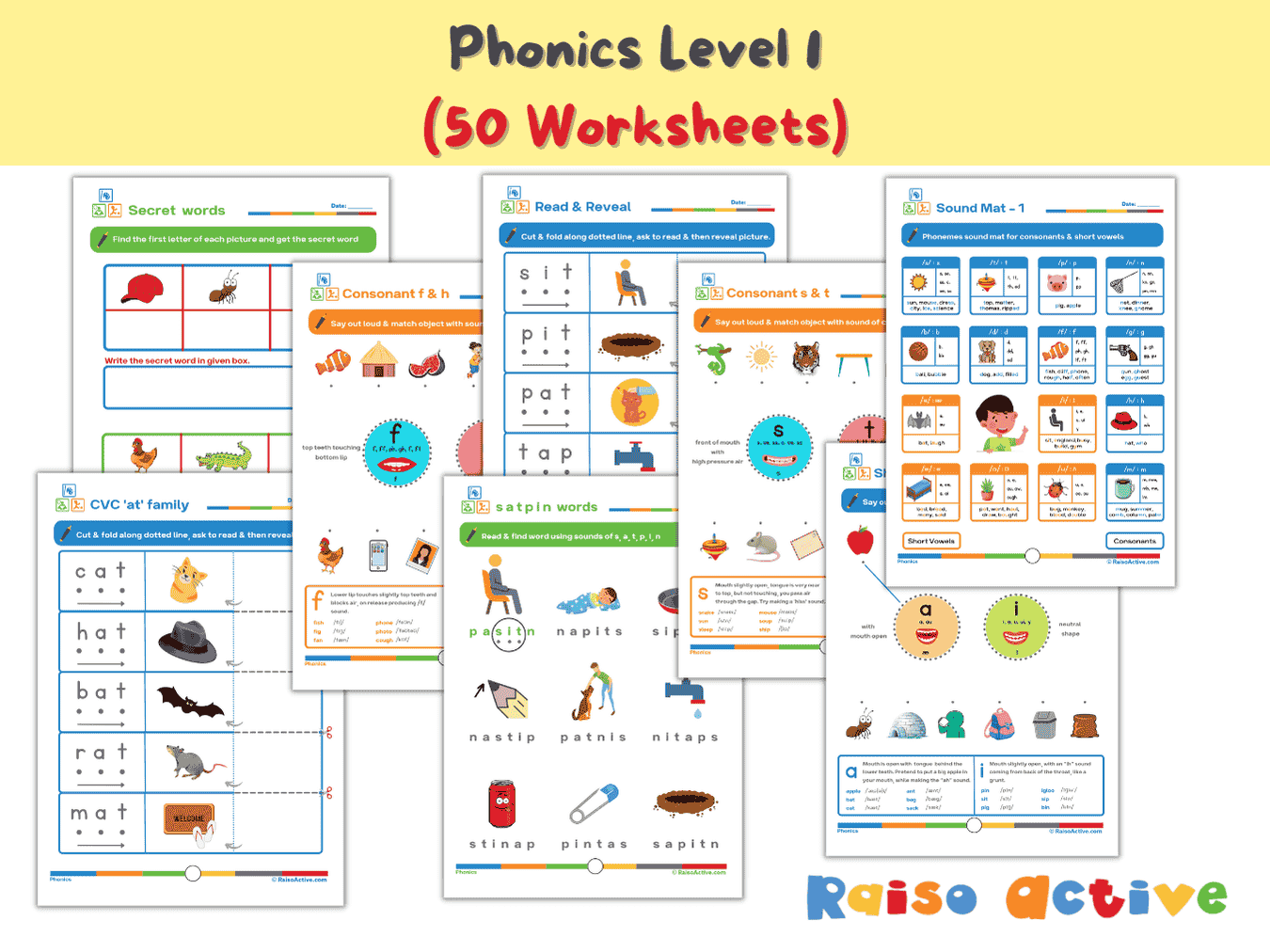
Phonics Level 1 Activity Book: Letter Sounds, Blending & CVC Words for Preschool & Kindergarten
Ages 3-6 · Preschool–KindergartenAges 3-6 · Nursery–Year 1Ages 3-6 · Nursery–UKGAges 3-6 · 60 pages
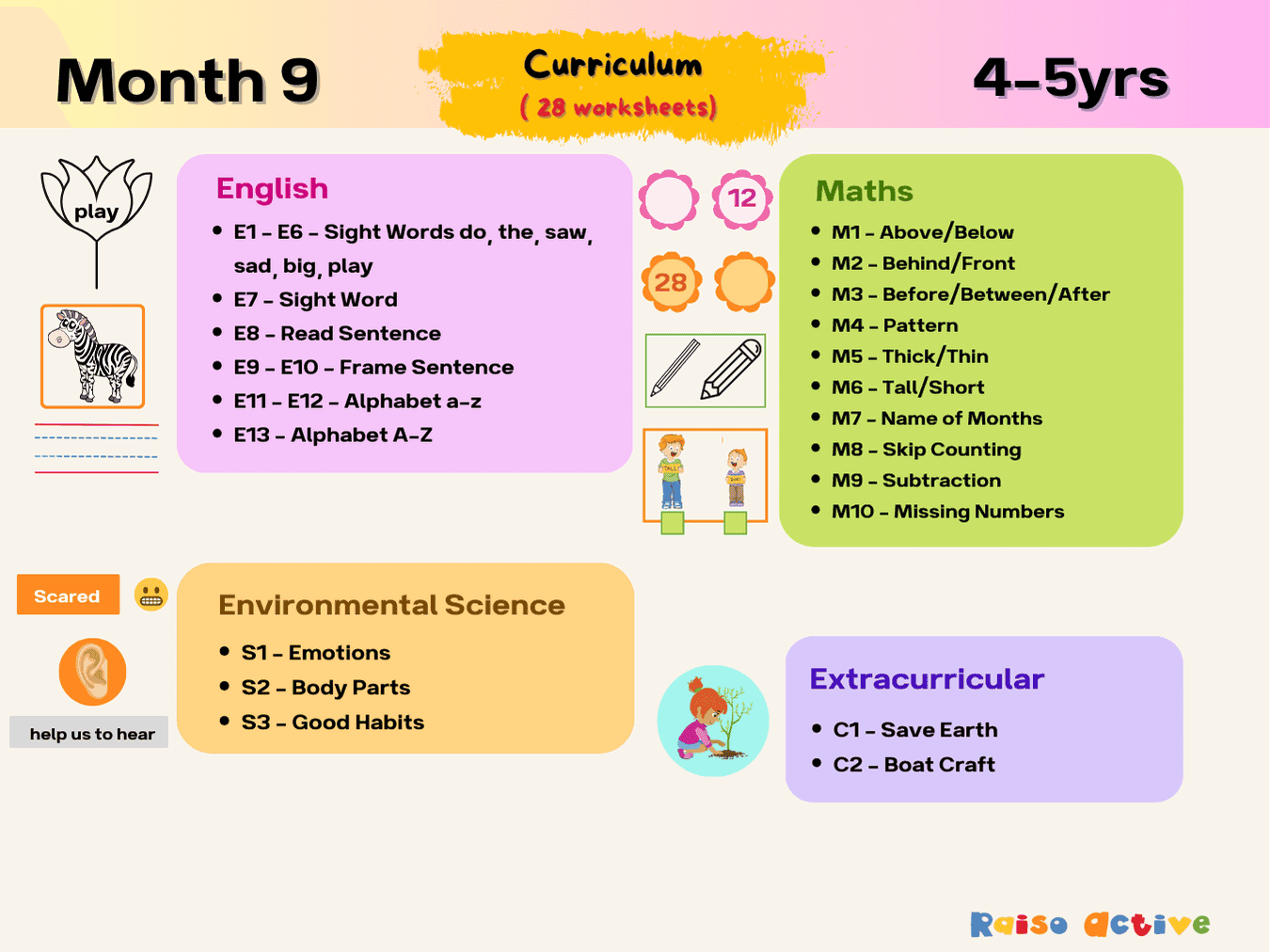
Month 9: Play-Based Preschool Foundational Skills | Ages 4-5
Ages 4-5 · Pre-KAges 4-5 · ReceptionAges 4-5 · LKGAges 4-5 · 31 pages
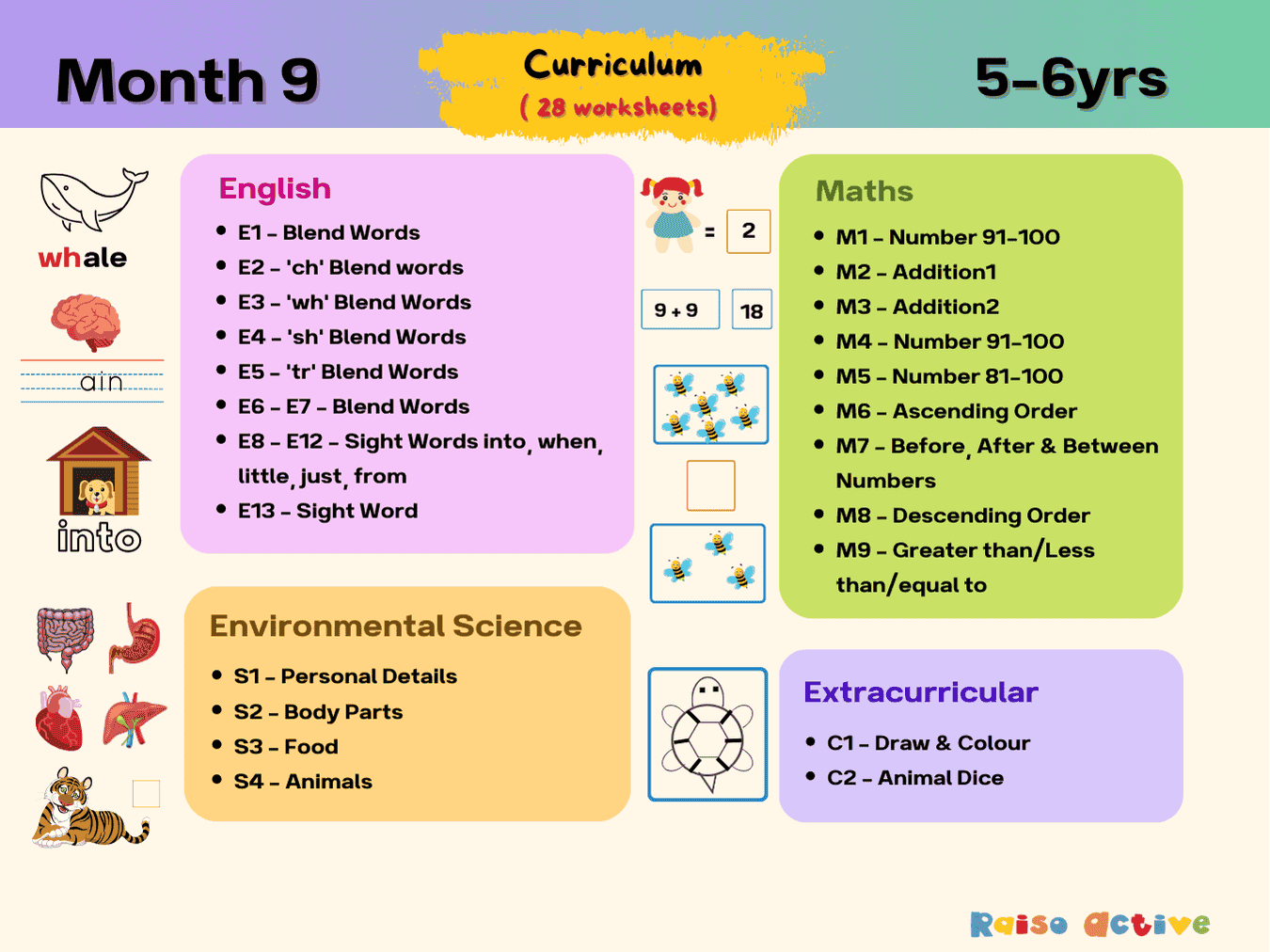
Month 9: Early Learning English Math Science | Ages 5-6
Ages 5-6 · KindergartenAges 5-6 · Year 1Ages 5-6 · UKGAges 5-6 · 31 pages
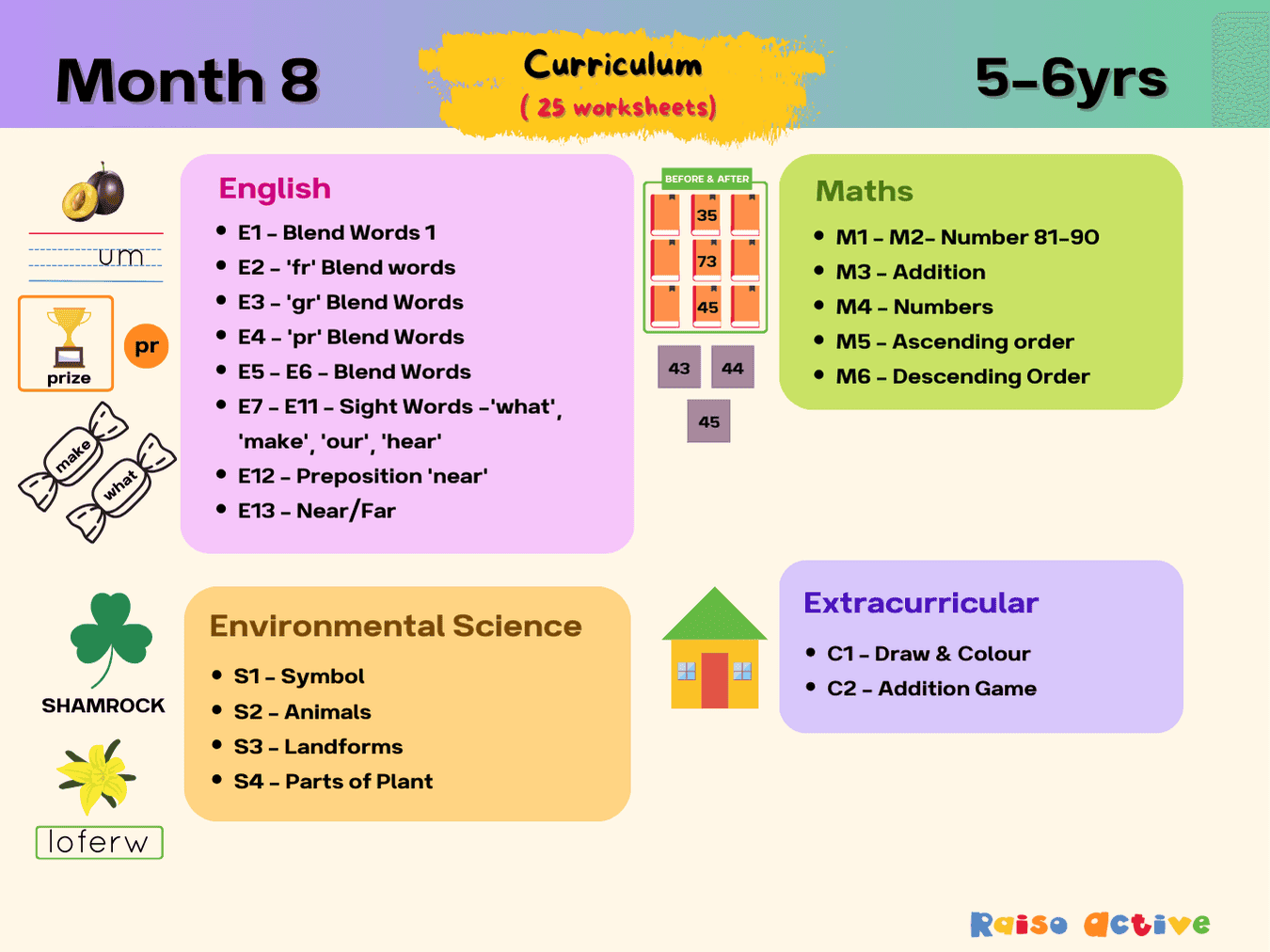
Month 8: Literacy, Math, Science Foundations | Ages 5-6
Ages 5-6 · KindergartenAges 5-6 · Year 1Ages 5-6 · UKGAges 5-6 · 28 pages
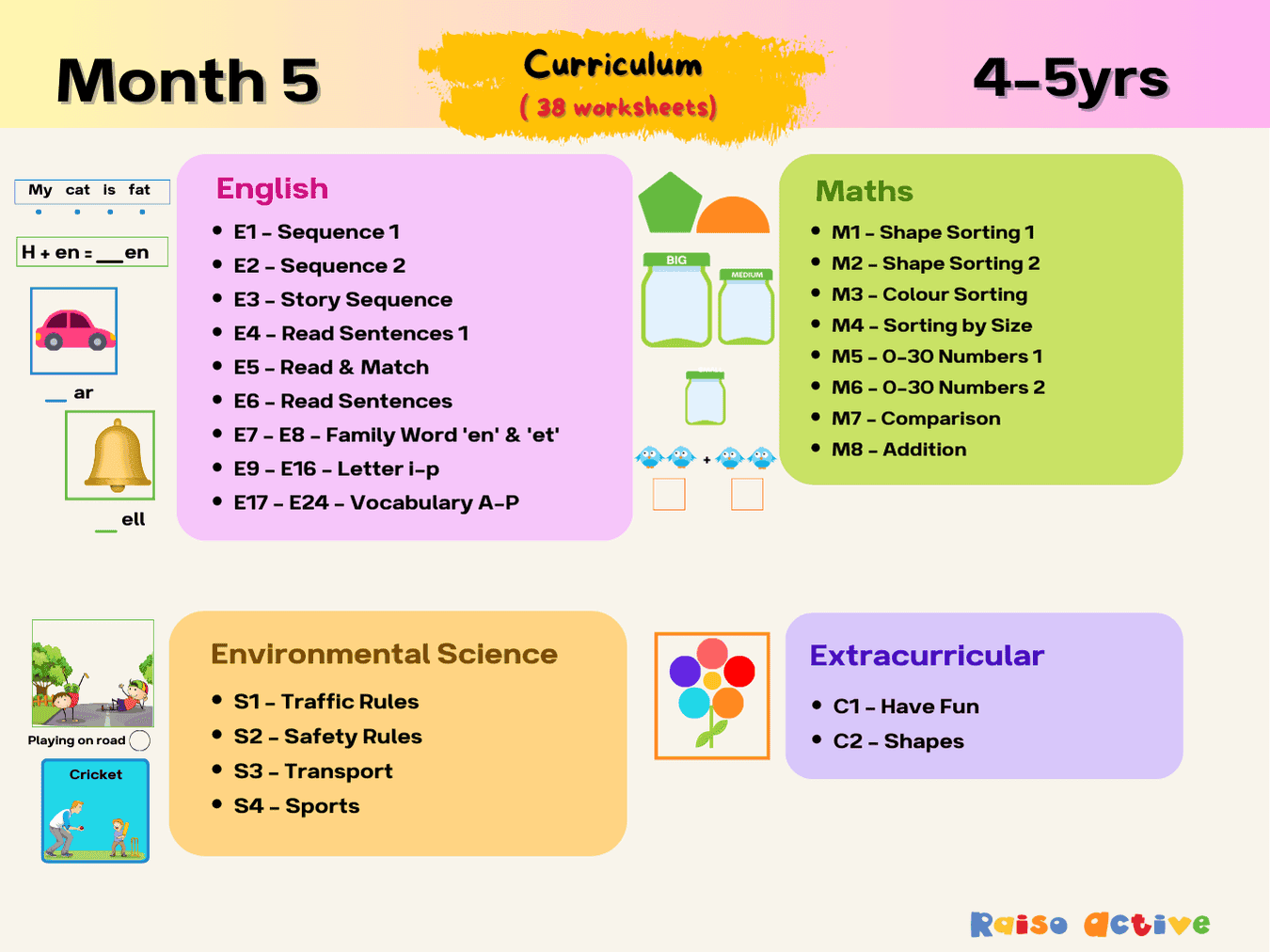
Month 5: Literacy, Math, Environmental Science | Ages 4-5
Ages 4-5 · Pre-KAges 4-5 · ReceptionAges 4-5 · LKGAges 4-5 · 41 pages
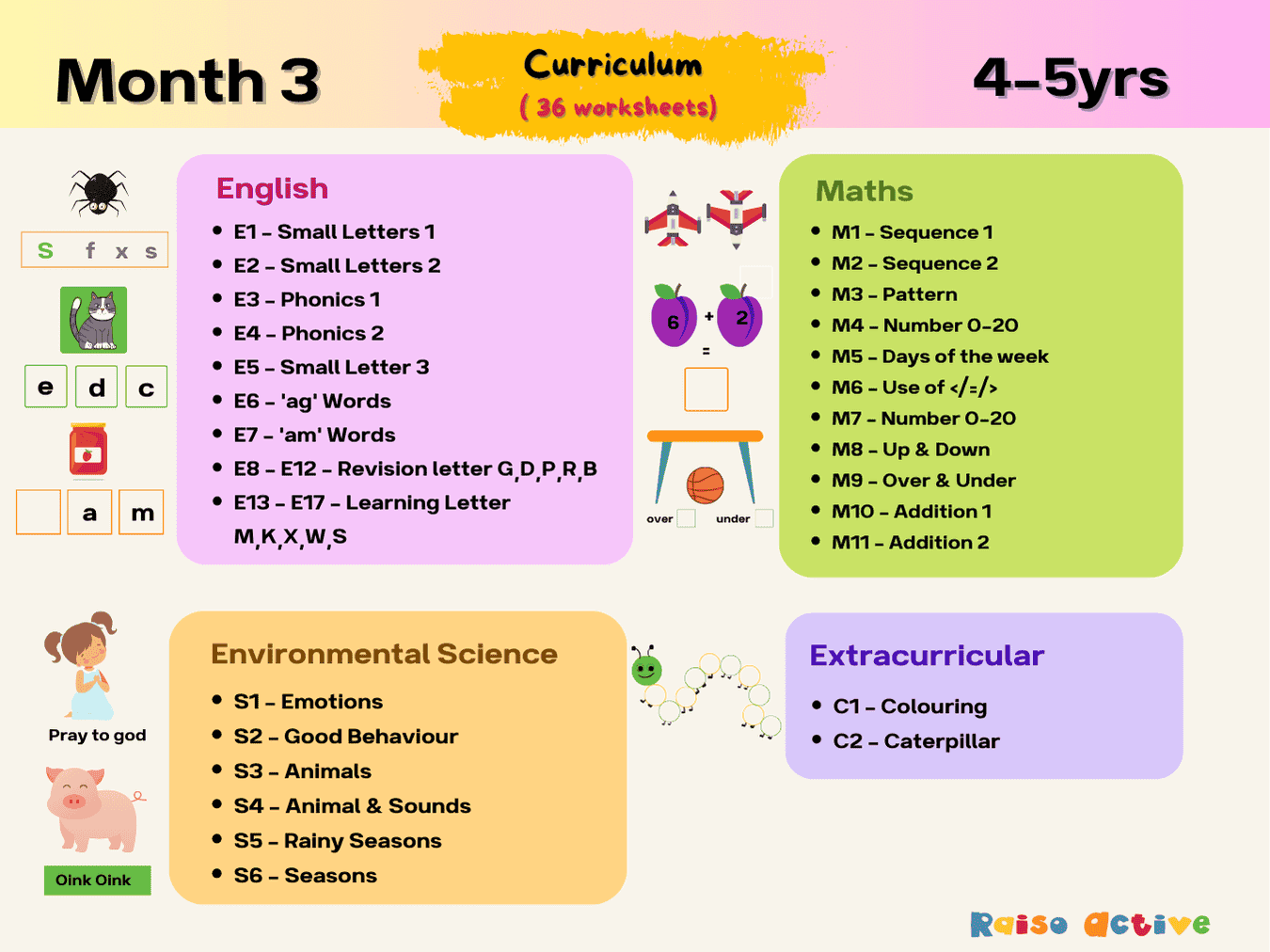
Month 3: Learning & Development | Ages 4-5
Ages 4-5 · Pre-KAges 4-5 · ReceptionAges 4-5 · LKGAges 4-5 · 39 pages
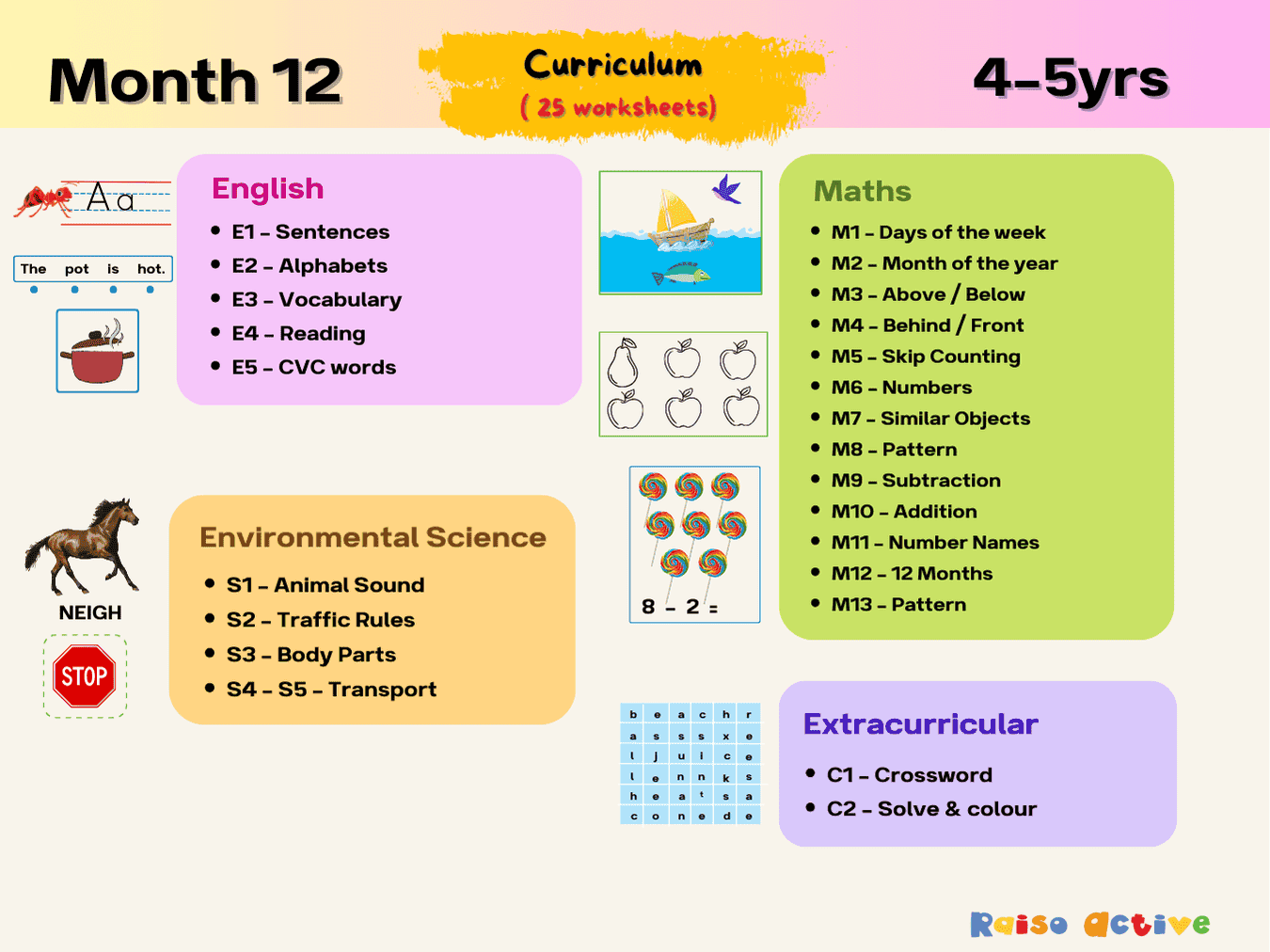
Month 12: Learning & Development | Ages 4-5
Ages 4-5 · Pre-KAges 4-5 · ReceptionAges 4-5 · LKGAges 4-5 · 28 pages

Month 11: Learning & Development | Ages Up to 4
Ages 2-4 · PreschoolAges 2-4 · NurseryAges 2-4 · 28 pages