How Much Screen Time is Appropriate for Educational Apps? A Science-Based Guide for Parents
Author
RaisoActive - Kids Activities and Fun Learning
Published
Updated
Reading Time
20 min read

- WHO and AAP guidelines are clear: no screens under 18 months (except video calls), max 1 hour of quality content at ages 2-5, and consistent limits from age 6 onwards
- Educational apps are not automatically better than passive video — interactivity and adult co-viewing are what make screen time genuinely count
- Research shows children learn up to six times more from educational media when a trusted adult watches alongside them and discusses the content
- Warning signs of too much screen time include emotional dysregulation at switch-off, sleep disruption, and inability to transfer app skills to real-world tasks
- Indian household realities — multiple adults with phones, extended family screen habits, patchy connectivity — need practical, flexible screen time plans, not rigid rules
Is Your Child's Educational App Actually Educating Them?
Walk through any Indian neighbourhood in the evening and you will see a familiar scene: children of all ages, from toddlers balanced on laps to primary schoolers sprawled on beds, staring at glowing screens. For many families, the screen has become the default babysitter, homework helper, and entertainment system — all rolled into one. And increasingly, parents feel better about it when the screen is showing something that calls itself 'educational'.
But here is the uncomfortable truth that paediatricians, developmental psychologists, and early childhood educators have been saying for years: calling an app 'educational' does not make it so. A child who spends an hour tapping through a colourful maths game, collecting coins and unlocking characters, may be learning very little about maths — and quite a lot about the dopamine loop of reward mechanics. The question is not whether to allow screens at all. It is how much screen time is genuinely appropriate for educational apps, and what transforms passive screen time into actual learning.
This guide brings together the current WHO and AAP guidelines, the research on interactive versus passive screen time, practical quality checks for educational apps, and an honest look at how Indian household realities fit into international recommendations. By the end, you will have a clear, evidence-based plan — not a guilt-inducing rulebook, but a flexible framework that works for real families.
Get practical, age-appropriate learning ideas for your child
Join thousands of Indian parents and early childhood educators who receive our weekly roundup of activities, worksheets, and honest app recommendations for children aged 1-8.
What the WHO and AAP Actually Say: Age-by-Age Guidelines
The World Health Organisation published its first comprehensive screen time guidelines for children under 5 in 2019. The American Academy of Pediatrics (AAP) has issued similar guidance, and the Indian Academy of Pediatrics broadly follows both. Here is what the evidence says, broken down by age — and why each recommendation exists.
Under 18 months: No screens except video calls. The first 18 months of life are a period of extraordinary brain development. Infants and young toddlers learn almost exclusively through direct sensory experience — touching, tasting, hearing, and most importantly, reciprocal social interaction with caregivers. Screens, by definition, are one-directional. A 10-month-old watching a Peppa Pig episode is not having a conversation; she is receiving a visual and auditory stimulus without the back-and-forth that builds language and cognition. The one exception is live video calls with family — research confirms that toddlers can and do learn language from video calls precisely because there is genuine turn-taking and social contingency involved.
18-24 months: High-quality content only, always with an adult. Between 18 and 24 months, toddlers begin to understand that what they see on a screen represents something in the real world — a developmental leap called 'video deficit transfer.' But this understanding is fragile and heavily dependent on adult support. Simply placing a tablet in front of an 18-month-old and pressing play on an 'educational' app produces very little learning. An adult who watches alongside, names what they see, and connects it to real objects — 'Look, a dog! Just like the one in the park!' — transforms the experience entirely.
Ages 2-5: Maximum 1 hour of high-quality content per day. This is the guideline most Indian parents are familiar with, but the word 'high-quality' carries enormous weight. A child watching interactive PBS Kids content with a parent asking questions is having a categorically different experience from a child alone with an autoplay YouTube channel. The WHO specifically notes that sedentary screen time should be limited across the board, and that any screen time for this age group should be co-viewed and discussed.
Age 6 and older: Consistent limits, not blanket bans. The AAP deliberately moved away from a specific hour limit for children aged 6 and above, recognising that developmental needs, context, and content quality matter more than minutes. The recommendation is for parents to set consistent, predictable limits that protect sleep (screens off at least one hour before bedtime), physical activity, homework, and face-to-face social interaction. Educational screen time for school-age children — research projects, reading, coding — is different from passive entertainment, and guidelines acknowledge this distinction.
Why Educational Apps Are Not Automatically Better Than Passive Video
When parents choose an 'educational app' over a cartoon, they often feel they have made the virtuous choice. But the research picture is considerably more nuanced. The critical variable is not whether something is labelled educational — it is whether it produces active cognitive engagement in the child.
A passive educational video — one where a cheerful presenter explains numbers while a child watches — is not meaningfully different from a cartoon in terms of learning outcomes. The child's brain is in a receptive state, not an active one. By contrast, a well-designed interactive app — one that asks the child to sort objects by size, respond to a character's question, or draw a letter — can produce genuine learning, because the child is doing something with the information rather than simply receiving it.
The problem is that many apps marketed to parents as 'educational' use interactivity as a surface feature rather than a learning mechanism. Tapping a button to make a number appear, or swiping to advance a story, requires almost no cognitive effort. True educational interactivity involves decision-making, problem-solving, or creation — not just touching the screen to trigger the next animation.
Researchers at the MIT Media Lab and the Joan Ganz Cooney Center have both noted a phenomenon they call the 'educational media illusion': parents and children feel more satisfied and accomplished after interactive app use than after equivalent passive video, even when learning outcomes are identical. The feeling of doing something on a screen is not the same as learning from it.
Interactivity is not the same as engagement, and engagement is not the same as learning.
Many popular children's apps are interactive in the sense that they require tapping and swiping — but not in the sense that they require thinking. The most educationally valuable apps ask children to make genuine decisions, solve problems, create something, or respond to adaptive challenges. Before assuming an app is educational because it is interactive, ask: is my child thinking, or just tapping?
Five Quality Metrics for Educational Apps: What to Look for Before You Download
Not all educational apps are created equal. Here are the five evidence-based quality markers that consistently distinguish genuinely educational apps from glorified games with a learning veneer. These take less than five minutes to check and will save you hours of regret.
1. Scaffolded, adaptive difficulty. High-quality educational apps adjust to the child's current level, providing just enough challenge to promote growth without causing frustration. If an app is identically easy for a 3-year-old and a 6-year-old, it is probably not teaching either of them very much.
2. Active participation over passive viewing. The child should be creating, solving, or responding — not just watching a character do things. A phonics app where the child identifies the sound in a word is more educational than one where an animated character identifies it for them.
3. Completely ad-free with no manipulative design. Children under 8 cannot reliably distinguish advertising from educational content — this is well-established developmental science. Any app that contains ads, aggressive in-app purchase prompts, streak counters, or characters that plead with the child not to stop is optimising for engagement metrics, not learning outcomes. This is a dealbreaker.
4. Clear learning objectives that you can verify. Can you identify what skill the app is supposed to build? Can you test whether your child has actually built it? An app that claims to teach 'critical thinking' without specifying how should be treated with scepticism. An app that teaches letter sounds, and where you can see your child correctly identifying those sounds in real books afterwards, is demonstrably doing its job.
5. Natural stopping points and robust parental controls. A well-designed educational app makes it easy for parents to set time limits and for children to stop when they are satisfied. If the app auto-advances from one level to the next without pause, or buries parental controls behind confusing menus, its design priorities are engagement over wellbeing.
Making Screen Time Actually Count: The Co-Viewing Advantage
One of the most consistent findings in the screen time research literature is this: children learn dramatically more from educational media when a trusted adult engages with them during and after the session. Researchers call this the 'social co-viewing effect,' and it is one of the most powerful levers parents have for improving the return on their child's screen time.
Co-viewing does not mean sitting silently beside your child while they use an app. It means actively engaging: naming what you see on screen, asking questions ('Why do you think that character is sad?'), making real-world connections ('That looks like the shape of the biscuit we made yesterday!'), and following up after the session with conversation or activities that reinforce what was explored.
For Indian families, co-viewing is often more feasible than Western parenting guides acknowledge. Extended family structures mean that a grandparent, older sibling, or maasi can also serve as a co-viewing partner — and research suggests the key ingredient is a warm, trusted relationship, not necessarily a parent specifically. A nani who watches an alphabet app with a child and sings the letters afterwards is providing genuine educational value.
The adult beside the screen matters as much as the content on it.
Studies at Georgetown University found that young children learn up to six times more from educational media when a known, trusted adult watches with them and talks about the content. This 'social scaffold' effect is especially powerful for children under 4, who struggle to transfer learning from screen to real world without an adult bridge. Even 5-10 minutes of engaged co-viewing per session produces measurably better outcomes than 30 minutes alone.
- Ask open questions during the session: 'What do you think will happen next?' or 'Can you find something in our house that is the same colour?'
- Narrate what you see: naming objects, actions, and emotions helps children build vocabulary and comprehension simultaneously
- Make real-world connections out loud: 'That is the letter A — the same one that starts your name, Arya!'
- After the session, do a quick 2-minute debrief: 'What was the most interesting thing you saw? Show me one thing you learned'
- Avoid looking at your own phone during co-viewing — children are acutely aware of divided attention, and it undermines the social scaffold entirely
Warning Signs of Too Much Screen Time: What to Watch For
The one-hour guideline is a useful anchor, but every child is different, and some children show signs of screen time overload well before that limit is reached. Conversely, some children can engage productively with a well-designed educational app for slightly longer without negative effects, particularly when a parent is co-viewing.
The signs below are more reliable indicators than clock-watching alone. If you notice several of these patterns, it is worth reducing overall screen time regardless of whether you are technically within the recommended limits.
- Intense emotional outbursts or inconsolable crying when screen time ends — this suggests the app's engagement mechanics are overriding healthy self-regulation
- Difficulty settling to sleep, even when screens are off well before bedtime — blue light disrupts melatonin even with content filters, and cognitive arousal persists
- Disinterest in previously loved activities: play dough, outdoor play, picture books, drawing — screens can downregulate enjoyment of lower-stimulation activities
- Inability to transfer skills from screen to real world — a child who has 'completed' a maths level but cannot count ten objects has been playing a game, not learning maths
- Social withdrawal, preference for screen over family interaction, or using screens to avoid emotional discomfort — these warrant a thoughtful reduction and possibly professional guidance
Indian Household Realities: Screen Time in the Real World
International screen time guidelines are written for a mythologised household: two parents, one or two children, consistent routines, and total control over every screen in the home. For the vast majority of Indian families, this describes nobody's reality.
In most Indian homes, a child under 5 is surrounded by multiple adults, each with their own phone. Dadi watches serials on the television. Papa uses his phone for work calls at all hours. Older cousins play games on a shared tablet. A well-meaning chacha puts on YouTube videos 'just for a few minutes.' By the time you add up the incidental screen exposure across a day — not even intentional, deliberate screen time — a child may already be at or past the WHO limit before any 'educational' screen time begins.
This is not a moral failure. It is the reality of modern Indian family life. The most useful reframe for Indian parents is this: rather than trying to eliminate all incidental screen exposure (which is impossible in most households), focus your energy on making the intentional screen time — the time you consciously choose — as high-quality and as co-viewed as possible. One 20-minute session of genuinely interactive, adult-mediated educational app use does more for your child's development than three hours of background television does harm.
Focus on the quality of intentional screen time rather than eliminating incidental exposure.
In multi-generational Indian households, attempting to control every minute of screen exposure across all devices and all adults is an exhausting and largely futile project. A more effective strategy is to designate specific, predictable 'learning screen time' slots — with you present, on a quality app, followed by discussion — and to have an honest family conversation about not putting phones or televisions on 'for the child' during other times. Small, specific changes are more sustainable than total-household screen audits.
of high-quality, co-viewed, interactive screen time per day is the WHO and AAP recommended maximum for children aged 2-5 — but research shows that 20 minutes with an engaged adult produces better learning outcomes than 60 minutes alone
Source: World Health Organisation (2019) and American Academy of Pediatrics
Creating Your Family's Screen Time Plan: A Step-by-Step Approach
A screen time plan is not a punishment schedule. It is a simple, predictable structure that tells your child when educational screen time happens, for how long, and what comes after. Predictability is the key ingredient — children who know exactly when screen time begins and ends have significantly fewer transition conflicts than those for whom screen time is a constant negotiation.
Building a Screen Time Plan That Actually Works
Audit your current screen use honestly
For three days, simply write down every time your child is in front of any screen — including background television, incidental phone viewing, and deliberate educational app use. Most families are surprised by the total. This audit is not about judgement; it is about having an accurate baseline before you make changes. You cannot manage what you have not measured.
Choose 1-2 high-quality educational apps and stick with them
App proliferation is a real problem — children who switch between multiple apps in a session are essentially browsing rather than learning. Choose one phonics or literacy app and one maths or creative app that meet the quality criteria above. Give each app at least two to three weeks before evaluating whether your child is genuinely learning from it. Novelty is not the same as educational value.
Anchor screen time to a consistent daily slot
The most successful screen time routines are attached to an existing event: 'after afternoon snack and before outdoor play' or 'after bath and before the bedtime story.' This natural sandwiching reduces the 'just one more minute' bargaining because the child knows exactly what comes next. Avoid making screen time the first thing in the morning or the last thing before bed.
Set a visible timer your child can see
A visual timer — one that shows time remaining as a shrinking coloured arc — is dramatically more effective for young children than a phone alarm that appears suddenly. When a child can see time passing, the end of screen time feels predictable and fair rather than arbitrary and imposed. Give a five-minute verbal warning as well: 'Five more minutes, then we put the tablet away and go play outside.'
Always follow screen time with a transition activity
The minute after screen time ends is the minute most likely to produce conflict. Make the transition smooth by having the next activity ready before you take the screen away. A snack, a specific toy, outdoor shoes already at the door, or a ritual ('we always do three jumps after tablet time') — any predictable bridge activity reduces emotional dysregulation at switch-off.
Do a two-minute learning debrief
Every day, after any educational screen session, spend two minutes asking what your child noticed or learned. Keep it conversational and curious rather than quiz-like: 'What was the funniest part? Did anything surprise you? What would you tell Nana about what you did today?' This metacognitive habit — thinking about one's own learning — is one of the strongest predictors of academic success and costs nothing.
Have an honest conversation with extended family
This is the step most Indian parenting guides skip entirely — and it is often the most important one. Grandparents, relatives, and domestic helpers who care for your child need to understand the screen time limits and why they exist. Frame it positively: 'We are trying to make sure Rohan's screen time is really high quality, so we are keeping it to 30 minutes in the afternoon, always with someone sitting with him.' Most family members respond well when given a specific role ('Can you sit with him during that time?') rather than just a restriction.
- +Interactive, adaptive app — child is solving, creating, or responding
- +Adult co-viewing with questions and real-world connections
- +Fixed, predictable daily slot with a visible timer
- +Followed by related offline activity or 2-minute debrief
- +Ad-free, no manipulative design — easy natural stopping points
- -Passive video or minimal-interactivity app — child is only watching
- -Child alone with device, no adult engagement or follow-up
- -On-demand, any time, negotiated or extended based on mood
- -Immediately followed by another screen activity or nothing
- -Contains ads, in-app purchases, streak counters, or auto-advance levels
- After every educational app session, pick one thing from the screen and find it in the real world — a shape, a colour, a letter, a number, an animal
- For maths apps: count the same number of objects you can find in the room right now — spoons in the kitchen, books on the shelf, windows in the house
- For literacy apps: write the letter or word from the app with a finger in a tray of rice or sand — the physical sensation reinforces the visual memory
- For science or nature apps: look up the animal or object in a picture book or draw it together — paper and crayons anchor digital learning in the physical world
- For creative apps: recreate the digital drawing or music with physical materials — real crayons, real instruments, or kitchen percussion
children learn approximately six times more from educational media when a known, trusted adult co-views and discusses the content with them, compared to watching or using the same app alone — the 'social co-viewing effect' is one of the most replicated findings in early childhood media research
Source: Georgetown University Center on Media and Child Health
Raise a Curious, Confident Learner — One Activity at a Time
Get our weekly activity ideas, honest app recommendations, and printable worksheets for children aged 1-8 delivered straight to your inbox. Trusted by parents and early childhood educators across India.
Frequently Asked Questions
How much screen time is appropriate for a 2-year-old using educational apps?
Does the one-hour guideline include all screens or just educational apps?
My 4-year-old's school sends homework via a learning app. Does that count toward screen time?
How do I handle it when dadi or nana puts screens on for the children without asking?
Are Indian-made educational apps safe and appropriate for young children?
My child refuses to do any activity that is not on a screen. What should I do?
Free worksheets for this topic
Browse all worksheets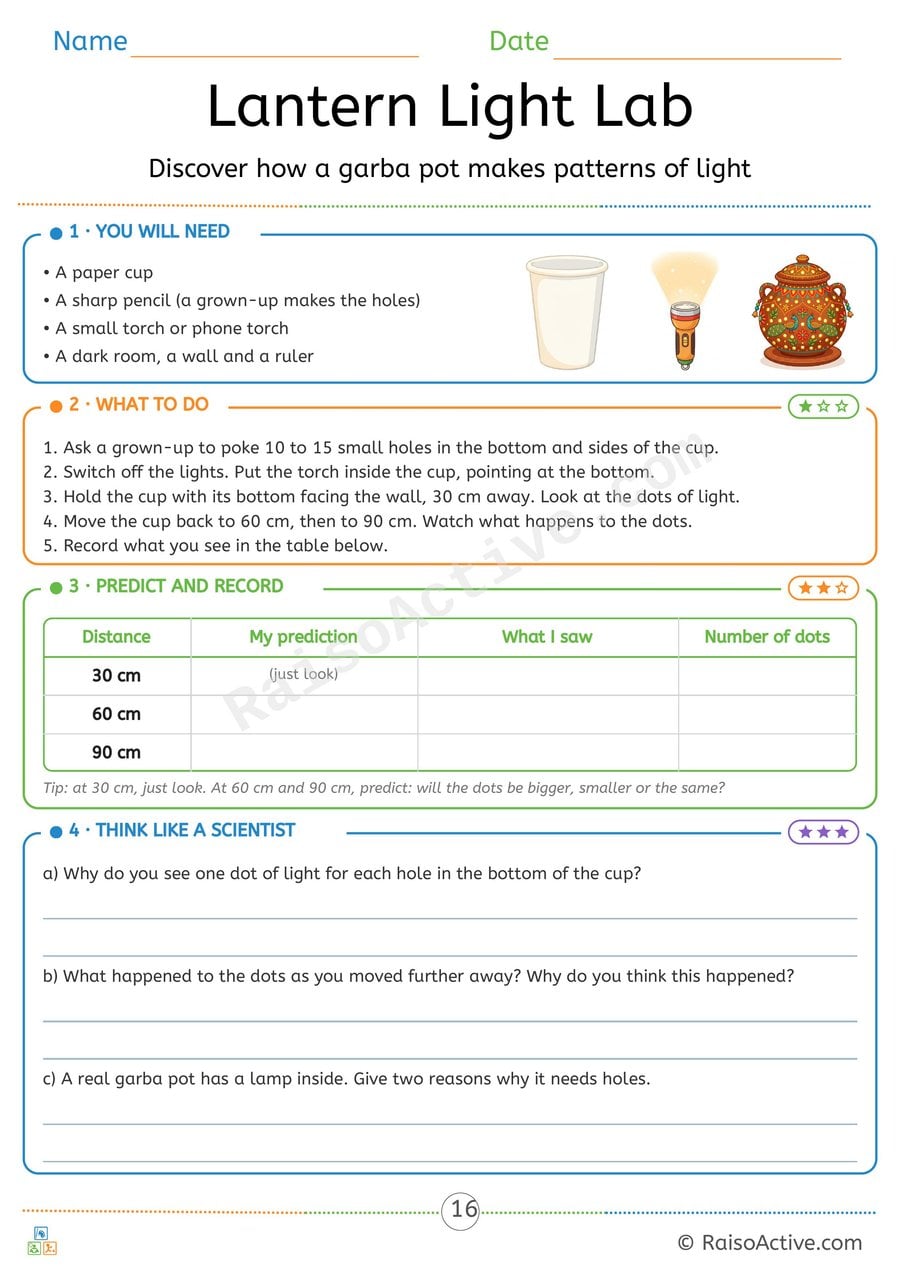
Lantern Light Lab: Navratri Garba Pot Light Experiment
Ages 7-11 · Grade 2–Grade 3Ages 7-11 · Year 3–Year 4Ages 7-11 · Class 2–Class 3Ages 7-11
Children make holes in a paper cup, shine a torch through it and see one spot of light for each hole. They predict and record what happens as they move further from the wall, and explain the results and why a real garba pot needs holes.

Soap & Pepper Science Experiment Worksheet for Preschoolers
Ages 3-5 · Preschool–Pre-KAges 3-5 · Nursery–ReceptionAges 3-5 · Nursery–LKGAges 3-5
This simple experiment introduces children ages 3-5 to the basic science of surface tension and how soap breaks it, using pepper flakes sprinkled on water as a visual demonstration. Watching the pepper scatter away the instant soap touches the water gives children a concrete, memorable example of cause and effect, an early building block for scientific thinking.
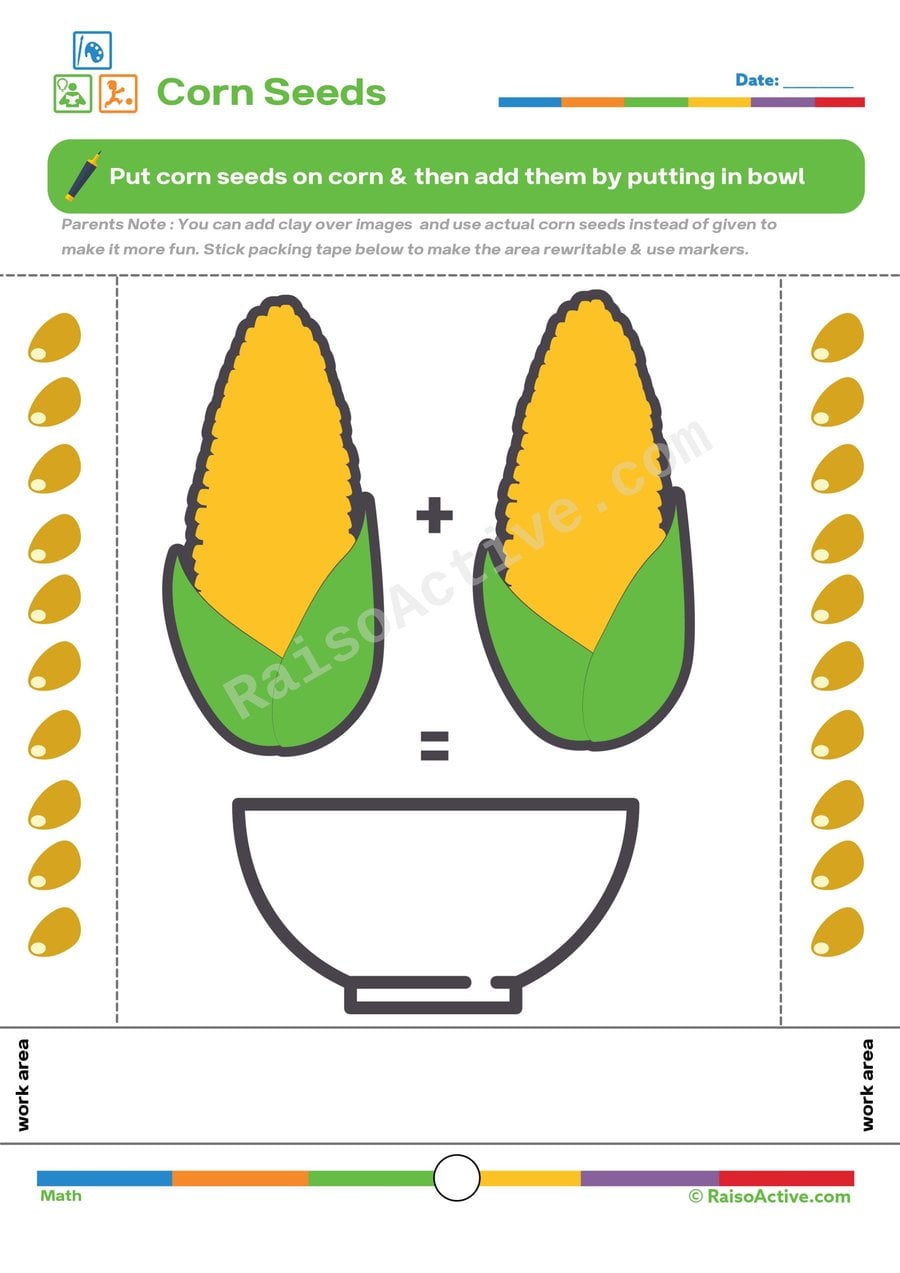
Corn Seed Addition Worksheet for Preschoolers
Ages 3-5 · Preschool–Pre-KAges 3-5 · Nursery–ReceptionAges 3-5 · Nursery–LKGAges 3-5
Counting corn seeds on two ears of corn and combining them into one total teaches children ages 3-5 the core concept of addition as joining groups together, using a concrete, countable image rather than abstract numerals alone. This worksheet also builds one-to-one correspondence, since accurate addition depends on touching or pointing to each seed exactly once while counting.

3D Shapes Worksheet: Explore and Learn with Playdough!
Ages 4-6 · Pre-K–KindergartenAges 4-6 · Reception–Year 1Ages 4-6 · LKG–UKGAges 4-6
This worksheet teaches children ages 4-6 the basic components of 3D shapes — vertices, edges, and faces — by having them count each feature on shapes like cubes and cones, then build matching shapes out of playdough. Physically constructing a shape and counting its parts by hand builds a far deeper understanding of geometry than looking at flat pictures alone, since children can touch and rotate what they've made.

Written by
Hemsweta Jain · Teacher Cheena
MBA and Early Childhood Educator, teaching since 2014 · Founder of RaisoActive, Mumbai
Published · Last reviewed
Related Resources
Printable Resources(10)
View all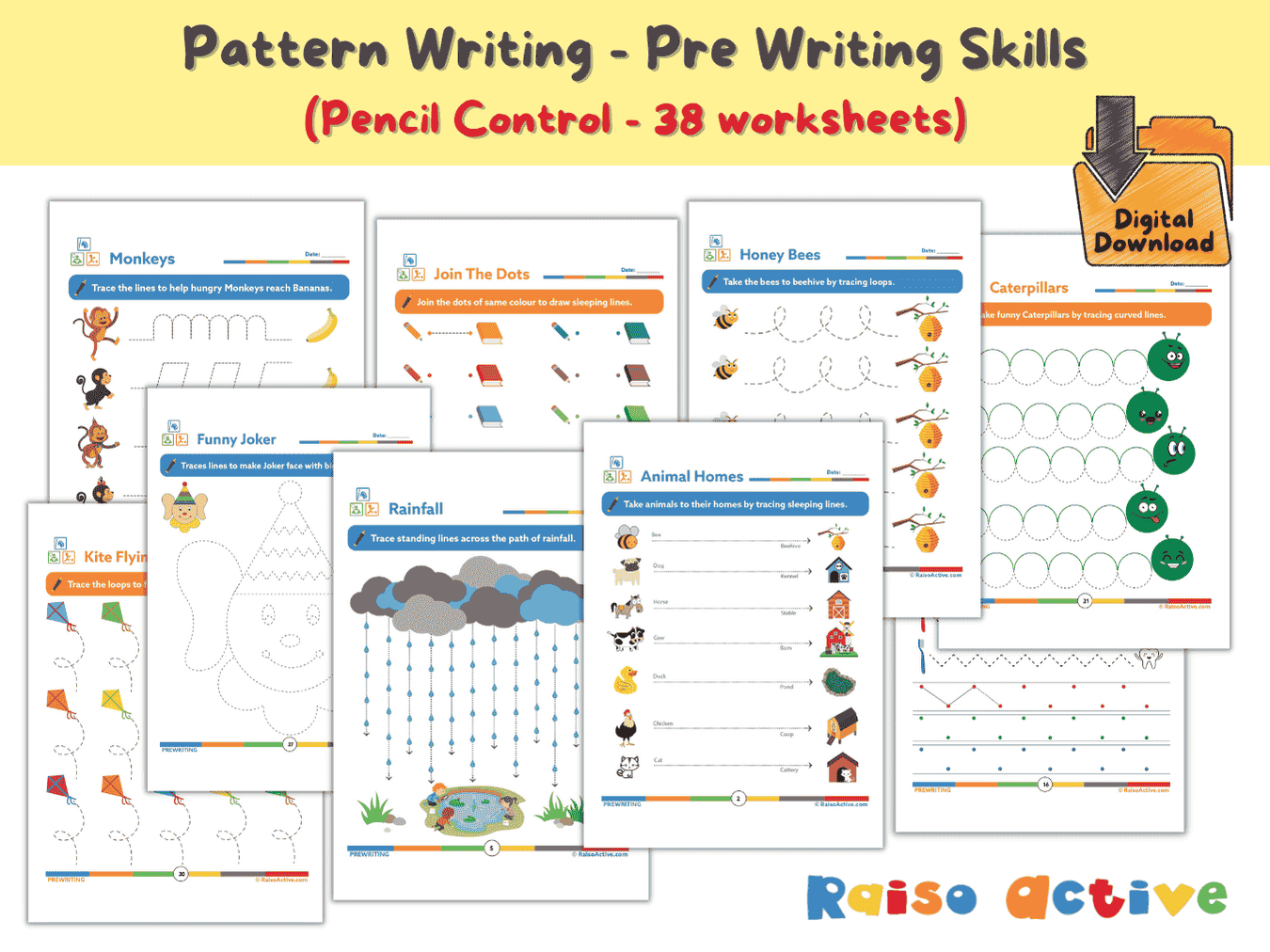

Pattern Writing Pre-writing Skills Activity Book for 3-4 Year Olds
Ages 3-4 · PreschoolAges 3-4 · NurseryAges 3-4 · 44 pages
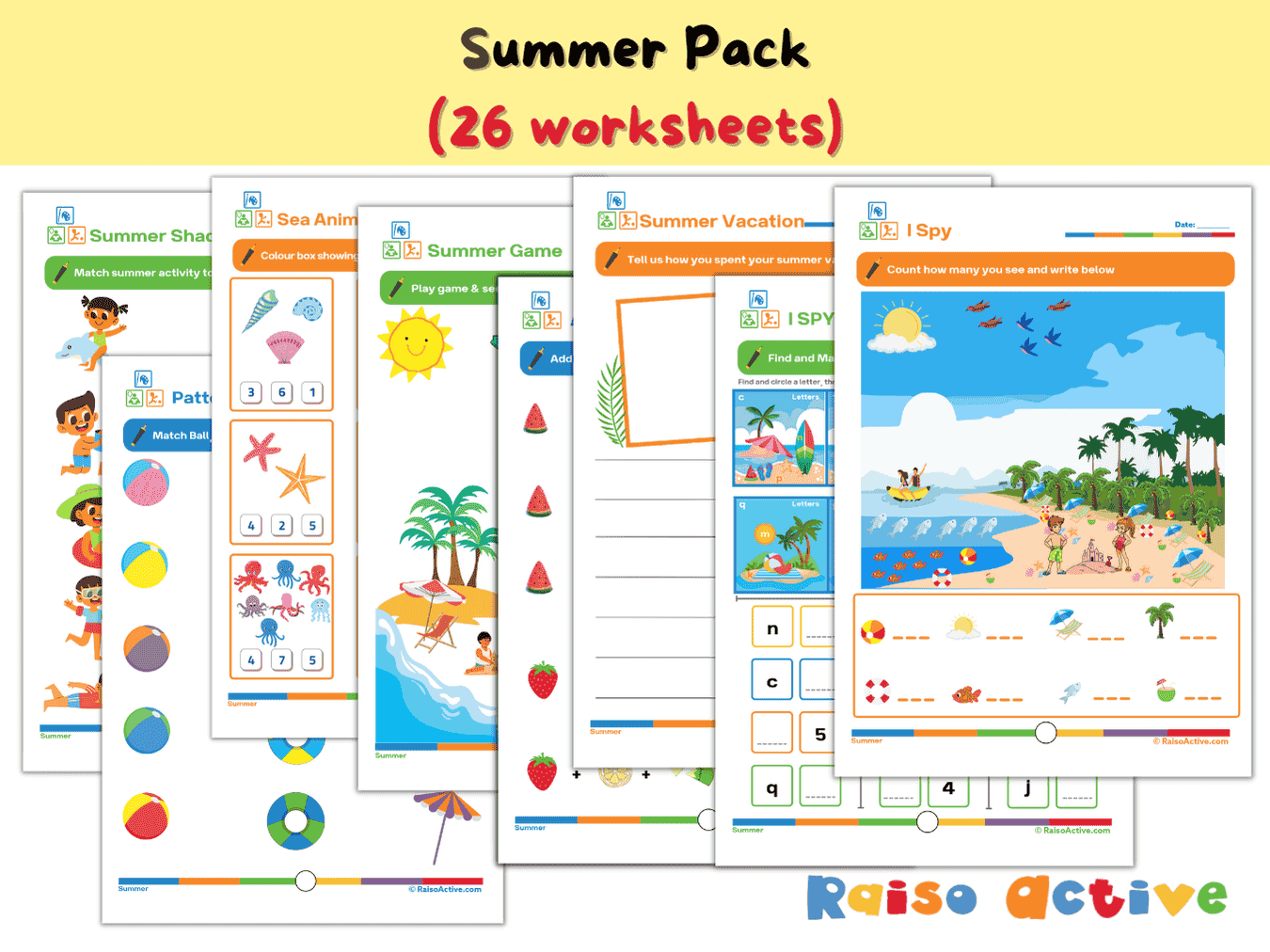

Summer Activity Pack: Math, Literacy, Puzzles & More for Preschool & Kindergarten
Ages 3-7 · Preschool–Grade 1Ages 3-7 · Nursery–Year 2Ages 3-7 · Nursery–Class 1Ages 3-7 · 26 pages
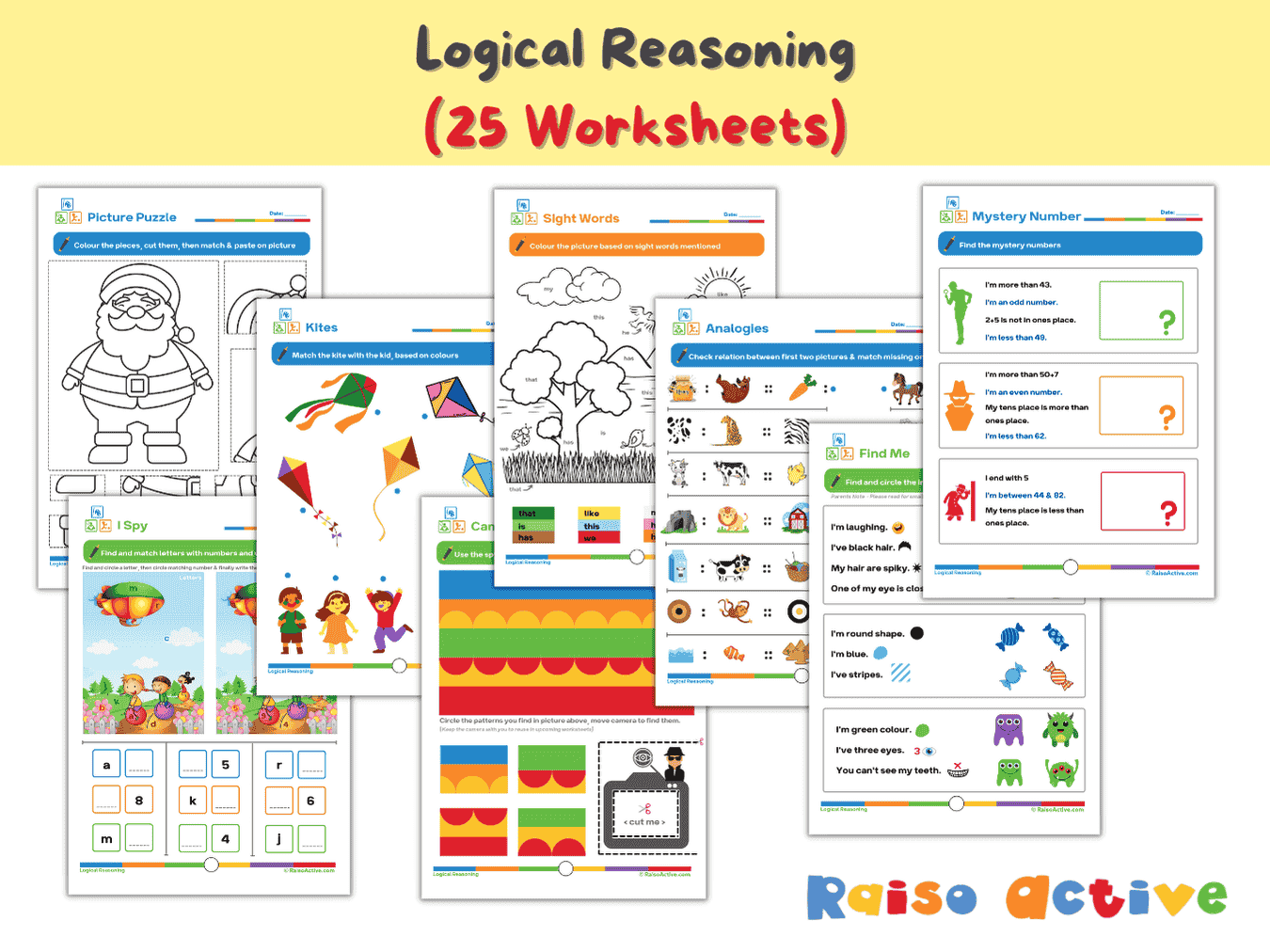

Logical Reasoning Activity Book for Preschool & Kindergarten | Patterns, Puzzles & Analogies
Ages 4-7 · Pre-K–Grade 1Ages 4-7 · Reception–Year 2Ages 4-7 · LKG–Class 1Ages 4-7 · 26 pages
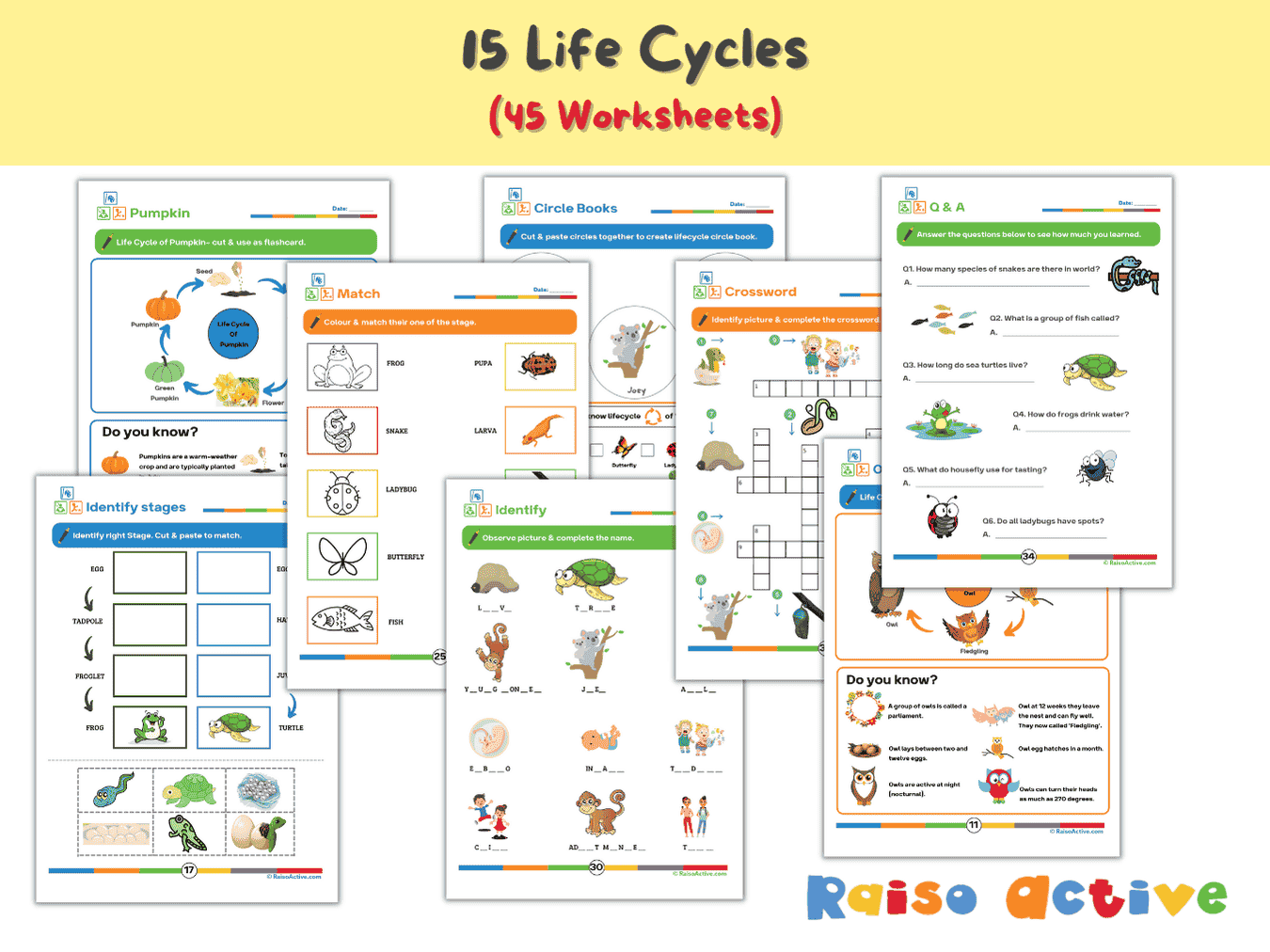

Lifecycles Activity Book & Flashcards for Preschool & Early Elementary
Ages 3-8 · Preschool–Grade 2Ages 3-8 · Nursery–Year 3Ages 3-8 · Nursery–Class 2Ages 3-8 · 46 pages
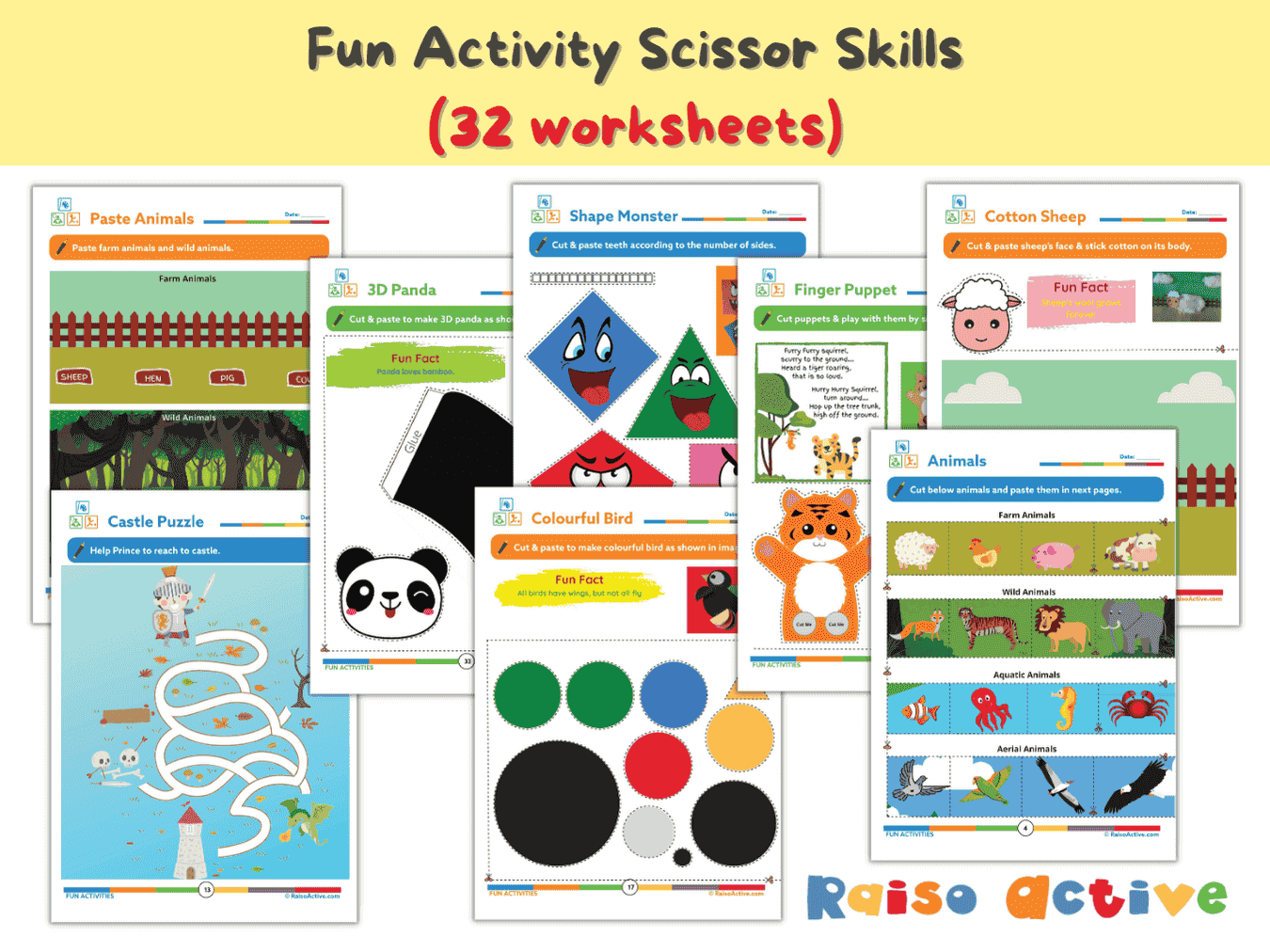
Preschool Scissor Skills Activity Book: Fine Motor & Craft Fun for Ages 3-6
Ages 3-6 · Preschool–KindergartenAges 3-6 · Nursery–Year 1Ages 3-6 · Nursery–UKGAges 3-6 · 35 pages
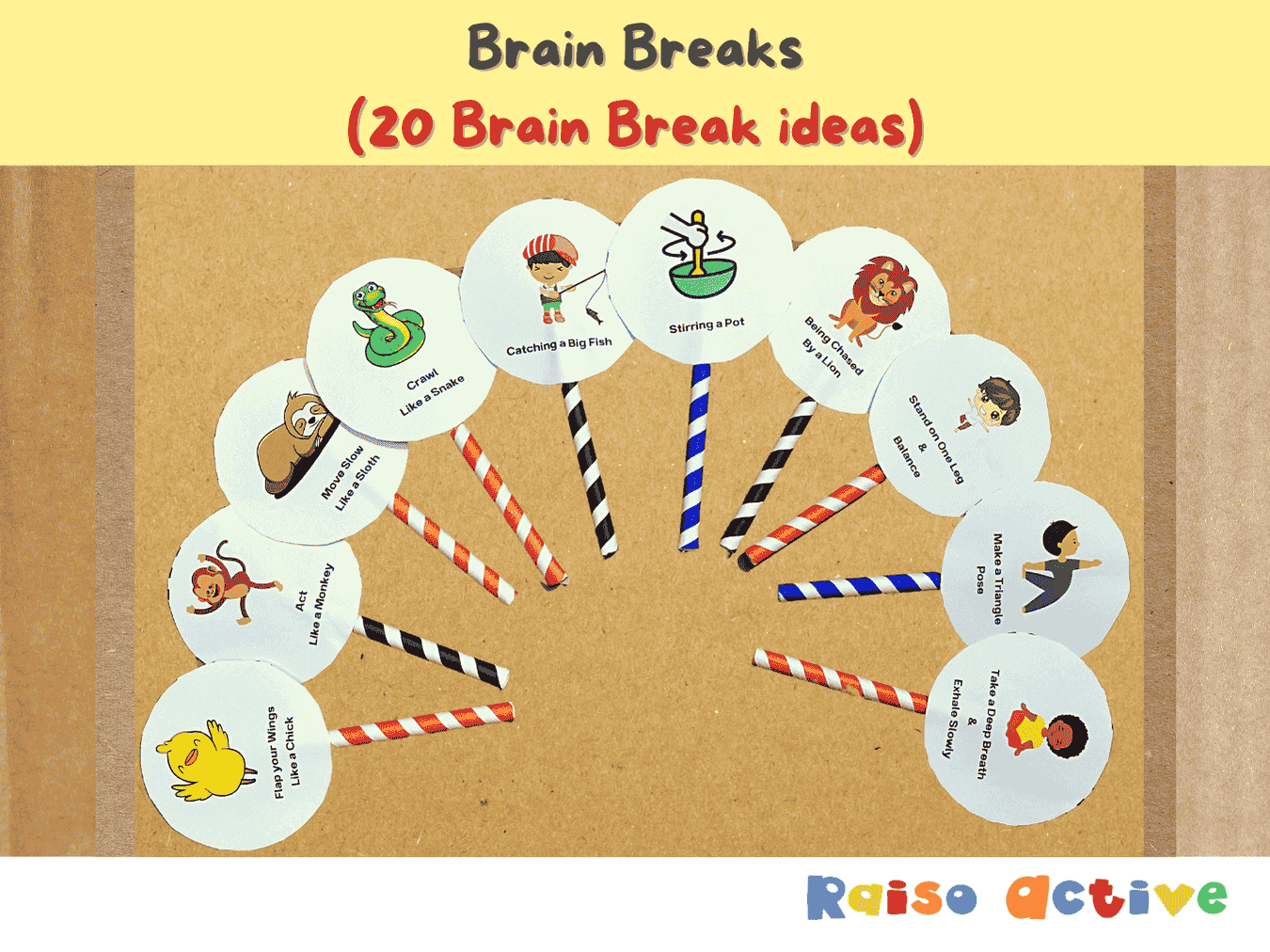
Gross Motor Movement & Imaginative Play Flashcards for Toddlers & Preschoolers
Ages 2-5 · Preschool–Pre-KAges 2-5 · Nursery–ReceptionAges 2-5 · Nursery–LKGAges 2-5 · 5 pages
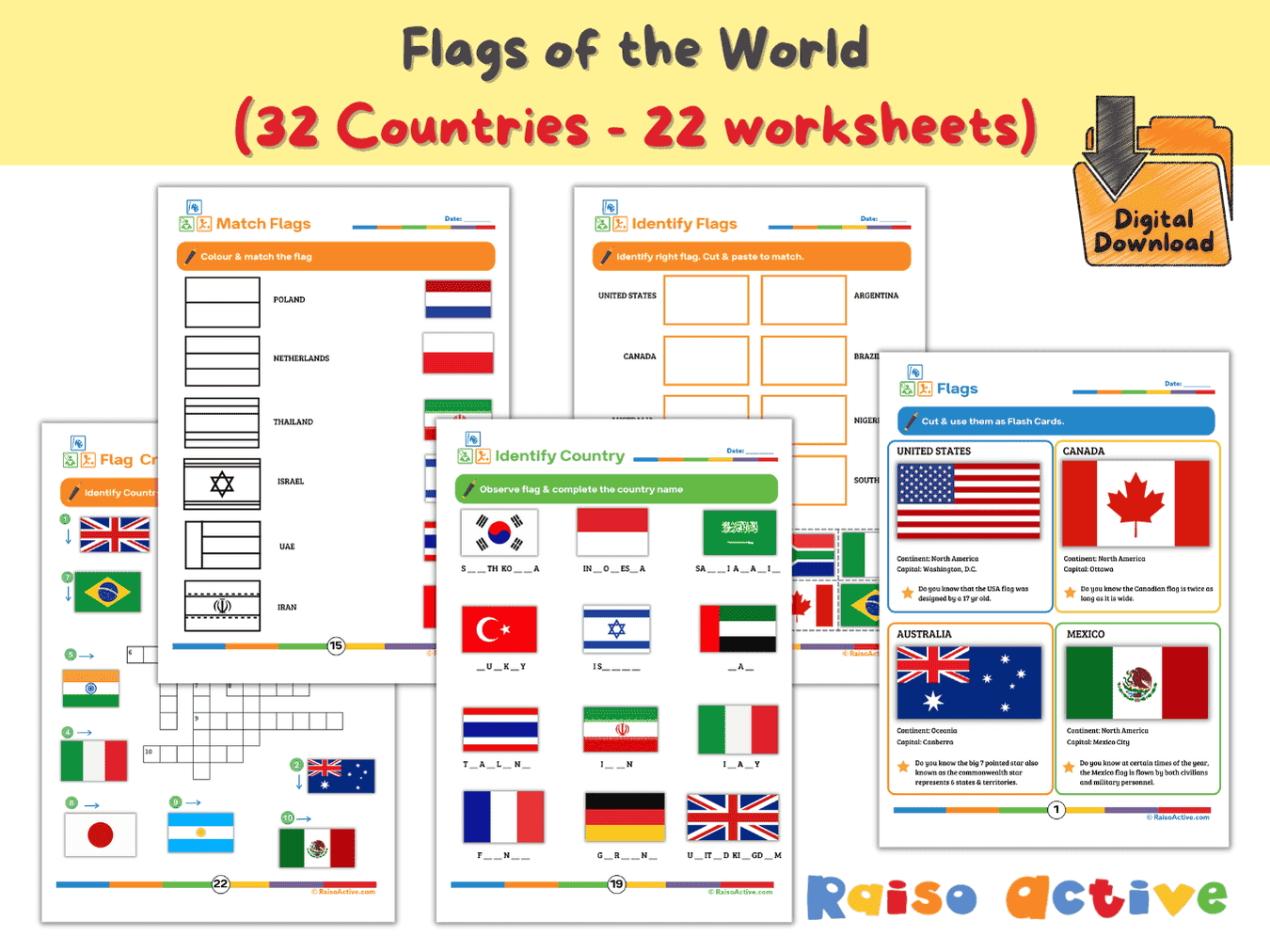
Flags of the World Activity Book & Flashcards for Kids (Ages 5-9)
Ages 5-8 · Kindergarten–Grade 2Ages 5-8 · Year 1–Year 3Ages 5-8 · UKG–Class 2Ages 5-8 · 23 pages
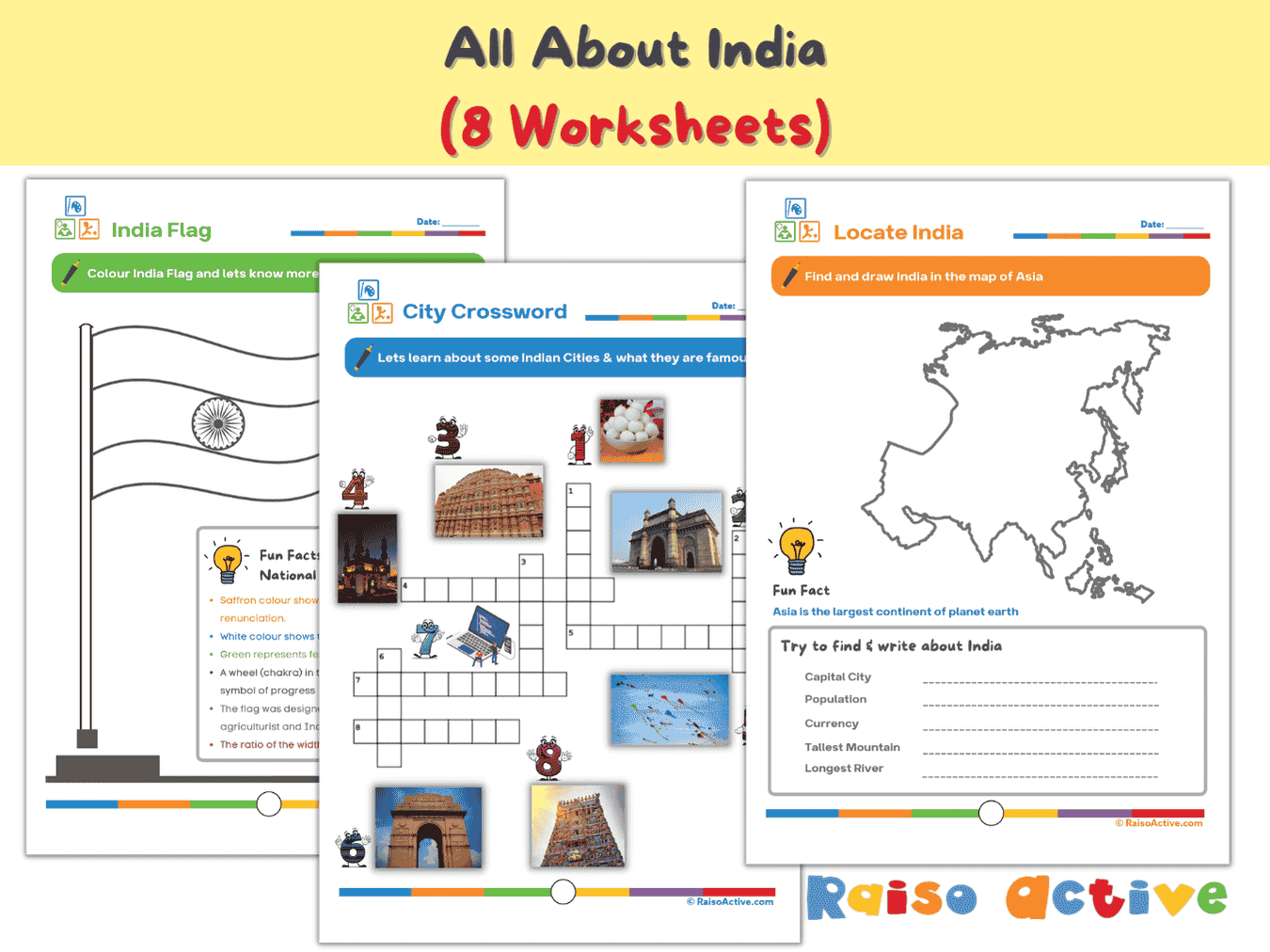
India Activity Book for Kids: Explore Geography, Culture & Symbols (Ages 5-8)
Ages 5-8 · Kindergarten–Grade 2Ages 5-8 · Year 1–Year 3Ages 5-8 · UKG–Class 2Ages 5-8 · 8 pages

Month 9: Holistic Preschool Play Learning | Ages Up to 4
Ages 3-4 · PreschoolAges 3-4 · NurseryAges 3-4 · 30 pages
Month 9: Multi-Subject Early Learning | Ages 6-7
Ages 6-7 · Grade 1Ages 6-7 · Year 2Ages 6-7 · Class 1Ages 6-7 · 29 pages