How to Evaluate Educational Websites and Apps: A Parent's Complete Guide to Digital Learning
Author
RaisoActive - Kids Activities and Fun Learning
Published
Updated
Reading Time
23 min read

- Most apps labelled 'educational' do not meet basic criteria for genuine learning — knowing how to evaluate them is a core parenting skill today
- A 10-point framework covers educational intent, age-appropriateness, ad-free design, data privacy, and engagement vs addiction mechanics
- Red flags include excessive reward systems, social features for young children, unclear learning goals, and no natural stopping points
- Trusted Indian apps worth knowing: DIKSHA (free, government-backed), Mindspark (adaptive maths and English), and Google Bolo (read-aloud in Hindi and English)
- The free trial strategy, offline-first preference, and balancing digital with hands-on activities are the practical habits that make digital learning safe and effective
The Parent's New Literacy: Learning to Read an App Before Your Child Uses It
Every parent today faces a version of the same moment: a child is handed a phone or tablet, an app is opened, and the question floats to the surface — is this actually good for them? The app store category says 'education.' The screenshots show colourful letters and cheerful characters. The reviews say 'my child loves it.' But none of that answers the real question.
The truth is that 'educational' is one of the least regulated words in digital publishing. Any developer can label any app as educational regardless of whether it produces any learning whatsoever. The App Store and Google Play each list tens of thousands of apps in their education categories, and independent research consistently finds that the vast majority are educational in marketing only — they are games with numbers on them, or passive videos with alphabet songs.
This guide gives you a practical, research-grounded framework for evaluating any educational website or app before your young child uses it. It covers the ten criteria that matter most, the red flags that should immediately disqualify an app, trusted sources for app reviews, Indian apps that meet quality standards, privacy concerns in the Indian legal context, and how to build a healthy balance between digital tools and the offline learning that no screen can replace.
Get our curated picks for young learners each week
Join thousands of Indian parents and early childhood educators who receive our weekly roundup of quality apps, worksheets, and hands-on activities for children ages 1-8.
The 10-Point Evaluation Framework for Educational Apps and Websites
Before your child opens a new app or website, run it through the following ten questions. You do not need to answer all of them perfectly — but any app that fails more than two or three of these criteria deserves serious scrutiny before you allow regular use.
1. Is there a clear, stated learning goal? The best educational apps can tell you exactly what skill they develop, and that claim should be verifiable. 'Teaches phonemic awareness through blending consonant-vowel-consonant words' is a claim you can test. 'Makes learning fun!' is not a learning goal. Look for apps that specify what a child will be able to do after using them.
2. Is the content genuinely age-appropriate? Age ratings on app stores are largely meaningless for educational purposes — they describe content safety, not developmental appropriateness. A maths app rated 4+ might expect a 4-year-old to read multi-step written instructions, which a typical 4-year-old cannot do. Test the app with your child during the free trial and observe: is there genuine frustration, or genuine boredom? Both signal a poor age-content match.
3. Is it completely ad-free? For children under 6, this is non-negotiable. Young children cannot distinguish advertising from educational content — this is well-established developmental science, not opinion. Any app that contains ads, even 'child-friendly' promotional content, is not appropriate for this age group. Be especially wary of 'free' apps with in-app purchase prompts, which often use manipulative mechanics to nudge children towards spending.
4. Does it require active participation? Passive video consumption — where the child watches a character do things while they absorb nothing — is the most common form of fake educational media. A genuinely educational app requires the child to do something: sort, match, create, decide, build, trace, or respond. The child should be a participant, not an audience.
5. Does it adapt to your child's level? Adaptive difficulty — where the app adjusts its challenge based on the child's actual performance — is a hallmark of high-quality educational technology. Apps that offer fixed difficulty regardless of how the child is doing are either drill programmes (which have limited value for young children) or entertainment in disguise.
6. Does it support open-ended exploration? The richest learning in early childhood is open-ended — building something without a predetermined correct answer, drawing freely, composing a story. Apps that offer only right-or-wrong formats teach compliance, not thinking. Look for a 'create' or 'explore' mode alongside any structured skill activities.
7. Is engagement about learning, or about addiction? There is a meaningful difference between an engaged learner and an addicted user. Genuine educational engagement involves curiosity, effort, and satisfaction after completing something meaningful. Addictive engagement involves anxiety when the app is closed, compulsive return behaviour, and no recollection of what was 'learned.' Observe your child, not the engagement metrics on the developer's website.
8. Does it work offline? Offline capability matters for two reasons. Practically, it means the app works during travel, in areas with patchy connectivity, or without a data plan. More importantly, apps that require constant internet often rely on server-side ad delivery and real-time data collection. Offline-first apps tend to be safer, more content-focused, and less likely to behave differently when you are not watching.
9. Is data privacy clearly explained and protected? Any app used by a child collects data. The question is what data, how it is stored, and who it is shared with. Look for a clear, plain-language privacy policy that specifically addresses children's data. Apps that say 'we do not collect personal data from children' and explain how they achieve this are preferable to those with vague policies or policies that reference sharing data with 'third-party partners.'
10. Are parental controls genuinely usable? Parental controls buried behind confusing menus, or controls that reset every time the app updates, are a design statement: the developer prioritises usage over parental oversight. A well-designed educational app makes time limits, content restrictions, and usage reporting easy to set up and maintain. Test the parental control system before handing the app to your child.
An app that cannot tell you what your child will learn is not an educational app.
The single most reliable filter for educational apps is asking: what specific, observable skill does this develop, and how would I know if my child has gained it? If the answer from the developer is vague ('builds a love of learning,' 'encourages exploration') rather than specific ('teaches letter-sound correspondence for the 26 consonants and short vowels'), treat the app as entertainment — which is fine, but it should not occupy your child's educational screen time.
Red Flags: Signs That an App Is Engineered for Engagement, Not Learning
Many popular children's apps are built by the same engineers who build social media platforms, using the same psychological mechanisms: variable reward schedules, streak counters, social comparison, and artificial urgency. These features are not incidental — they are deliberate design choices that prioritise time-on-screen over learning outcomes. Here are the most common red flags to watch for.
Excessive and irrelevant rewards. Coins, stars, badges, and confetti are fine in moderation when they celebrate a genuine achievement. They become a red flag when they appear for almost any action — including simply opening the app, or advancing through a level regardless of performance. When rewards are disconnected from genuine skill mastery, children learn to chase rewards rather than develop skills.
Social features for young children. Apps that include chat, leaderboards, friend requests, or social sharing features for children under 8 are inappropriate regardless of their educational content. Young children lack the social-emotional development to navigate online social environments safely or healthily. These features also raise serious data privacy concerns.
Unclear or absent learning goals. If you cannot find a clear description of what the app teaches — or if the description is purely aspirational ('inspires a love of reading') rather than specific — the app is probably optimising for something other than your child's education. Legitimate educational publishers can tell you exactly what curriculum standards or developmental milestones their content addresses.
No natural stopping points. Well-designed educational apps have natural breaks between activities — a completed lesson, a finished book, a concluded creative project. Apps that auto-advance seamlessly from one level to the next, or that play a sad character animation when the child tries to stop, are using behavioural psychology to override a child's natural sense of completion. This is manipulative design and it is harmful.
Daily streak mechanics. Streak counters — 'you have used this app 14 days in a row!' — are borrowed directly from gambling and social media design. They create anxiety around missing a day and prioritise consistent usage over genuine need. An educational app should be used when it is useful, not every day to protect a streak.
The best educational apps feel like playgrounds. The worst feel like slot machines.
Genuine educational engagement is characterised by curiosity, voluntary persistence, and satisfaction after completing something meaningful. Addictive engagement is characterised by compulsion, anxiety when stopped, and no meaningful memory of the experience. If your child begs to use an app, becomes distressed when it is taken away, but cannot tell you what they did or learned — the app is a slot machine, not a classroom.
Where to Find Trustworthy App Reviews: Sources Indian Parents Can Rely On
App store ratings are largely unreliable for educational quality assessment. A 4.8-star rating tells you that users enjoy the app — it says nothing about whether children are learning. For genuinely trustworthy reviews, look to organisations whose mission is child development, not downloads.
Common Sense Media (commonsense.org) is the most comprehensive independent review resource for children's digital media in English. Their reviews assess educational value, privacy, positive messages, and age-appropriateness using a consistent framework. Every app in this guide has been reviewed on Common Sense Media. Their privacy ratings — which are separate from their educational ratings — are particularly valuable.
The Joan Ganz Cooney Center (joanganzcooneycenter.org) publishes research-based guidance on children's media and technology. Their reports are more academic than Common Sense Media but offer deeper insight into the evidence base for different types of educational media.
Educational Initiatives (ei-india.com) is an Indian organisation that conducts rigorous, research-based assessment of educational materials in the Indian context. Their Annual Status of Education Report (ASER) data and their product research provide uniquely relevant context for Indian families.
Trusted parenting communities — particularly teacher-led WhatsApp groups, early childhood educator networks, and platforms like the Indian Montessori community — often have first-hand experience of which apps work in the Indian context. Peer recommendations from qualified educators who have observed apps in use with children are more valuable than any professional review.
- Download the free version or use the free trial period and plan your evaluation session deliberately — do not just hand the device to your child
- Sit with your child for the entire first session and observe: what is the child doing? Are they thinking, creating, or just tapping to get rewards?
- After 20 minutes, ask your child two questions: 'What did you do?' and 'What did you learn?' If neither question produces a meaningful answer, the app is probably entertainment
- Test the parental controls and offline mode before the trial ends — these are non-negotiable features, not optional extras
- Check the privacy policy for children's data collection before paying for a subscription — look for the words 'COPPA compliant' and 'no third-party data sharing' as minimum standards
Indian Educational Apps Worth Knowing: Quality Options for Young Learners
India's edtech sector has grown rapidly, and while much of it is aimed at school-age children and competitive exam preparation, several platforms offer genuinely good content for young children. Cultural relevance — Indian languages, Indian festivals, Indian family contexts — matters more than it might seem. Research consistently finds that young children engage more deeply with content that reflects their own world.
DIKSHA (diksha.gov.in) is the government of India's national digital infrastructure for school education, developed by the Ministry of Education under the National Education Policy. DIKSHA offers free, curriculum-aligned content in over 30 Indian languages. For children starting primary school, DIKSHA's foundational literacy and numeracy modules — developed by state education boards — are closely aligned to what teachers are teaching in classrooms. It is entirely free, does not carry advertising, and is available as a mobile app and website.
Mindspark by Educational Initiatives is one of the most rigorously researched Indian edtech products available anywhere. Developed over two decades of classroom research across Indian schools, Mindspark uses adaptive assessment to identify exactly where each child's conceptual gaps are and delivers targeted practice accordingly. A landmark study by the Abdul Latif Jameel Poverty Action Lab (J-PAL) found statistically significant learning gains for children using Mindspark in Delhi government schools. It is best suited from age 6, but the early maths and English modules are appropriate for many 5-year-olds.
Google Bolo is a free read-aloud app developed specifically for India by Google, available in Hindi and English. It uses speech recognition to listen to children read aloud and gives immediate feedback on pronunciation and decoding. For families raising bilingual children — which describes the vast majority of Indian households — Bolo's dual-language support is genuinely valuable. It is ad-free, works on modest Android hardware, and requires minimal data.
Disney+ Hotstar Kids is worth a separate mention because it occupies a grey zone: it is primarily a streaming platform with subscription-based content, and much of it is entertainment rather than education. However, the National Geographic Kids content and some age-appropriate documentaries available on the platform have genuine educational value when co-viewed with an adult. It should not be used as an independent educational tool for young children, but it is a reasonable source of quality co-viewing content for older preschoolers and early primary children.
Kiddopia, an Indian-made app for ages 2-7, covers maths, English, science, and creative arts in a unified world that features Indian cultural contexts including festivals, food, and environments. It is fully ad-free, has a clean design without manipulative reward mechanics, and is aligned to both Indian preschool curricula and international kindergarten standards. It requires a subscription but offers a substantial free trial.
of Indian children aged 5-11 who used Mindspark for 4.5 months showed significant learning gains in maths compared to a control group, according to a randomised controlled trial — one of the strongest evidence results for any Indian edtech product for young learners
Source: J-PAL South Asia, Abdul Latif Jameel Poverty Action Lab
Data Privacy and Children's Apps: What Indian Parents Need to Know
Every app your child uses collects data. The type, amount, and use of that data varies enormously — and for young children, the risks of poor data practices extend beyond advertising to include profiling, data breaches, and the creation of permanent digital records from a very young age.
COPPA (Children's Online Privacy Protection Act) is an American law that prohibits the collection of personal data from children under 13 without verifiable parental consent. Many Indian parents have heard of COPPA, and it is worth knowing that COPPA compliance does not automatically mean an app is safe — it means the app has met a minimum bar in the US legal context. COPPA compliance is a floor, not a ceiling.
India's Digital Personal Data Protection Act (DPDPA), 2023 is the most relevant legislation for Indian users. Under the DPDPA, processing the personal data of children (defined as under 18) requires verifiable parental consent. The DPDPA also prohibits tracking or behavioural monitoring of children and prohibits targeting advertising at children. At the time of writing, detailed implementing regulations are still being finalised, but the law creates meaningful protections for Indian children's data. Importantly, the DPDPA applies to any company processing the personal data of Indian residents — including international apps used by Indian children.
Practical steps for data privacy with children's apps: Before downloading any app for a young child, read the privacy policy specifically for the following: what data is collected (device ID, location, voice recordings, usage patterns), how long it is retained, whether it is shared with third parties, and what the process is for requesting deletion. Apps that collect voice recordings or use speech recognition (including Bolo and many phonics apps) collect particularly sensitive data — confirm that voice data is processed on-device rather than uploaded to remote servers.
- The privacy policy is longer than a novel and impossible to understand — legitimate children's apps have clear, plain-language privacy policies
- The app requests permissions unrelated to its function: a phonics app asking for access to contacts, camera without clear reason, or precise location is collecting more than it needs
- The policy mentions 'sharing data with advertising partners' or 'third-party analytics' — even if ads are not visible, your child's behaviour data may be being sold
- There is no clear process for parents to request data deletion — this is a legal requirement under both COPPA and India's DPDPA
- The app requires account creation with personal details before any content can be accessed — anonymous use or simple PIN-based access is preferable for young children
of apps in the 'Education' category on Google Play that target children were found to collect data in ways that potentially violated children's privacy guidelines, according to a 2020 analysis of over 1,000 children's apps
Source: International Computer Science Institute, University of California Berkeley
A Step-by-Step Process for Evaluating Any New Educational App
Read the description critically
Before downloading, read the app store description and ask: does it specify what skill or knowledge the child will develop? Does it name a curriculum framework, developmental milestone, or research basis? If the description is entirely about fun, excitement, and entertainment with no specific learning claim, treat the app as entertainment and evaluate it accordingly.
Check Common Sense Media and the privacy policy
Look up the app on commonsense.org for an independent educational and safety review. Then open the app's privacy policy and search for the words 'children,' 'COPPA,' and 'data deletion.' If the privacy policy is absent, impossible to find, or does not address children's data specifically, this is a serious red flag regardless of educational quality.
Download and test it yourself first — without your child
Spend 10-15 minutes with the app yourself before introducing it to your child. Navigate through several activities, try to find the parental controls, test the offline mode, and observe the reward system. This will tell you far more than any review. Note especially: how hard is it to stop? Is there a natural ending point, or does each activity flow automatically into the next?
Introduce the app with your child — together
The first session with any new app should be a co-viewing session. Sit alongside your child, narrate what you are both seeing, ask questions during activities ('what do you think happens if you press that?'), and model the kind of engagement you want to encourage. Research is clear that co-viewing dramatically improves learning from educational media for young children.
Observe the second and third independent sessions
After the first co-viewed session, allow your child to use the app independently for one or two sessions and observe from a slight distance. Watch for the red flags: reward-chasing behaviour, inability to stop, no verbal engagement with content. Also watch for genuine engagement signals: talking to themselves, trying different approaches, asking you questions about what they encountered.
Do the debrief test
After each session, ask your child two questions: 'What did you do?' and 'What was hard?' If your child can describe a specific activity and identify something that required effort, the app is producing learning. If the answer is purely about the rewards earned or characters encountered with no reference to content, the app is producing entertainment. Neither is wrong, but you should know which you are getting.
Make the go or no-go decision at the end of the trial period
At the end of the free trial, make a deliberate decision rather than drifting into a subscription. Ask yourself: has this app produced observable learning in my child over the trial period? Does it complement or compete with offline learning? Is it one of two or three quality apps, or are we accumulating screens for their own sake? Delete apps that do not earn their place. A device with three excellent apps is better than one with twenty mediocre ones.
- +States specific learning goals (e.g., teaches phonemic blending)
- +Requires active participation — child creates, solves, decides
- +Difficulty adapts to what the child can actually do
- +Has natural stopping points; easy for parent to set time limits
- +Offline mode works fully; no ads; clear privacy policy for children
- -Vague claims ("makes learning fun," "builds curiosity")
- -Child is primarily a passive observer or reward-collector
- -Fixed difficulty regardless of child performance
- -Auto-advances levels; sad animations when child tries to stop
- -Requires connectivity; contains ads or tracks behaviour for third parties
Balancing Digital Learning with Offline Activities: Why Both Matter
The most common mistake parents make with educational technology is treating it as a substitute for offline learning rather than a complement to it. An app that teaches letter sounds is a useful tool. But it cannot replicate the experience of reading a physical picture book together on the sofa, or the sensory satisfaction of tracing large letters with a finger in a tray of rice, or the social joy of phonics games played with siblings.
Research on the 'transfer gap' — the difficulty children have applying skills learned in digital environments to real-world situations — is well established. Young children learn most durably when concepts are encountered in multiple modalities: seen on a screen, touched with hands, spoken aloud, and encountered in real contexts. A child who has learned to count to ten in a maths app, and then counts ten chapatis at dinner, and then counts ten steps to the park, has encountered that concept in a way that sticks.
The practical recommendation is not to reduce screen time to zero or to dramatically limit it — it is to ensure that every digital learning experience has an offline echo. Pair phonics app sessions with printed worksheets on the same sounds. Follow a digital story with a physical picture book on the same theme. After a science discovery app session, take the concept outside: if the app covered plants and seeds, plant something together.
- After every app session, spend 5-10 minutes on a hands-on activity that uses the same concept — this is the single most effective thing you can do to improve the educational value of screen time
- Keep a small basket of simple materials nearby: playdough, crayons, counting objects, letter tiles — the offline activity does not need to be elaborate, just connected to the digital content
- Ask your child to 'teach' you what they just learned — explaining a concept to another person is one of the most powerful consolidation strategies in all of learning science
- Use mealtimes, walks, and errands to revisit app concepts naturally: 'Remember those shapes in your app? Can you spot any squares in this room?'
- One printed worksheet that reinforces the same skill as an app activity does more for retention than three additional app sessions on the same skill
Apps teach children about a skill. Real-world practice gives them the skill.
This distinction matters enormously for parents. A child who has completed 50 levels of a phonics app has practised letter-sound recognition in a specific digital environment. Whether that translates to reading actual books depends entirely on whether the digital practice has been connected to real reading experiences. The app is a tool for exposure and practice — it is the offline application that produces genuine, durable learning.
Raise a Curious, Confident Learner — One Activity at a Time
Get our weekly digest of quality app recommendations, printable worksheets, and hands-on activities for children ages 1-8. Trusted by parents and early childhood educators across India.
Frequently Asked Questions
How do I know if an educational app is actually teaching my child something?
Is DIKSHA good enough as a standalone educational platform for preschool children?
What does COPPA compliance actually mean, and is it enough to protect my child?
My child uses three or four apps daily. Is that too many?
Are educational websites safer or better than apps for young children?
How should I handle it when my child's school recommends an app I am not comfortable with?
Free worksheets for this topic
Browse all worksheets
Clothing Pattern Match Worksheet for Preschoolers
Ages 3-5 · Preschool–Pre-KAges 3-5 · Nursery–ReceptionAges 3-5 · Nursery–LKGAges 3-5
This worksheet has children ages 3-5 study repeating patterns on clothing items — stripes, polka dots, or checks — and match each item to its identical twin, building visual discrimination and early pattern-sequencing skills. Distinguishing between similar-looking patterns also sharpens attention to detail, a skill that later supports letter and word recognition.
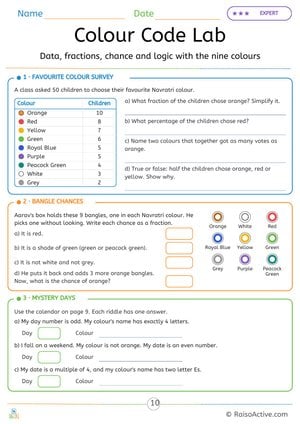
Colour Code Lab: Navratri Fractions, Percentages and Probability
Ages 7-11 · Grade 2–Grade 3Ages 7-11 · Year 3–Year 4Ages 7-11 · Class 2–Class 3Ages 7-11
Children read a survey of 50 children's favourite Navratri colours and write fractions and percentages, write the chance of picking each kind of bangle as a fraction, and solve three riddles using the colour calendar on page 9.
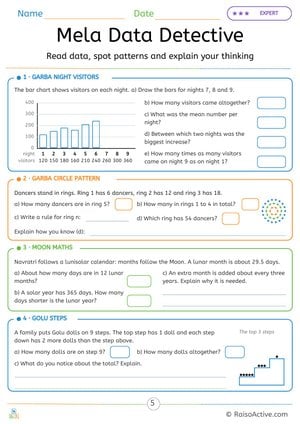
Mela Data Detective: Navratri Bar Chart, Patterns and Moon Maths
Ages 7-11 · Grade 2–Grade 3Ages 7-11 · Year 3–Year 4Ages 7-11 · Class 2–Class 3Ages 7-11
Children complete a bar chart of nine nights of visitors, find the total, the mean and the biggest increase, find and explain the rule for a growing pattern of dancers, compare a lunar year with a solar year, and add the dolls on nine Golu steps to discover a square number.

Navratri Picture Sudoku and Story Sequencing: Think It Through
Ages 4-6 · Pre-K–KindergartenAges 4-6 · Reception–Year 1Ages 4-6 · LKG–UKGAges 4-6
Children use logic to complete a 4x4 picture sudoku where each row and column has each picture once, and put four story pictures in order.
Written by
Hemsweta Jain · Teacher Cheena
MBA and Early Childhood Educator, teaching since 2014 · Founder of RaisoActive, Mumbai
Published · Last reviewed
Related Resources
Printable Resources(10)
View all
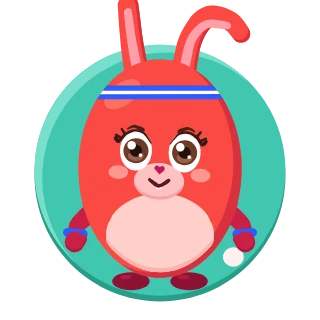
Pattern Writing Pre-writing Skills Activity Book for 3-4 Year Olds
Ages 3-4 · PreschoolAges 3-4 · NurseryAges 3-4 · 44 pages
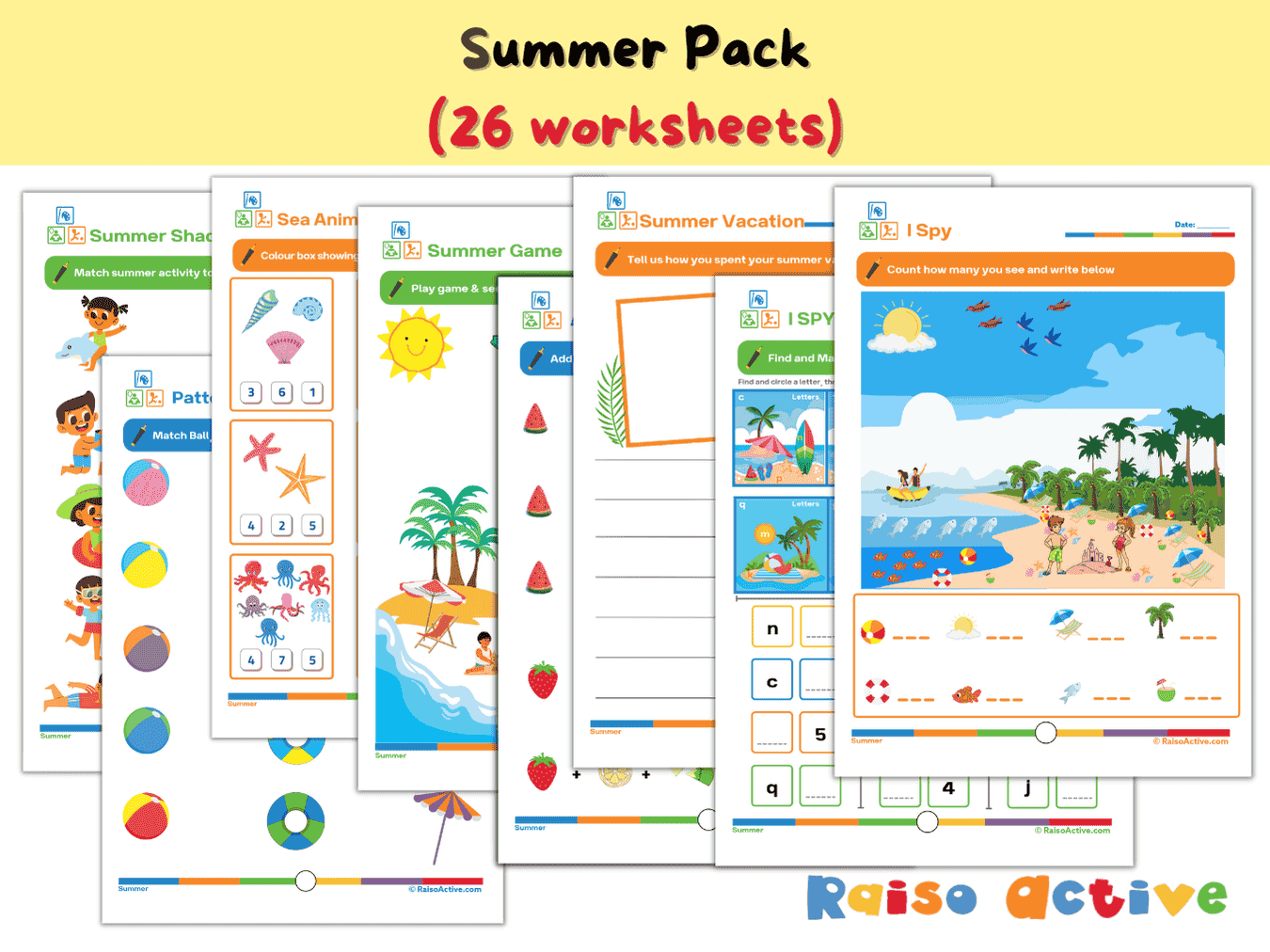

Summer Activity Pack: Math, Literacy, Puzzles & More for Preschool & Kindergarten
Ages 3-7 · Preschool–Grade 1Ages 3-7 · Nursery–Year 2Ages 3-7 · Nursery–Class 1Ages 3-7 · 26 pages
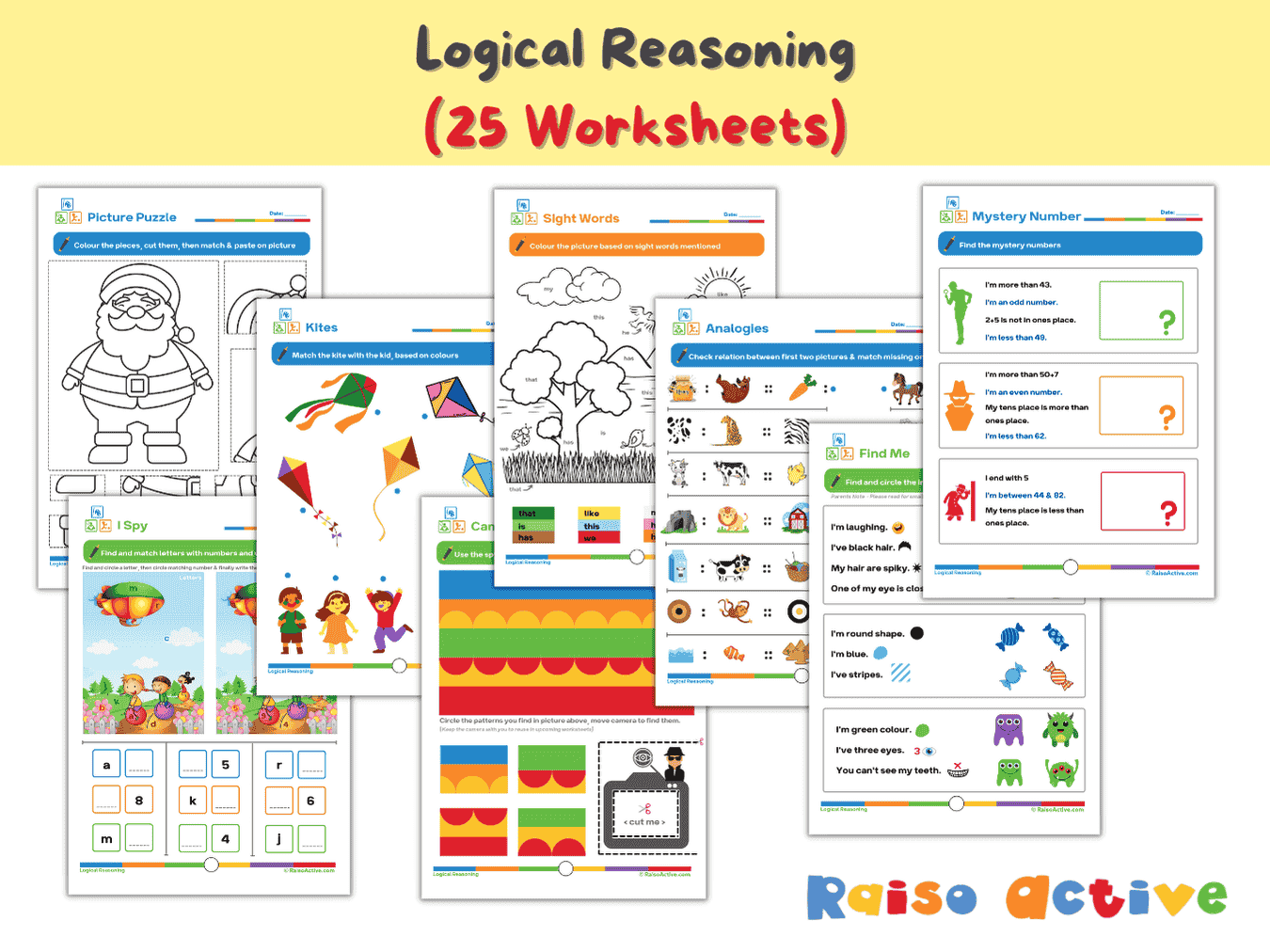
Logical Reasoning Activity Book for Preschool & Kindergarten | Patterns, Puzzles & Analogies
Ages 4-7 · Pre-K–Grade 1Ages 4-7 · Reception–Year 2Ages 4-7 · LKG–Class 1Ages 4-7 · 26 pages
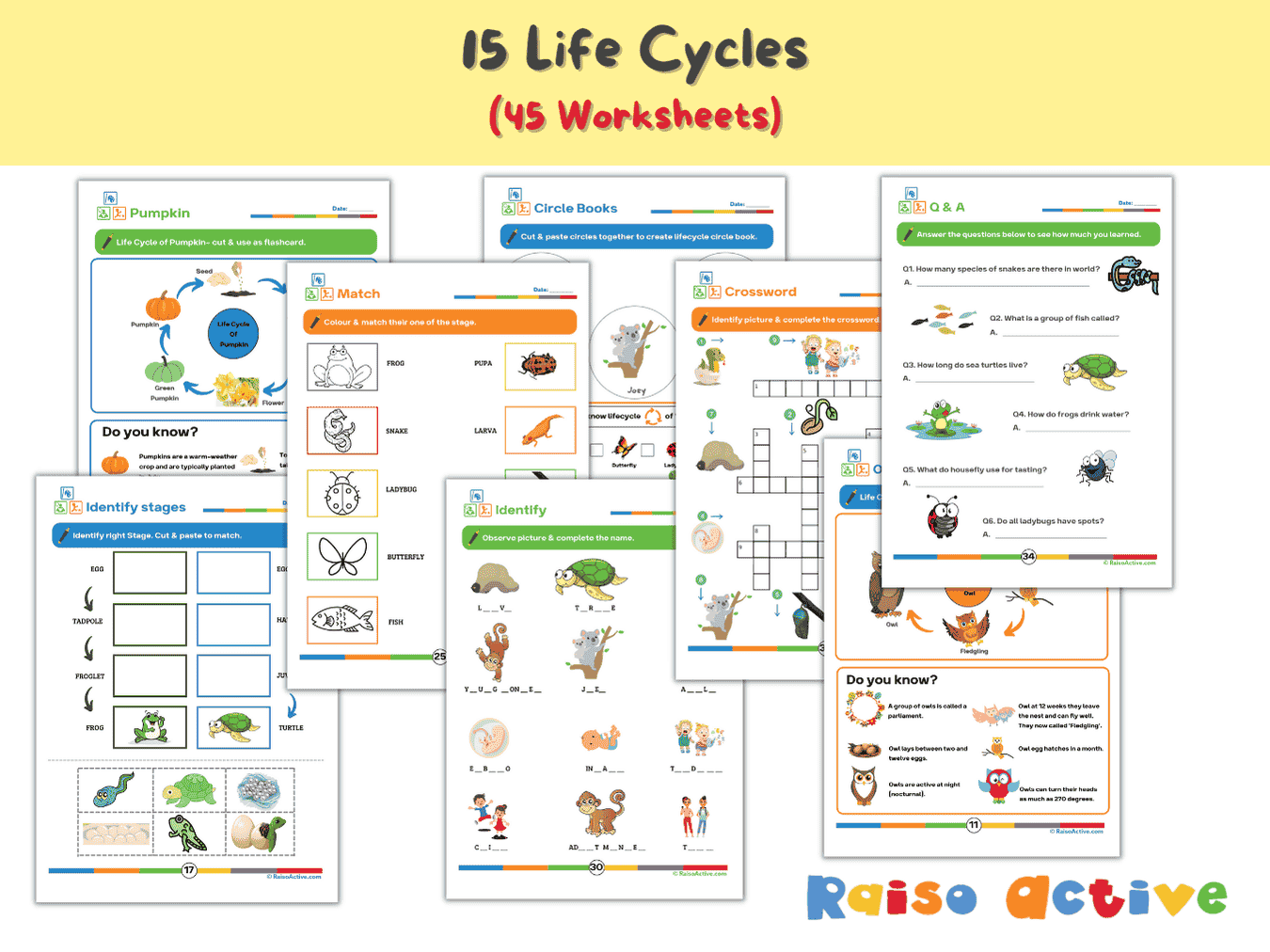

Lifecycles Activity Book & Flashcards for Preschool & Early Elementary
Ages 3-8 · Preschool–Grade 2Ages 3-8 · Nursery–Year 3Ages 3-8 · Nursery–Class 2Ages 3-8 · 46 pages
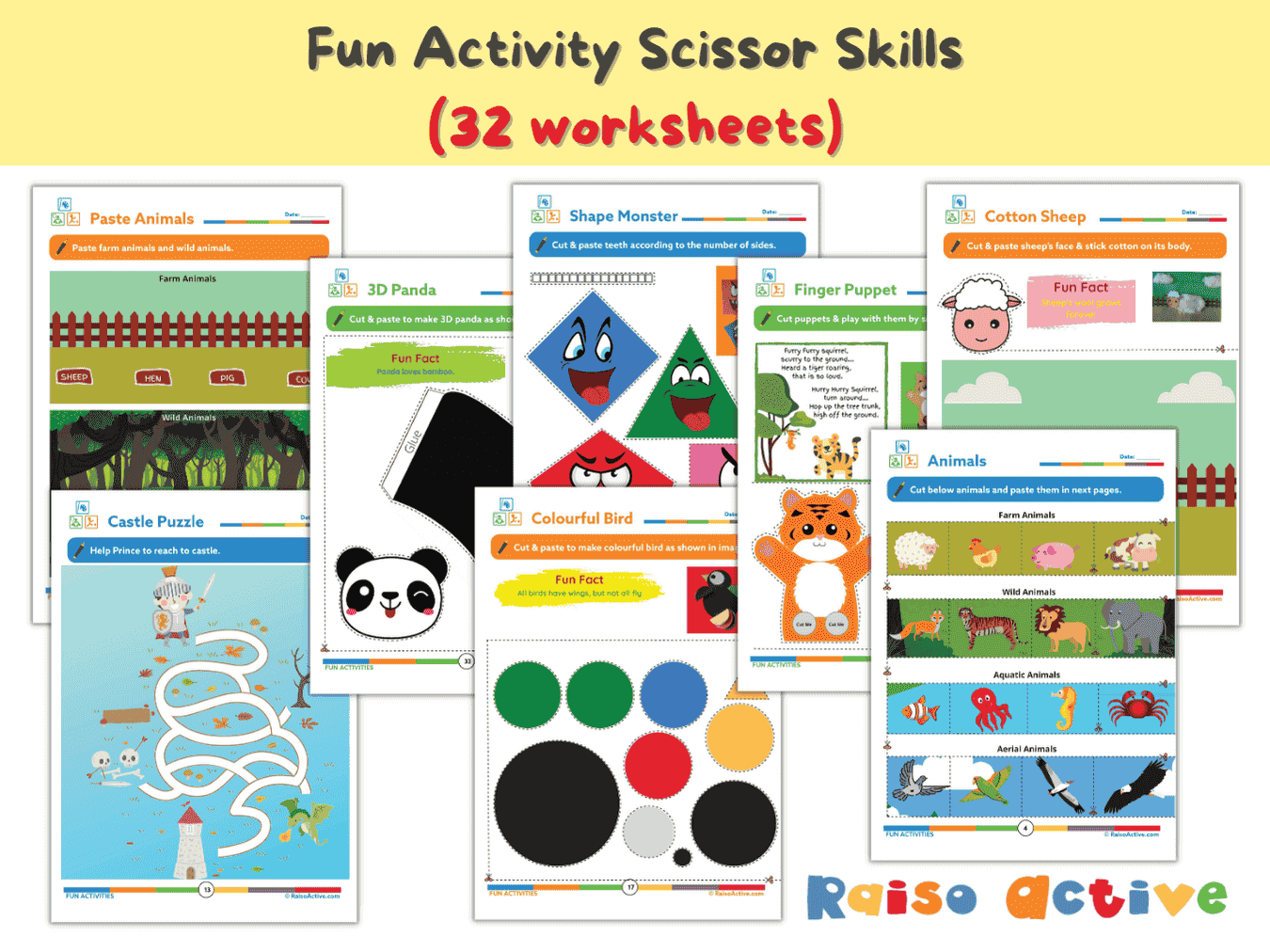
Preschool Scissor Skills Activity Book: Fine Motor & Craft Fun for Ages 3-6
Ages 3-6 · Preschool–KindergartenAges 3-6 · Nursery–Year 1Ages 3-6 · Nursery–UKGAges 3-6 · 35 pages
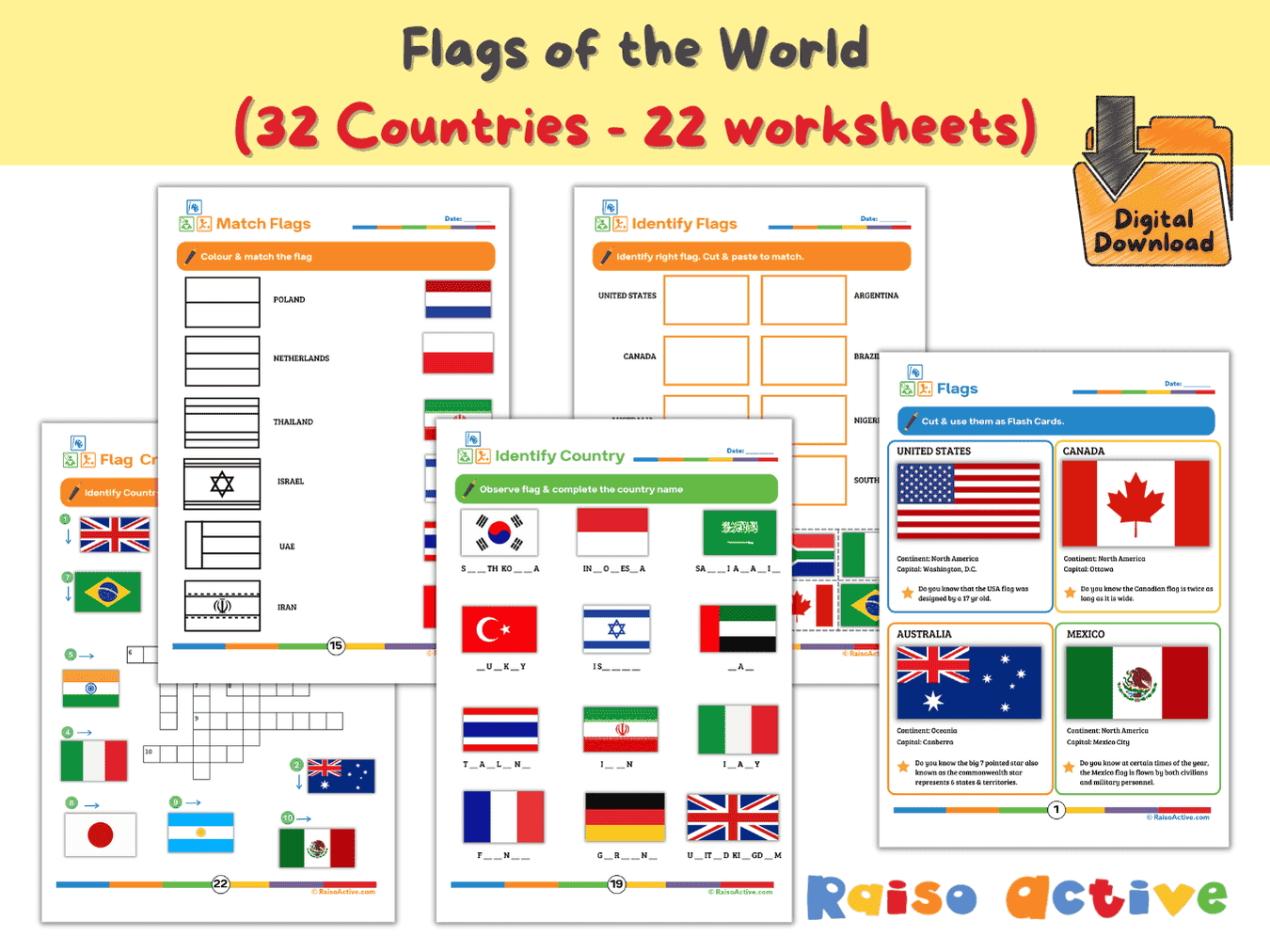
Flags of the World Activity Book & Flashcards for Kids (Ages 5-9)
Ages 5-8 · Kindergarten–Grade 2Ages 5-8 · Year 1–Year 3Ages 5-8 · UKG–Class 2Ages 5-8 · 23 pages
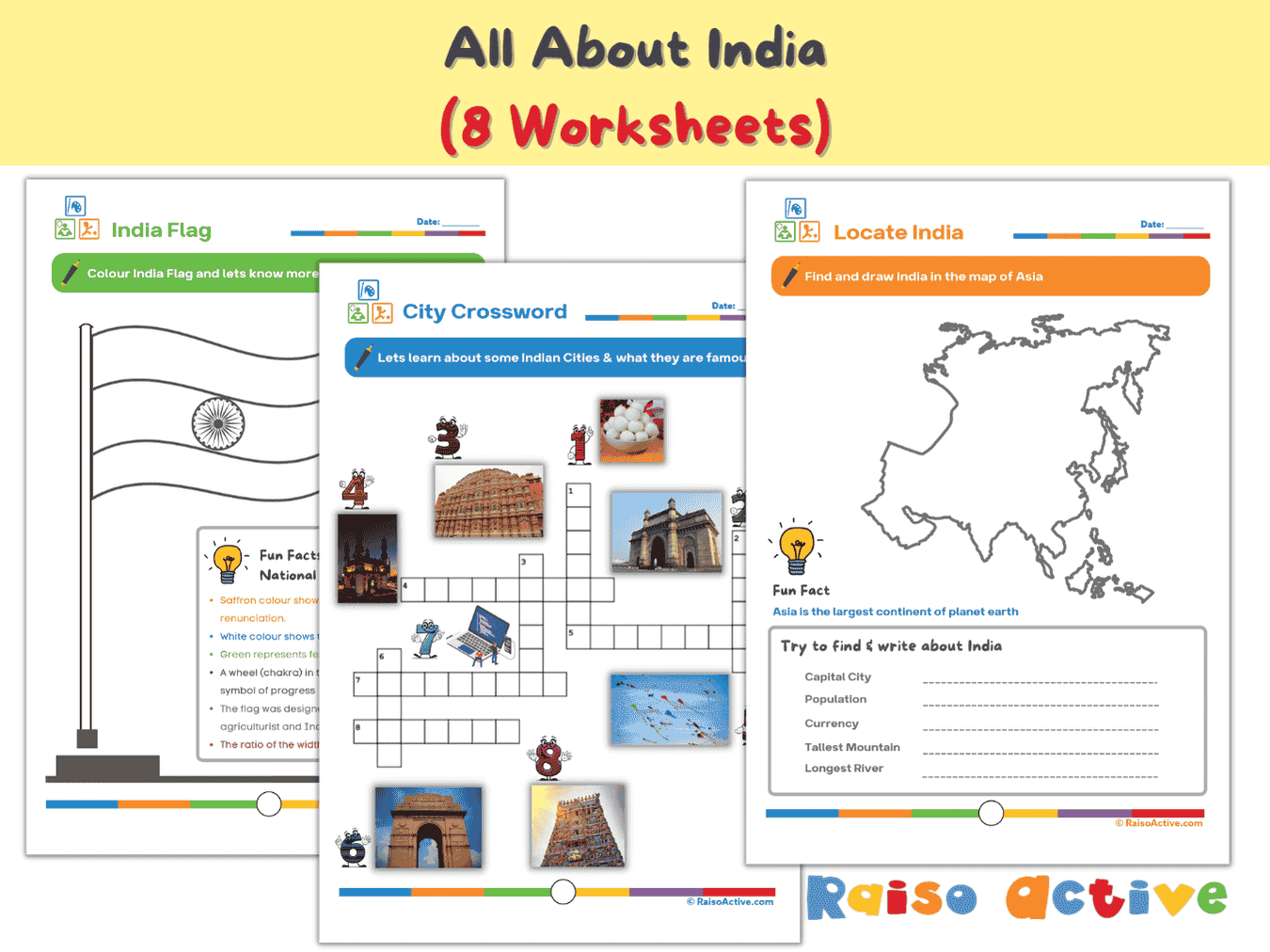
India Activity Book for Kids: Explore Geography, Culture & Symbols (Ages 5-8)
Ages 5-8 · Kindergarten–Grade 2Ages 5-8 · Year 1–Year 3Ages 5-8 · UKG–Class 2Ages 5-8 · 8 pages

Month 9: Holistic Preschool Play Learning | Ages Up to 4
Ages 3-4 · PreschoolAges 3-4 · NurseryAges 3-4 · 30 pages
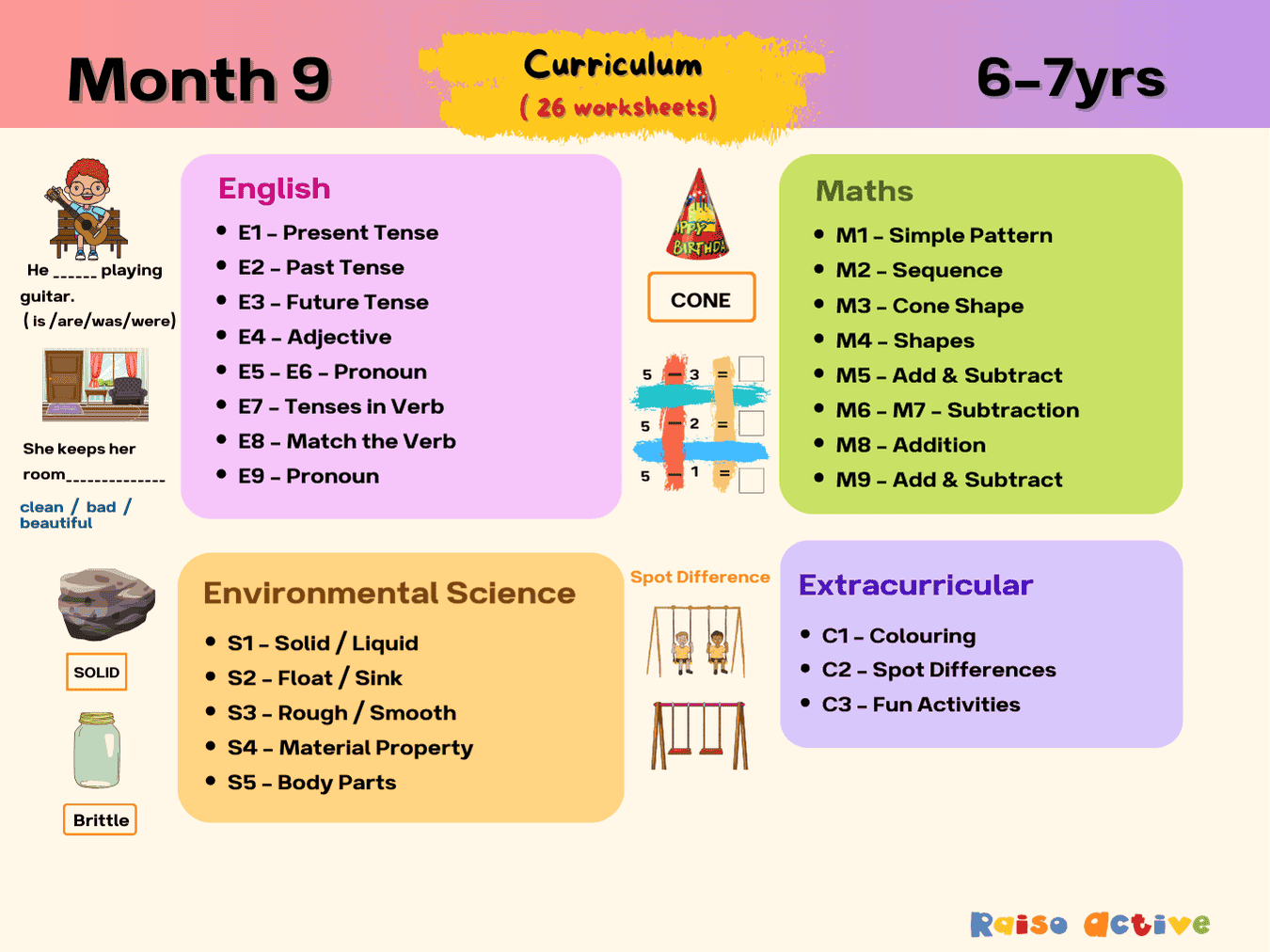
Month 9: Multi-Subject Early Learning | Ages 6-7
Ages 6-7 · Grade 1Ages 6-7 · Year 2Ages 6-7 · Class 1Ages 6-7 · 29 pages
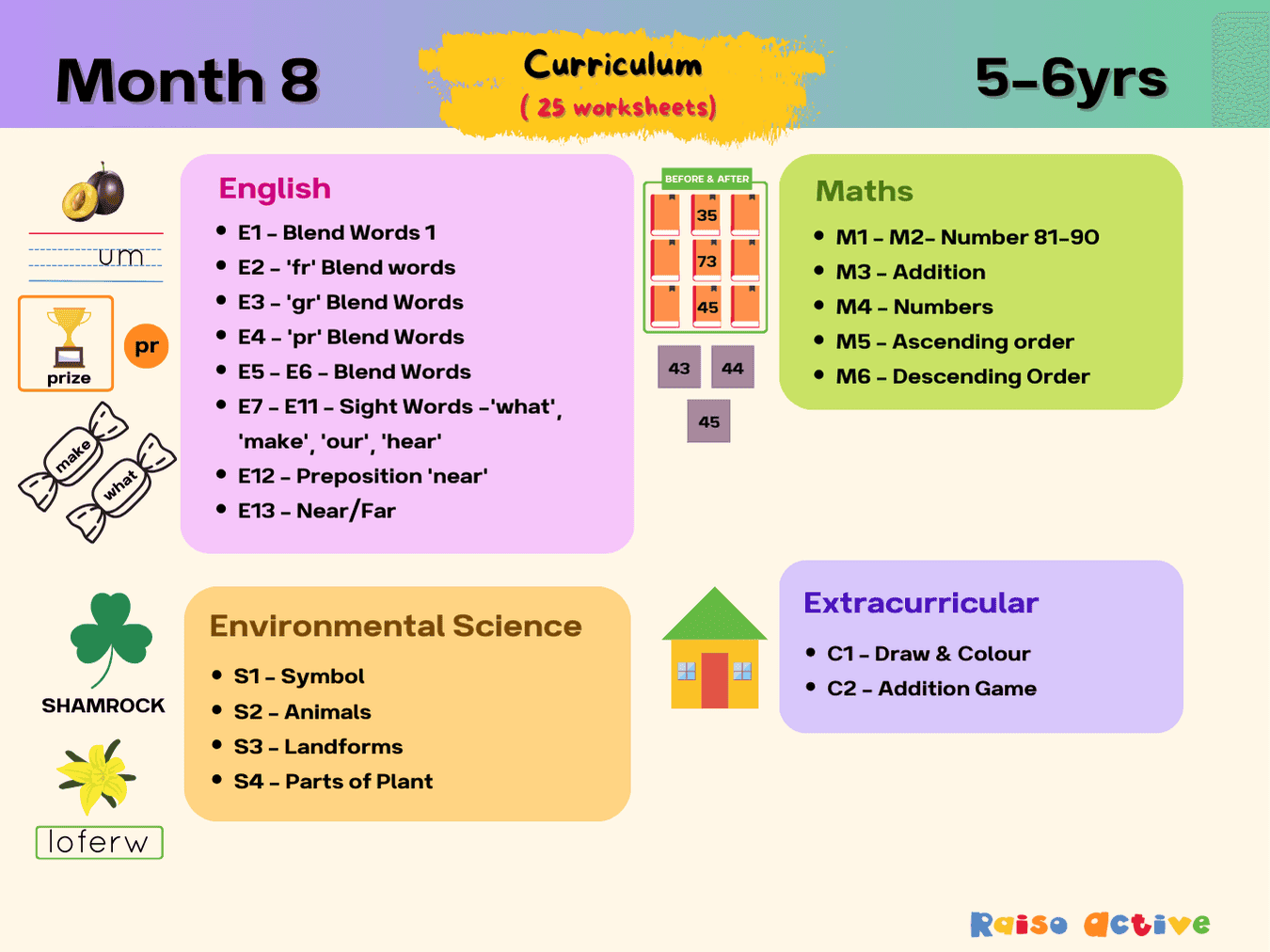
Month 8: Literacy, Math, Science Foundations | Ages 5-6
Ages 5-6 · KindergartenAges 5-6 · Year 1Ages 5-6 · UKGAges 5-6 · 28 pages