Is Khan Academy Kids Really Free? A Parent's Complete Guide to Costs, Features, and Hidden Fees
Author
RaisoActive - Kids Activities and Fun Learning
Published
Updated
Reading Time
24 min read

- Khan Academy Kids is completely free — there are no hidden fees, no subscription tiers, no in-app purchases, and no advertisements whatsoever
- The app covers reading, maths, social-emotional learning, and creative arts for children aged 2 to 8, with a structured, research-backed curriculum
- It works offline, which makes it genuinely suitable for low-bandwidth households and areas across India with patchy internet connectivity
- The main limitation for Indian families is its US-centric content: no Hindi interface, limited Indian language support, and cultural examples drawn primarily from North America
- Used alongside printed worksheets and hands-on activities, Khan Academy Kids is one of the most powerful free learning tools available to any parent anywhere in the world
The App That Sounds Too Good to Be True — But Actually Isn't
When parents first hear about Khan Academy Kids, the most common reaction is scepticism. Completely free? No ads? No subscription? No hidden charges? No in-app purchases? For a generation of parents who have downloaded dozens of 'free' educational apps only to find the core content locked behind a paywall or interrupted by advertisements, this sounds like a marketing claim rather than a genuine offer.
But it is entirely true. Khan Academy Kids — developed by Khan Academy, the non-profit educational organisation — is genuinely, completely, and unconditionally free. There is no premium tier, no subscription model, no family plan to upgrade to, and no advertisements of any kind. The full curriculum, all the books, all the videos, and all the activities are available to every child who downloads the app, at no cost, without exception. This is not a freemium model with a free trial. It is simply free.
This review is a thorough, honest look at what Khan Academy Kids actually offers Indian families — what it does brilliantly, where it falls short, how to use it effectively at different ages, how it compares to the main Khan Academy platform, and whether it works on slow internet connections. If you have been wondering whether this app deserves a place on your child's device, read on.
Get free learning activity ideas to pair with Khan Academy Kids
Join thousands of Indian parents and early childhood educators who receive our weekly roundup of printable worksheets, hands-on activities, and honest app recommendations for children aged 1-8.
Is Khan Academy Kids Really Free? Let's Be Completely Clear
Yes. Unambiguously, completely, and unconditionally free. Here is exactly what you get at zero cost: the full reading and phonics curriculum for ages 2-8, the complete early maths programme covering counting through early addition and subtraction, all social-emotional learning content, all creative arts activities, over 1,000 books and stories in the in-app library, all instructional videos, the parent dashboard with progress tracking, and offline functionality for all content. Nothing is gated, nothing requires an upgrade, and no credit card is ever asked for.
Khan Academy is funded by philanthropic donations from organisations including the Gates Foundation and Google.org, which is how they sustain a completely free product. Their mission — stated plainly and acted upon consistently — is to provide free, world-class education for anyone, anywhere. Khan Academy Kids is an expression of that mission for the earliest years of learning.
There is one thing worth clarifying for parents who have encountered ads on the main Khan Academy website for older students: those video ads appear only on the web version of the main Khan Academy platform, not on the Kids app. The children's app is entirely ad-free on all platforms and devices. If you ever see what appears to be an ad in Khan Academy Kids, it is almost certainly a notification from your device's operating system, not the app itself.
What Khan Academy Kids Actually Covers: A Subject-by-Subject Breakdown
The app is built around four main learning areas, each developed in collaboration with early childhood experts and aligned to research on how young children learn. The curriculum was originally designed around US early learning standards, but the underlying skills — phonemic awareness, number sense, emotional vocabulary, creative expression — are developmentally universal and highly relevant for Indian children.
Reading and Literacy: This is arguably the strongest component of the app. The reading curriculum begins with phonological awareness (identifying sounds in spoken words) and moves systematically through letter-sound correspondences, blending, CVC words, sight words, and early reading comprehension. The in-app library includes over 1,000 books — picture books, early readers, and interactive stories — read aloud with highlighted text so children can follow along. The approach is consistent with structured literacy principles and is more rigorous than most free phonics apps.
Early Maths: The maths curriculum covers counting, number recognition, number sense, shapes, patterns, measurement, and early addition and subtraction. Critically, the approach emphasises conceptual understanding over rote memorisation — children see numbers as quantities represented visually, not just symbols to be memorised. This builds the number sense that research consistently identifies as the strongest predictor of later maths achievement.
Social-Emotional Learning (SEL): Khan Academy Kids includes a dedicated SEL strand that teaches children to identify and name emotions, practise empathy, resolve conflicts, and regulate their own feelings. This content is woven into stories featuring the app's animal characters and is age-appropriate from about 3 years upwards. Given the growing recognition in India of the importance of emotional intelligence, this component is particularly valuable.
Creative Arts: Drawing, colouring, music, and creative storytelling activities round out the curriculum. These are genuine open-ended creative activities, not just colouring-within-lines exercises. Children can create their own books, draw freely, and record their voices — building fine motor skills, self-expression, and early narrative thinking.
Khan Academy Kids is not just an app — it is a complete early childhood curriculum, delivered free.
Most free educational apps cover one skill area (phonics or maths) with limited depth. Khan Academy Kids is unusual in offering a genuinely comprehensive curriculum across literacy, maths, social-emotional learning, and creative arts — all in one place, all free, all research-backed. For families who cannot afford multiple paid subscriptions, this breadth is transformative. A child who works through the full Khan Academy Kids curriculum has received a solid, research-aligned early learning foundation equivalent to what many paid platforms charge thousands of rupees per year to provide.
What Khan Academy Kids Does Exceptionally Well
Beyond the price point, Khan Academy Kids has several genuine strengths that set it apart even from paid competitors. Understanding these helps you use the app more intentionally rather than just switching it on and hoping for the best.
No manipulative design. This is rarer than it should be. Khan Academy Kids has no streak counters, no coin systems that create artificial urgency, no characters that plead with children to return, and no push notifications designed to maximise daily active users. The app starts calmly and ends calmly. Children can stop mid-session without losing anything. For parents worried about addictive app mechanics, this is a significant and meaningful distinction.
Offline functionality. Once downloaded, the core curriculum works without an internet connection. Books, videos, and interactive activities all function offline. This is not a minor feature — for families in towns and rural areas across India where connectivity is inconsistent, offline mode is the difference between usable and unusable. Khan Academy explicitly designed offline functionality as a core requirement, not an afterthought.
Parent dashboard with genuine insight. The app includes a free parent dashboard that shows which skills your child has practised, how much time they have spent in each area, and where they are on the learning progression. This is not just a feel-good progress chart — it shows specific skills (e.g., 'blending CVC words,' 'counting to 20') so you can see what is being mastered and what might need reinforcement offline.
Multiple child profiles. One account supports multiple children, each with their own profile and progress tracking. For families with children at different developmental stages, this means the app adapts appropriately to each child rather than being calibrated to a single age. A 3-year-old and a 7-year-old in the same household can both use Khan Academy Kids at their own levels simultaneously.
Research-backed curriculum. The content was developed in collaboration with early childhood experts and is aligned to the Head Start Early Learning Outcomes Framework — one of the most rigorously researched early childhood education standards in the world. This is not curriculum-by-marketing-team; it reflects genuine developmental science.
Honest Limitations: Where Khan Academy Kids Falls Short for Indian Families
No app is perfect, and an honest review requires naming the limitations clearly. For Indian families specifically, there are a few meaningful shortcomings worth knowing before you commit to using the app as a primary learning tool.
US-centric content and cultural examples. The app's stories, characters, and real-world examples are drawn almost entirely from an American context. Thanksgiving, US school settings, American food and family structures, and culturally American social norms feature throughout. While children adapt to this quickly, and the core academic content is culturally neutral, the absence of Indian festivals, foods, environments, and family structures means the app feels less like home than an Indian-made alternative like Kiddopia. For families who want their child's learning to reflect their cultural identity, this is a genuine gap.
No Hindi interface and very limited Indian language support. Khan Academy Kids is available in English and Spanish. There is no Hindi, Tamil, Telugu, Bengali, or other Indian language version of the app. For children whose home language is not English — which describes the majority of Indian households — the app is an English-immersion experience, not a bilingual one. This is valuable if you want English language development, but it means the app cannot support mother-tongue literacy in Indian languages. Google's Bolo app fills some of this gap for Hindi and English bilingual literacy.
Content progression is not always clearly structured. The app's playful, child-directed interface is a strength for engagement, but it can make it difficult to follow a clear sequential curriculum. Children (and parents) are encouraged to explore rather than follow a linear path, which means some skill areas get over-practised while others are skipped. The parent dashboard helps, but you may need to deliberately guide your child through gaps rather than relying on the app to sequence the curriculum automatically.
Limited challenge for advanced learners. The app is designed for ages 2-8, but children who are reading fluently or working beyond early addition and subtraction will quickly outgrow it. There is no upward extension into primary school maths or longer chapter-book reading. For an academically ahead 6-7 year old, the main Khan Academy platform (for older learners) is the natural next step.
The lack of Indian language support is a real limitation — but the English curriculum is excellent.
For Indian families raising children in English-medium education or wanting to build strong English literacy foundations, Khan Academy Kids is an exceptional free resource. But if your priority is developing your child's reading and writing in Hindi, Tamil, Marathi, or any other Indian language, this app will not help — and you will need to look elsewhere. The honest approach is to use Khan Academy Kids for English literacy and maths, while separately sourcing mother-tongue literacy resources. These goals are complementary, not competing.
Age-by-Age Recommendations: How to Use Khan Academy Kids at Every Stage
The app claims to be suitable for ages 2-8, but the experience and appropriate approach differs significantly across this range. Here is how to use it most effectively at each stage — including what to combine it with offline for best results.
Ages 2-3: At this age, the app is best used as a shared experience with a parent or caregiver, not independently. Focus on the picture books (read aloud together), the simple shape and colour activities, and the social-emotional learning stories. Sitting sessions should be very short — 10-15 minutes maximum — and always followed immediately by a real-world activity: counting actual objects, naming colours around the house, drawing with crayons. Do not expect independent use at this age.
Ages 3-4: Children can begin to use the app with more independence, though adult presence and engagement still dramatically improves learning outcomes. The phonological awareness activities (identifying sounds, rhyming, clapping syllables) are developmentally perfect for this age. The early maths activities — counting, number recognition, simple patterns — are appropriate and engaging. Aim for 15-20 minute sessions three to four times a week, always with a brief conversation afterwards about what they noticed.
Ages 4-5: This is the app's sweet spot. The phonics curriculum becomes more systematic, the maths moves into early number operations, and children have enough executive function to navigate the interface independently for short periods. This is also the age at which combining the app with printed worksheets becomes particularly effective — the app introduces and practises a skill digitally, and a worksheet reinforces it physically. Check the parent dashboard weekly to see which areas need more attention.
Ages 5-6: Children in kindergarten or LKG/UKG will find the app aligns well with their school curriculum. The reading programme at this level covers early decoding and comprehension skills that directly support school English. If your child's school teaches phonics, Khan Academy Kids can provide additional at-home practice in exactly the same skills. This is also the age at which children can use the app to read books independently — let them practise reading the library books aloud while following the highlighted text.
Ages 6-8: For children in Class 1-2, the app's reading library and SEL content remain valuable, but the maths may feel too easy for children who are already doing school mathematics. Use the reading library as a self-directed reading practice tool and continue with the SEL stories, but supplement with the main Khan Academy platform for maths at this age. The transition between the two apps is smooth — both share the same account login.
Khan Academy Kids vs Khan Academy: What Is the Difference?
This is one of the most common points of confusion for Indian parents who discover the organisation through the main website. Khan Academy and Khan Academy Kids are separate products from the same non-profit organisation, designed for different age ranges and delivered in fundamentally different ways.
Khan Academy (the main platform) is a web-based learning tool primarily designed for students from around age 8 through adulthood. It covers maths, science, computing, humanities, and test preparation (including SAT, GMAT, and now UPSC and competitive exam topics). The interface is more like a traditional educational platform — video lessons, practice exercises, and progress dashboards — and is most appropriate for primary school age upwards. It is also completely free.
Khan Academy Kids is a separate mobile app specifically designed for early childhood (ages 2-8). It uses animated characters, stories, games, and a playful interface suited to young children who cannot yet read or navigate a website independently. The two products share a non-profit mission and a commitment to being completely free, but they are separate apps with separate curricula and separate accounts.
The natural transition is to use Khan Academy Kids through ages 2-8 for early childhood foundations, then migrate to the main Khan Academy platform from around age 7-8 as children develop the reading skills and attention span to use a more traditional learning platform. Both are free. Both are excellent. They are designed to complement each other.
Does Khan Academy Kids Work in Low-Bandwidth India? An Honest Assessment
This is a practical question that many Indian families — particularly those outside major metropolitan centres — need answered honestly. The short answer is: yes, with some important caveats.
Khan Academy Kids offers genuine offline functionality. Once the app is downloaded and you have opened it at least once with a working internet connection, the core curriculum — interactive activities, games, and skill exercises — works completely offline. This is excellent news for families in areas with unreliable connectivity.
The books and videos require a separate download step. Within the app, you can download individual books and video lessons for offline use by tapping a download button on each item. This means you need to do some advance preparation — ideally on a good WiFi connection — to download the content your child is likely to use before you are in a low-connectivity situation. It is a one-time process per item and well worth doing.
The initial app download is large — approximately 200-500 MB depending on the platform — so you will want to download it on WiFi or a fast mobile data connection. But once installed, the day-to-day use of the app is surprisingly light on data requirements for the interactive activities. The parent dashboard and progress syncing require occasional connectivity but will queue updates and sync when a connection is available.
- Download the app on a WiFi connection (at home, at a café, or at a relative's house with good connectivity) before you need it in a low-bandwidth area
- Once installed, open the app on WiFi and browse the library — tap the download arrow on any books or videos you want available offline, and let them download before you travel
- The interactive activity curriculum (games and skill exercises) works offline automatically after the first launch — no extra steps needed for these
- Set the app to 'Download on WiFi only' in your device settings to prevent it from consuming mobile data for future content updates
- If connectivity is very limited, skip downloading videos (they are the largest files) and focus on downloading picture books — the reading library alone provides hours of valuable content without needing a single byte of mobile data
Setting Up Khan Academy Kids: Step-by-Step for Indian Parents
Getting started with Khan Academy Kids takes about five minutes and requires no technical knowledge. Here is the complete process, including the parent dashboard setup that most parents miss.
How to Set Up Khan Academy Kids from Scratch
Download the app
Khan Academy Kids is available free on the Google Play Store (Android) and the Apple App Store (iOS). Search for 'Khan Academy Kids' — the icon shows a child's drawing with the app name. Download and install on WiFi if possible given the app's size of approximately 200-500 MB.
Create a parent account
When you first open the app, you will be asked to create a parent account. Use your email address or sign in with Google. This account is for you — not your child. It is what links to the parent dashboard and stores your child's progress. Use an email address you actively check, as the dashboard sends useful weekly summaries.
Set up your child's profile
Add your child's name, date of birth, and the grade level they are entering or currently in. The app uses this to calibrate the starting point of the curriculum. You can add multiple children under one parent account — each gets their own character, progress, and learning pathway. If you are unsure of the right grade level, choose slightly below — it is easier and more confidence-building to start easier and progress quickly than to start overwhelmed.
Explore the app together for the first session
Never hand a new app to a child cold. Sit with your child for the first session and explore together — meet the characters (Kodi the bear, Lola the fox, and friends), try one activity in each section, and read one book together using the read-aloud feature. This 15-20 minute orientation session dramatically increases how quickly children become independently confident with the app.
Enable the parent dashboard
From the app's home screen, tap your profile icon and navigate to the parent dashboard. This shows skills practised, time spent, and books read. Enable weekly summary emails if offered — these give you a clear picture of what your child has been doing without needing to log in and check manually every day.
Download offline content on WiFi
While on a good WiFi connection, browse the library and download 5-10 books that match your child's current reading level and interests. Tap the cloud-with-arrow icon next to each book to download it for offline use. This takes a few minutes per book but means your child can read independently without needing internet later.
Set a consistent daily routine
The app works best as part of a predictable routine — not as an on-demand entertainment option. Pick a specific daily slot (after school snack, before outdoor play, after bath) and stick to it. 15-20 minutes four to five days a week produces better outcomes than irregular hour-long sessions. Tell your child: 'This is our learning app time.' The predictability reduces bargaining and transition conflicts.
- +Completely free — no subscription, no in-app purchases, no hidden fees
- +Genuinely ad-free on all platforms and for all ages
- +Full offline functionality for interactive activities; downloadable books and videos
- +Comprehensive curriculum: literacy, maths, SEL, and creative arts
- +No manipulative design: no streak counters, no push notifications, no auto-advance levels
- -Monthly or annual subscription typically INR 500-2,500 per month for full access
- -Free tier often includes ads or limited content to pressure upgrades
- -Offline mode often restricted to paid tiers or unavailable entirely
- -Usually covers one subject area with depth but not a full curriculum
- -Engagement mechanics (coins, badges, streaks) designed to maximise daily active use
- They tap through activities as quickly as possible to 'finish' rather than engaging with each one — slow down by sitting beside them and asking questions at each step
- They only want to do one specific activity repeatedly (often a game they find easy) and resist exploring new areas — gently guide them to a different section every session
- They cannot tell you anything about what they did when asked — this is a signal to co-view the next session and make the learning explicit through conversation
- Progress on the parent dashboard shows no movement in literacy or maths over two or more weeks — check which areas they are avoiding and introduce those activities together
- They are watching videos repeatedly rather than doing interactive activities — videos are valuable but should be a smaller portion of session time; redirect to activities after each video
Complementing Khan Academy Kids with Offline Learning: The Most Effective Approach
Khan Academy Kids is not designed to be a child's only learning experience — and it works best when explicitly paired with offline activities. The research on educational media is clear: children learn significantly more from any digital learning tool when the skills practised on screen are immediately reinforced through real-world activities, physical materials, and conversation.
For phonics and reading: after a Khan Academy Kids reading session, get a physical picture book on the same theme and read it together aloud. If your child was practising letter sounds in the app, write those letters with chalk on the floor or in a sand tray. The combination of digital practice and physical reinforcement creates far stronger memory consolidation than either approach alone.
For maths: after a number sense activity in the app, count real objects together — buttons, leaves, stones, chapatis. If the app covered shapes, find those shapes around the house. If it introduced early addition, use actual physical objects to act out the problem: three mangoes plus two mangoes. The concrete-pictorial-abstract progression that underpins strong maths learning cannot happen entirely on a screen.
Printed worksheets serve a particularly valuable role in this blended approach. A worksheet that practises the same letter sounds covered in that day's app session gives children a different modality — the physical experience of holding a pencil, forming letters, and completing a page — that reinforces digital learning in a way that builds towards school readiness. This is not busywork; it is evidence-based reinforcement.
Khan Academy Kids provides a complete early childhood curriculum — literacy, maths, SEL, and creative arts — at absolutely no cost, funded by philanthropic donations. Independent evaluations by the Joan Ganz Cooney Center found it among the highest-quality educational apps in the world for the 2-8 age range
Source: Joan Ganz Cooney Center at Sesame Workshop
books and stories are available in the Khan Academy Kids library, all completely free and accessible offline after download — equivalent to a well-stocked school library available on any device, anywhere in India
Source: Khan Academy Kids
- Monday — Phonics: 15 min on the reading curriculum in the app, then 10 min with a printed letter-sound worksheet reinforcing the same letters covered
- Tuesday — Maths: 15 min on the number activities in the app, then count real objects and do a simple printed counting worksheet
- Wednesday — Reading: choose a library book in the app and read it aloud together using the read-aloud feature, then get a physical picture book on the same topic
- Thursday — SEL and Creative: watch one SEL story and do one creative activity in the app, then draw the characters together with actual crayons and talk about the feelings in the story
- Friday — Free choice and parent dashboard review: let your child choose their favourite activity, then spend 5 minutes on the parent dashboard to see what skills have been practised that week and what needs reinforcement next week
Get Free Printable Worksheets to Complement Your Child's Learning
Join thousands of Indian parents and early childhood educators who receive our weekly activity ideas, printable worksheets, and honest app recommendations for children aged 1-8. All completely free.
Frequently Asked Questions
Is Khan Academy Kids really free, or is there a hidden subscription?
Does Khan Academy Kids work in Hindi or other Indian languages?
Can Khan Academy Kids be used without internet in India?
What is the difference between Khan Academy Kids and the main Khan Academy website?
Is Khan Academy Kids appropriate for a 2-year-old?
How does Khan Academy Kids compare to Kiddopia for Indian children?
Free worksheets for this topic
Browse all worksheets
Dussehra and First Letters: Vidyarambham Tracing and Letter Hunt
Ages 4-6 · Pre-K–KindergartenAges 4-6 · Reception–Year 1Ages 4-6 · LKG–UKGAges 4-6
Children learn about Vidyarambham, when little children write their first letters in rice on Vijayadashami, and about Dussehra, when Rama won against Ravana. They trace letters, sort things we use to learn, count to 10 and match letters to beginning sounds.

Golu Doll Fun: Navratri Golu Counting and Sharing Worksheet
Ages 4-6 · Pre-K–KindergartenAges 4-6 · Reception–Year 1Ages 4-6 · LKG–UKGAges 4-6
Children learn that a golu is a display of dolls on steps set up for Navratri. They count the dolls on each step and find the total, then share cups of sundal among friends and count what is left over.

Treat Count Picture Graph: Halloween Data Handling Worksheet
Ages 4-8 · Pre-K–Grade 2Ages 4-8 · Reception–Year 3Ages 4-8 · LKG–Class 2Ages 4-8
Children count five kinds of Halloween treats, record them as a picture graph and read it to compare amounts.

Pumpkin Patch Maze, Seek and Count and Odd One Out Worksheet
Ages 4-8 · Pre-K–Grade 2Ages 4-8 · Reception–Year 3Ages 4-8 · LKG–Class 2Ages 4-8
Children plan a route through a maze, count small pictures and spot which picture does not belong in a row.

Written by
Hemsweta Jain · Teacher Cheena
MBA and Early Childhood Educator, teaching since 2014 · Founder of RaisoActive, Mumbai
Published · Last reviewed
Related Resources
Printable Resources(10)
View all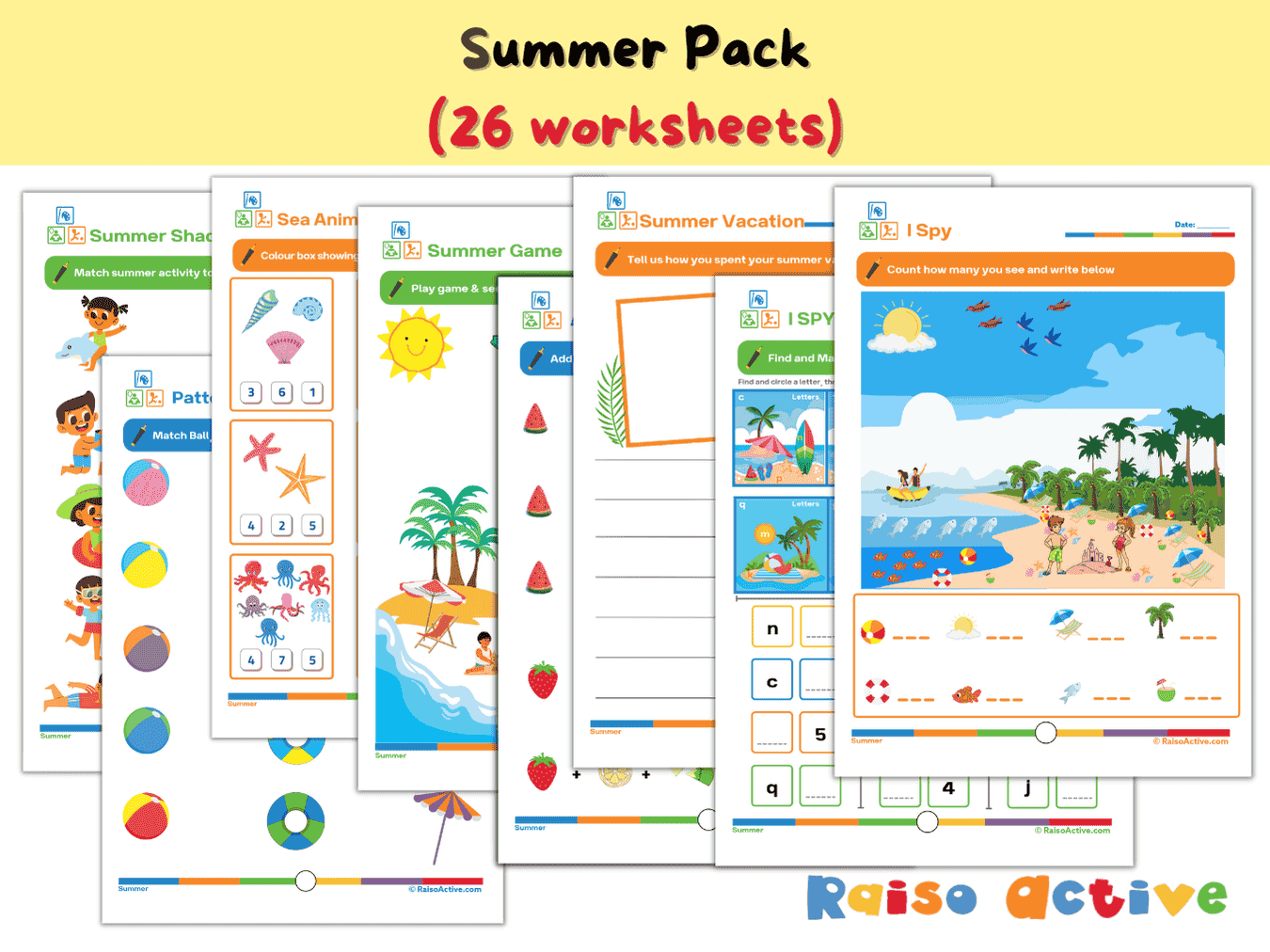

Summer Activity Pack: Math, Literacy, Puzzles & More for Preschool & Kindergarten
Ages 3-7 · Preschool–Grade 1Ages 3-7 · Nursery–Year 2Ages 3-7 · Nursery–Class 1Ages 3-7 · 26 pages
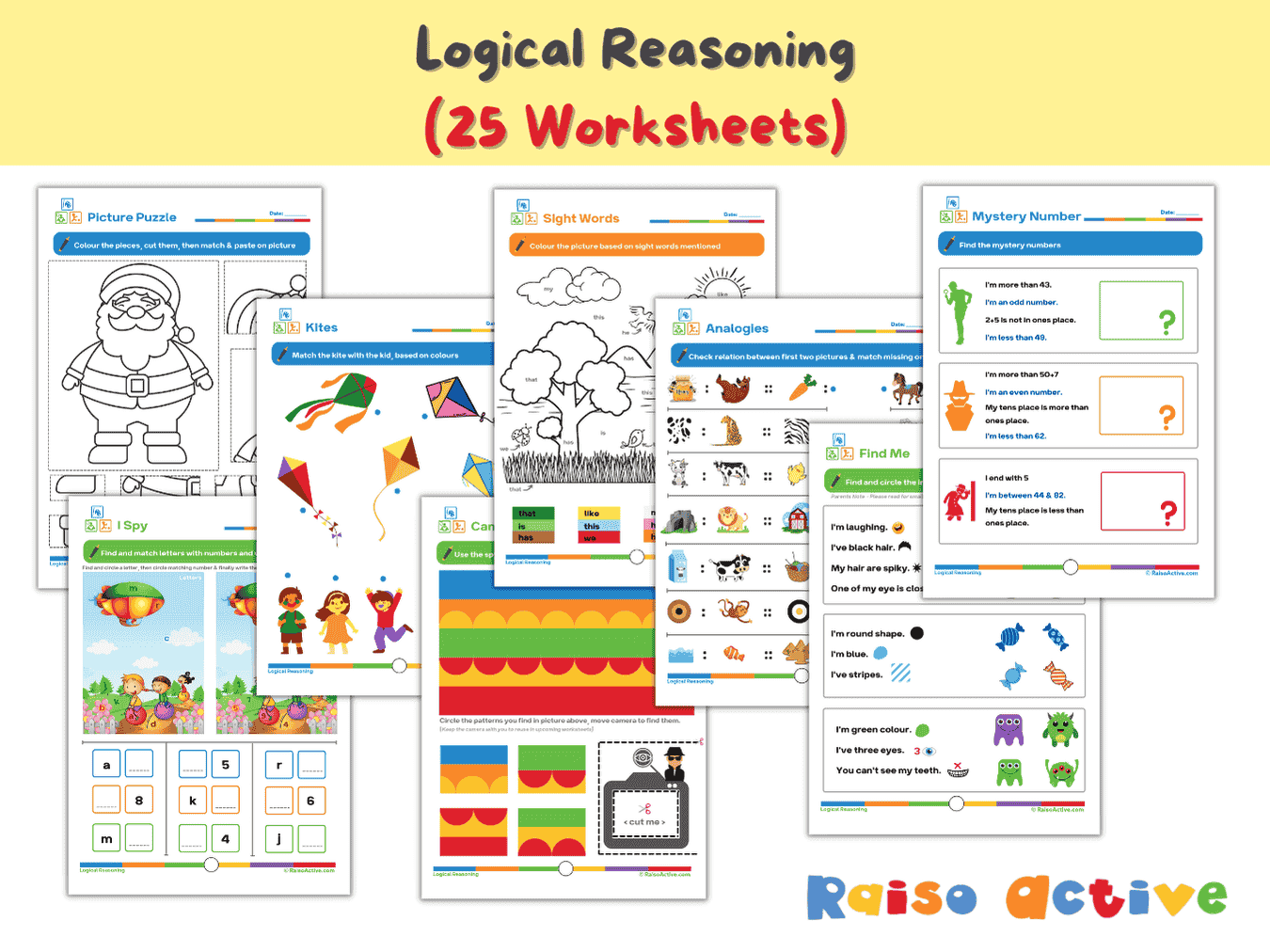
Logical Reasoning Activity Book for Preschool & Kindergarten | Patterns, Puzzles & Analogies
Ages 4-7 · Pre-K–Grade 1Ages 4-7 · Reception–Year 2Ages 4-7 · LKG–Class 1Ages 4-7 · 26 pages
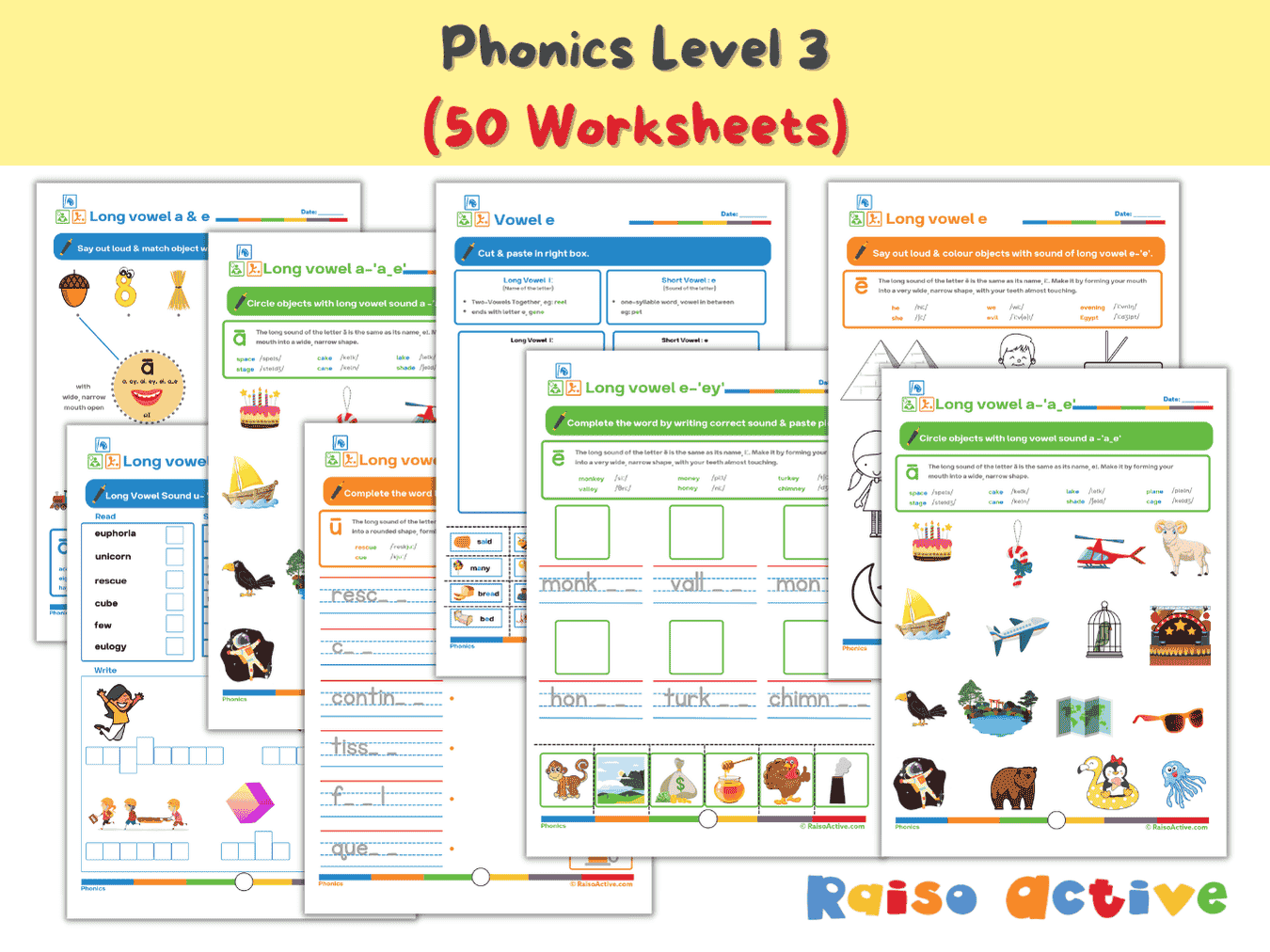

Phonics Level 3 Long Vowels Activity Book for Kindergarten & 1st Grade
Ages 5-7 · Kindergarten–Grade 1Ages 5-7 · Year 1–Year 2Ages 5-7 · UKG–Class 1Ages 5-7 · 51 pages
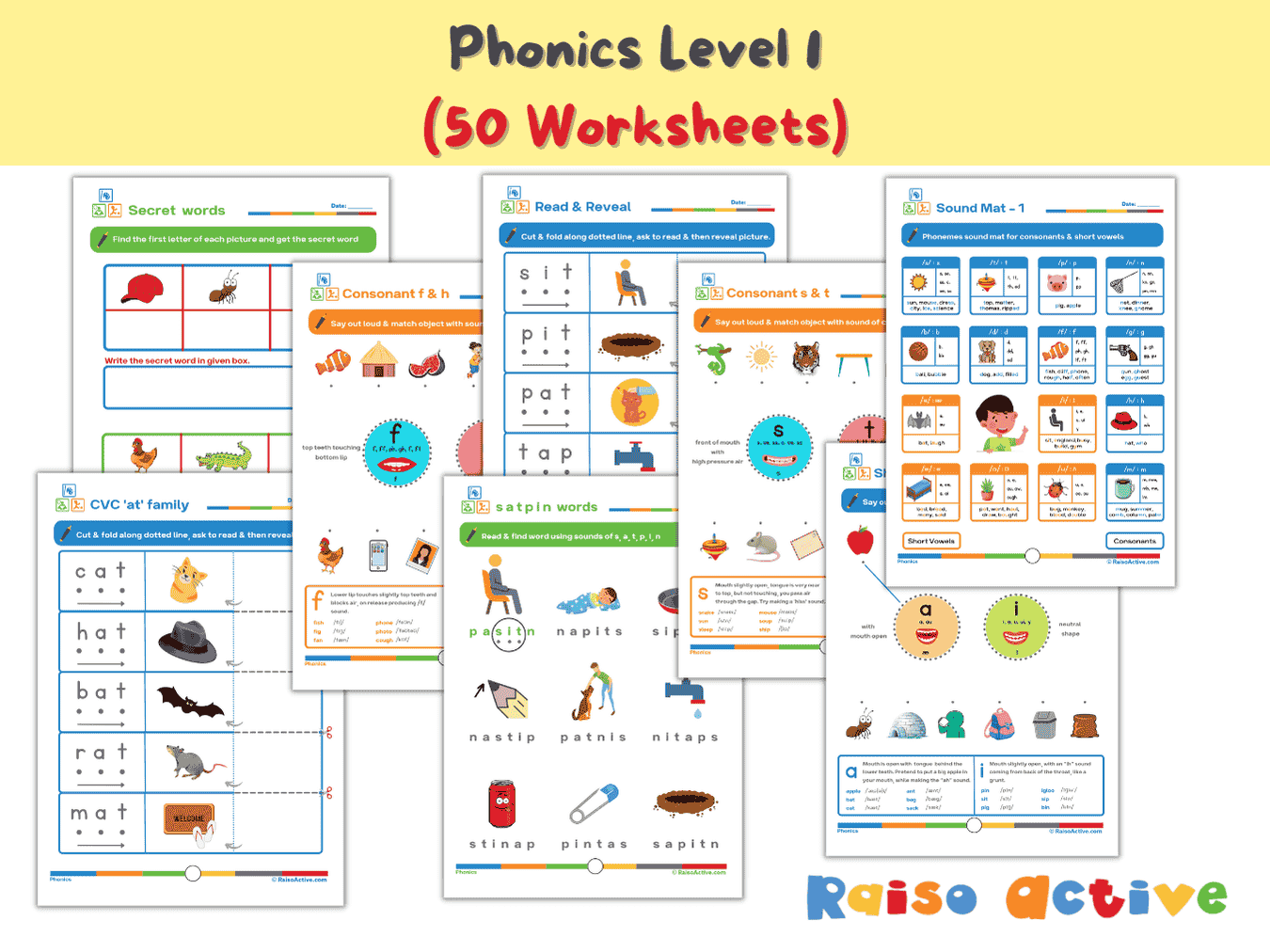
Phonics Level 1 Activity Book: Letter Sounds, Blending & CVC Words for Preschool & Kindergarten
Ages 3-6 · Preschool–KindergartenAges 3-6 · Nursery–Year 1Ages 3-6 · Nursery–UKGAges 3-6 · 60 pages
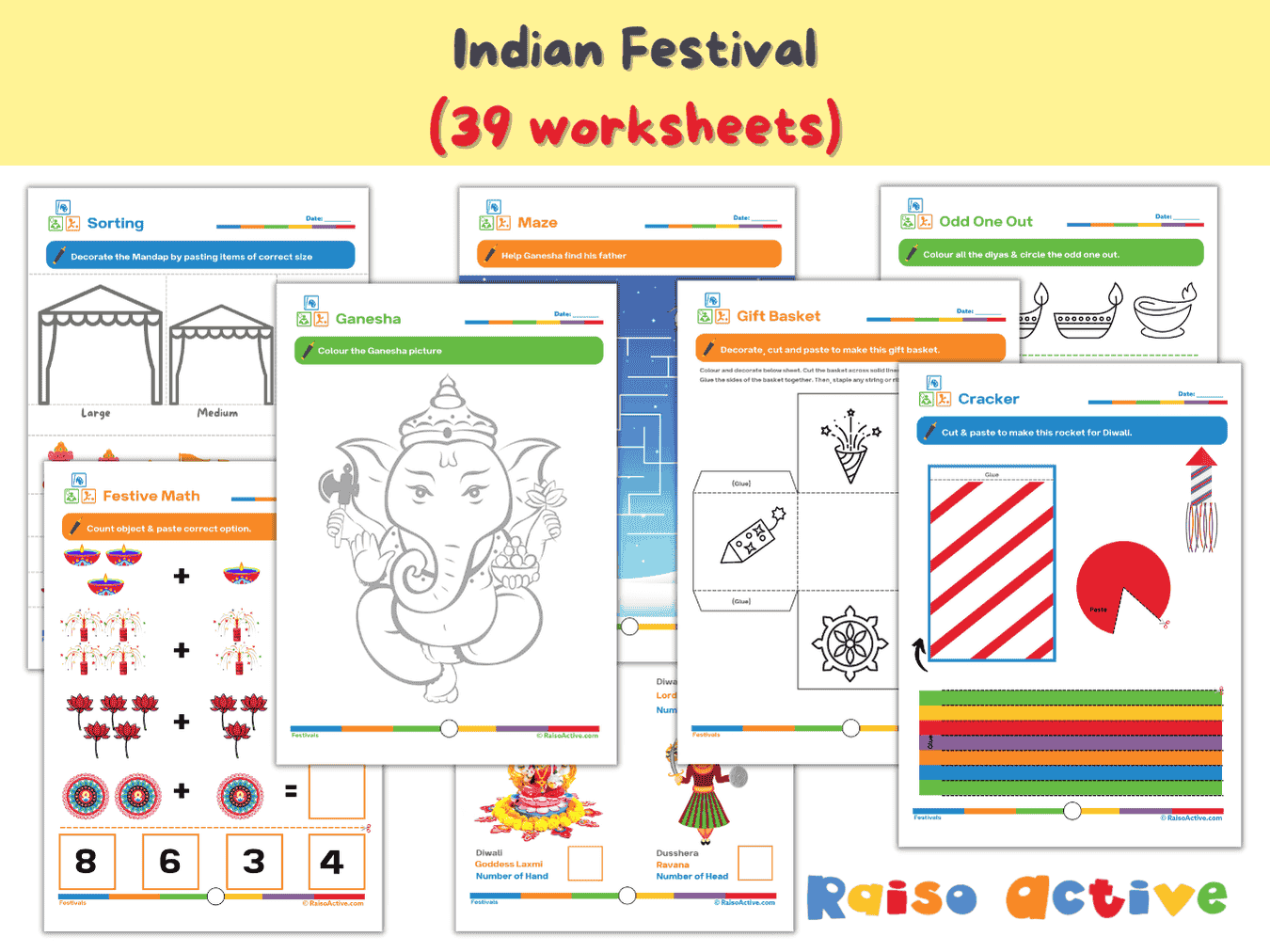
Festivals & Cultural Diversity Activity Book for Kids (Ages 4-8)
Ages 4-8 · Pre-K–Grade 2Ages 4-8 · Reception–Year 3Ages 4-8 · LKG–Class 2Ages 4-8 · 30 pages
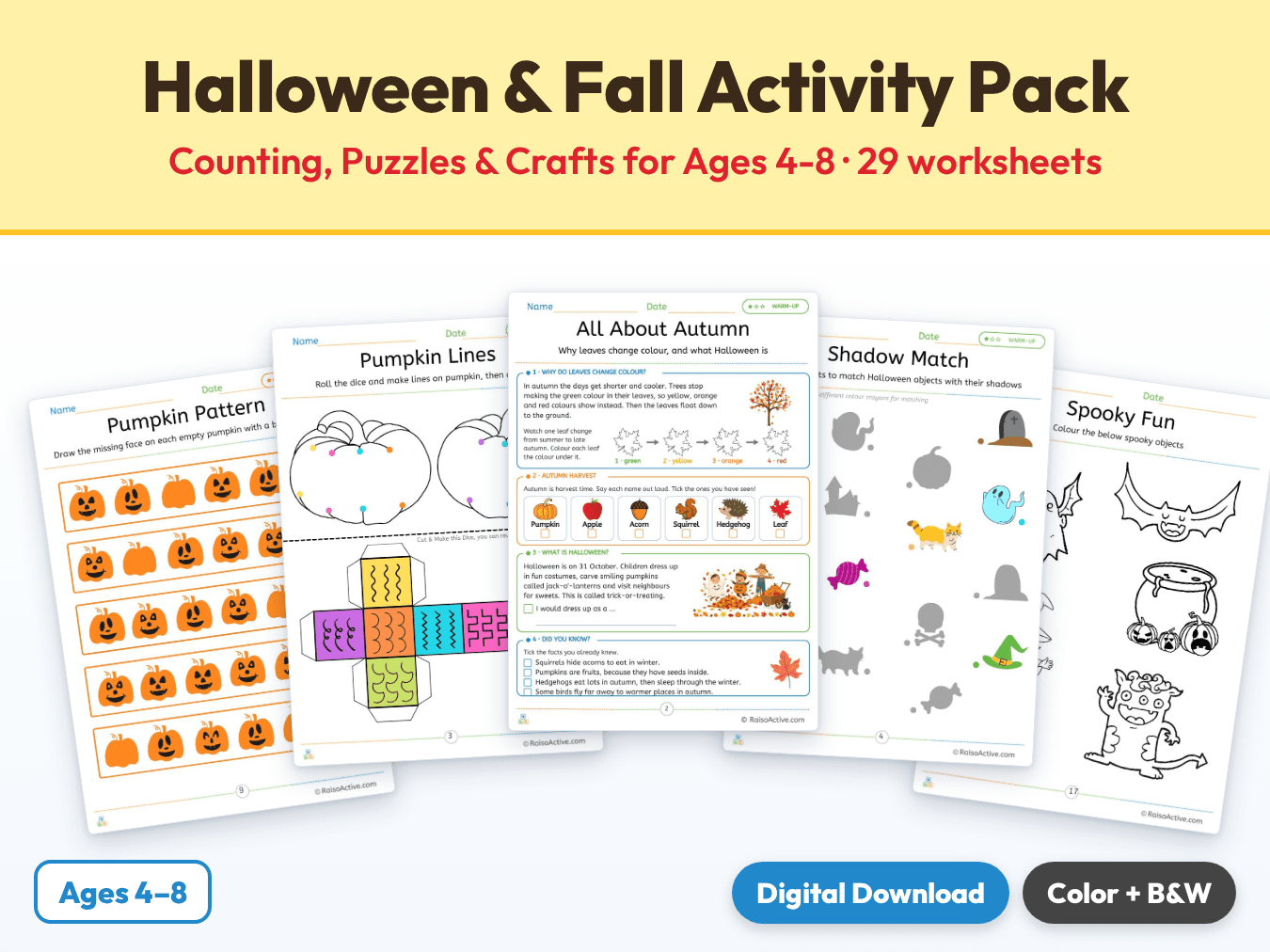
Halloween & Fall Activity Pack: Counting, Puzzles & Crafts for Ages 4-8
Ages 4-8 · Pre-K–Grade 2Ages 4-8 · Reception–Year 3Ages 4-8 · LKG–Class 2Ages 4-8 · 30 pages

Month 9: Holistic Preschool Play Learning | Ages Up to 4
Ages 3-4 · PreschoolAges 3-4 · NurseryAges 3-4 · 30 pages
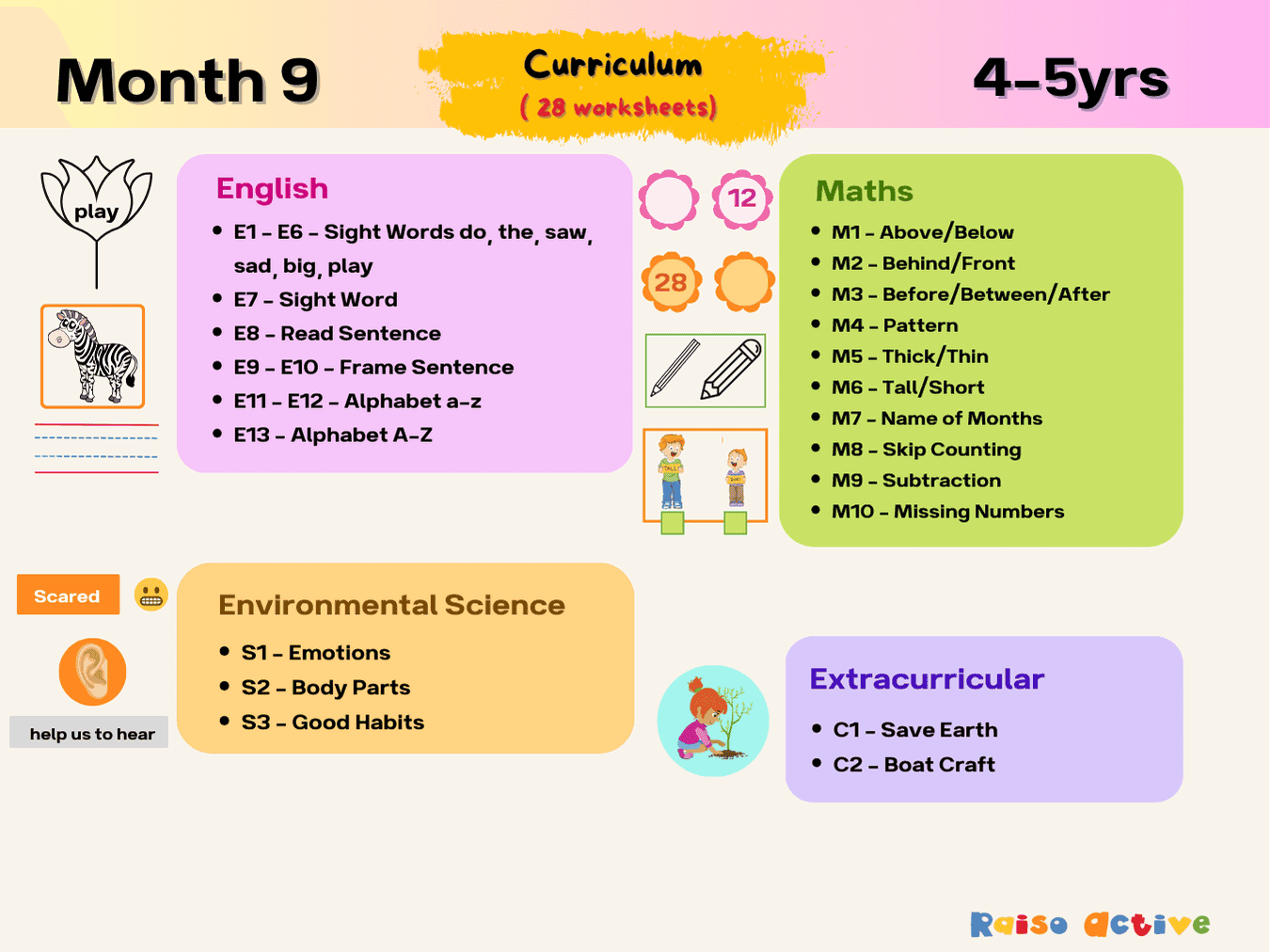
Month 9: Play-Based Preschool Foundational Skills | Ages 4-5
Ages 4-5 · Pre-KAges 4-5 · ReceptionAges 4-5 · LKGAges 4-5 · 31 pages
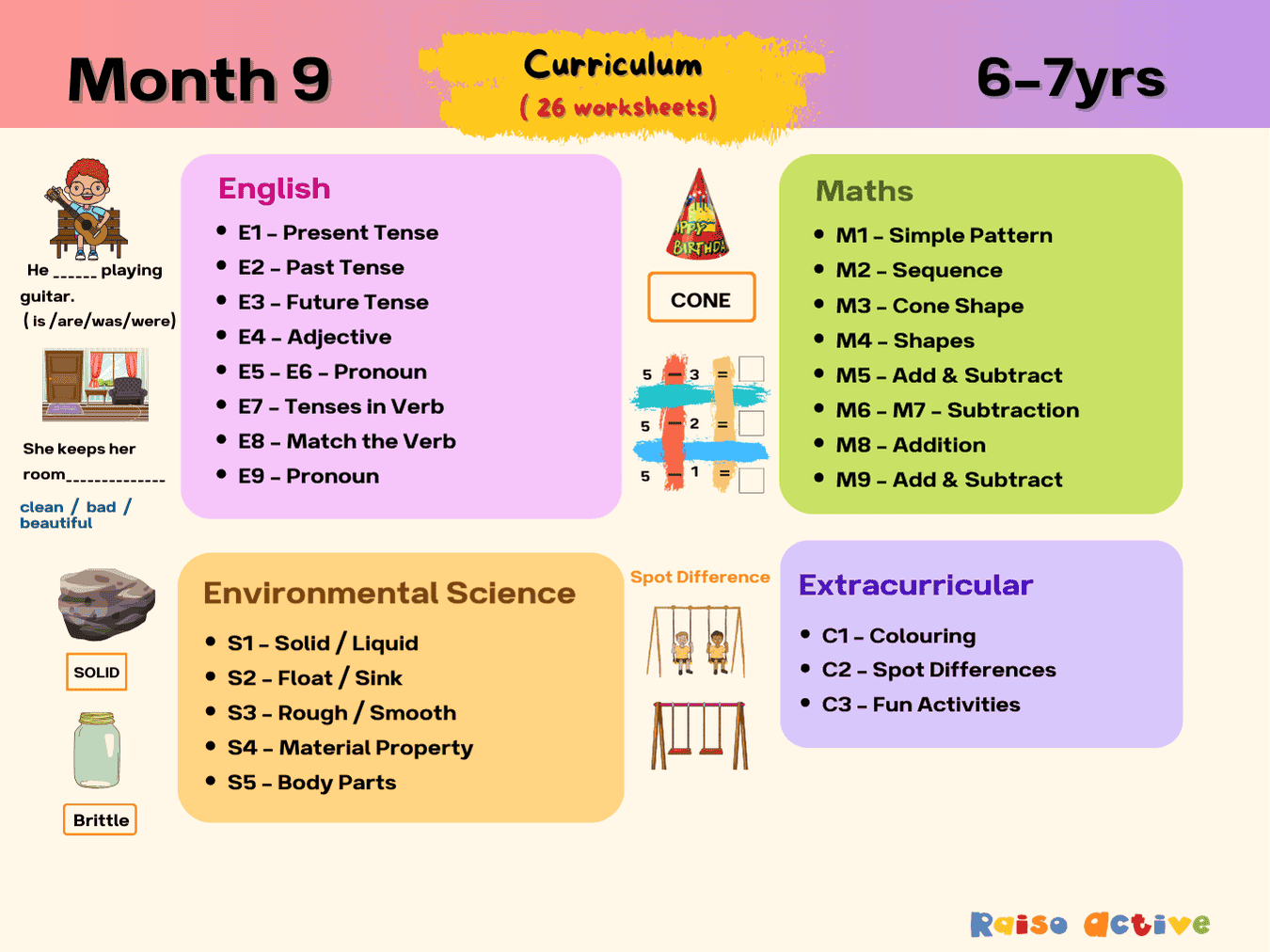
Month 9: Multi-Subject Early Learning | Ages 6-7
Ages 6-7 · Grade 1Ages 6-7 · Year 2Ages 6-7 · Class 1Ages 6-7 · 29 pages
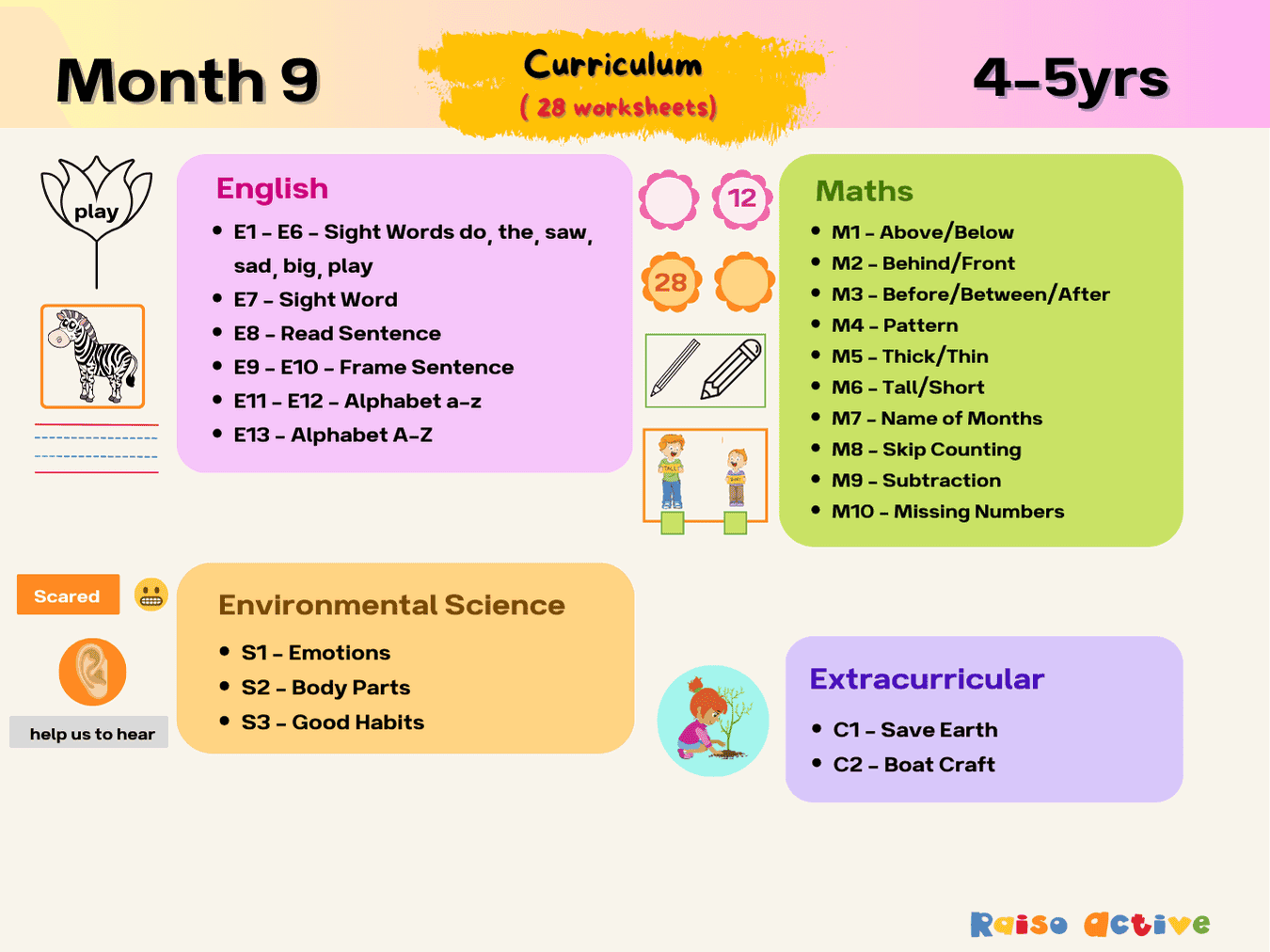
Month 9: Preschool Early Learning Activities | Ages 4-5
Ages 4-5 · Pre-KAges 4-5 · ReceptionAges 4-5 · LKGAges 4-5 · 31 pages